
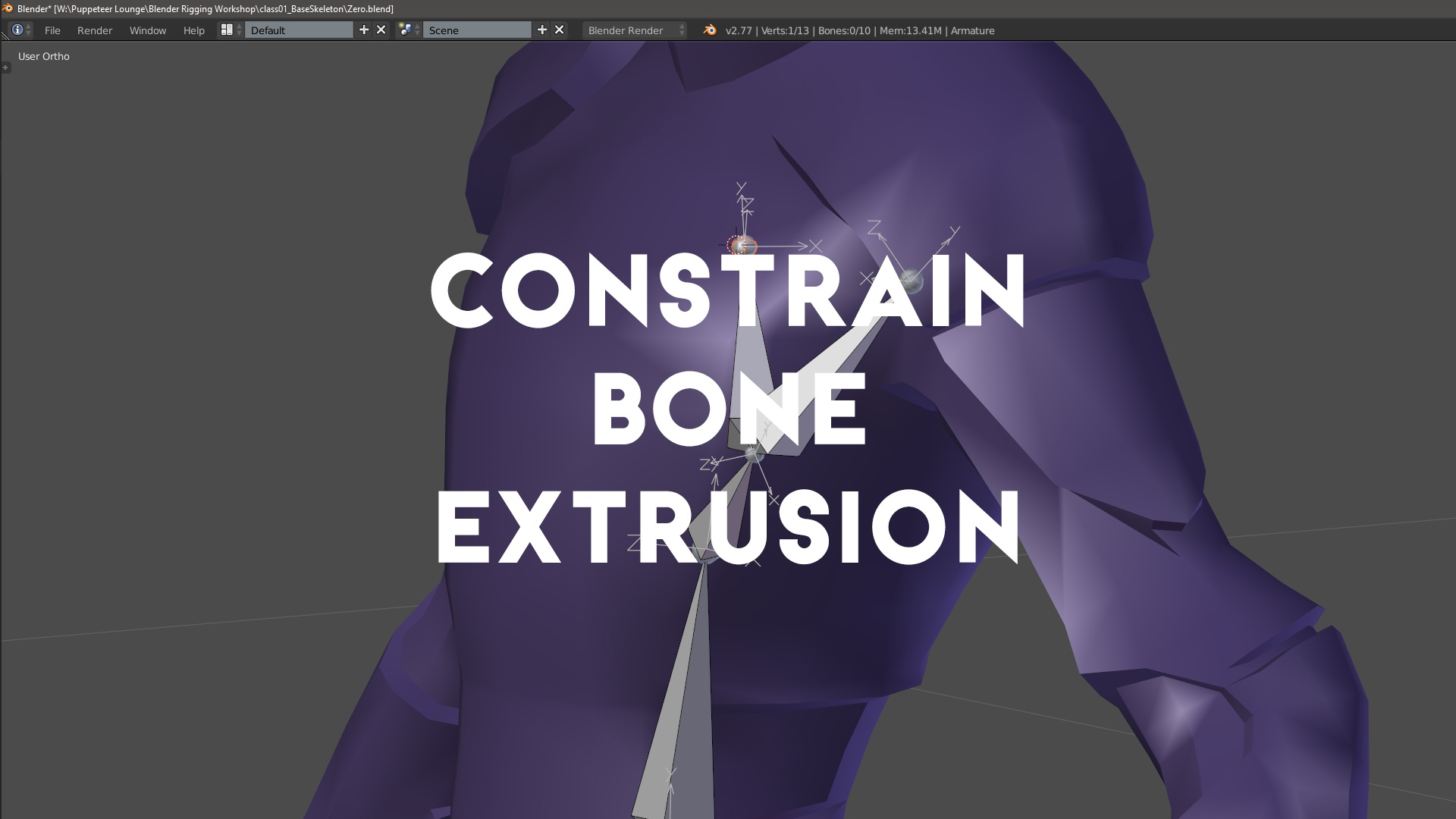
Let us constrain a bone extrusion to the local axis of the previous bone.
 (click image to watch video)
When I'm in Object Mode and I press G and then for example Z, Z, I can constrain my translation to the selected object's local Z axis.
Now when I'm extruding new bones, I'd like to be able to constrain the way my new bone gets drawn out to the local Y-axis (i.e. along the length) of my previous bone. Unfortunately, hitting Y or Z after hitting E to extrude a new bone only constrains the new bone to the world axes Y or Z.
While there is of course the option to just make the previous bone longer and then subdivide it, this doesn't work if you'd like to make the next bone perpendicular to the previous one (i.e. constrain its extrusion to the previous bone's X or Z axis). Overall I think this would be a feature enhancement that brings both useful new functionality to Blender's rigging tools as well as unifying the user experience between object translation and bone extrusion.
Please let us constrain the extrusion of a new bone to the local axes of the previous bone by hitting E (Extrude Bone), Y, Y (or X, X, or, Z, Z).
12 Comments
Yes, and also enable local orientation for bones in edit mode!
It's probably worth it to read the rest of the comments in this proposal. You should be using Normal orientation in Edit mode (and Pose mode, for that matter), not Local orientation.
please do ti
Seconded, in the meantime you can switch to pose mode, move the bone on its longitudinal axis, then apply as rest pose.
I'm a fan of the concept (if only for consistency with the rest of Blender's extrude operators), but I wouldn't necessarily consider it a high priority item. When I rig, it's very rare that I actually want the extruded bone to have the exact same trajectory as its parent. More often than not, there's almost always at least a minor bend between bones (if only to hint to Blender the direction they should bend when using IK). So I don't see this feature getting used very often... but maybe that's just me.
I agree, not a crucial addition by any means but a nice to have I'd say. :) Consistency gives me a warm fuzzy feeling inside. ;)
On a different note - wouldn't it make more sense for bone axes to be drawn at the Head of a bone rather than at its Tail ? Going between MODO and Maya and Blender, I constantly get confused about which bone an axis belongs to.
Now Maya and MODO are using joints rather than bones of course, but the point still stands.
Personally, I'd almost prefer to remove all ambiguity altogether and have the axis drawn in the middle of the bone so we don't have the joint confusion at all. However, that might give the expectation that the primary rotation origin is at the center of the bone, which could be confusing in its own right.
Meh... ;) In Pose Mode it works with Local and in Edit Mode , hitting an axis button twice with Local on doesn't seem to do anything . So it'd be more useful to basically have Local behave the same way as Normal for bones when in Edit Mode , wouldn't you say?
I'd need to check Pose mode, but if it's working as you describe, it's wrong, IMHO. In both Pose mode and Edit mode, Normal would be the correct orientation to use. Local should be for the object only to be consistent with everything else in Blender.
Local and Normal behave the same way for me in Pose Mode .
See here:
And frankly, I don't see much point in having bones use the overall armature's orientation as local axis. I think Blender should look at each bone's individual local axes - that's much more useful. Therefore, I like how it works in Pose Mode , I just want the same behaviour in Edit Mode without having to manually switch from Local to Normal .
I understand and agree with what you're saying about consistency.
I guess the weird thing is that in Blender, individual bones aren't individual objects - only the overall armature is an object . Which makes this Local=Object Space paradigm a little less useful in this particular instance.
But yeah, fair enough. Let's stick to the Local (i.e. Normal) bone extrusion request then. ;)
It is indeed a different paradigm from what you see in other rigging systems... and there are trade-offs. Having bones in an armature object makes it a little more complicated to do things like pass props between characters. But it also provides a logical hierarchical structure that can actually make scene organization much easier. Granted, a full rig is often a lot more than just bones, but when animating in Blender, your controllers almost always are (sliders from custom properties notwithstanding... and even then you're likely to put those custom properties on the armature object and not an individual bone).
But , as you've noted, we're getting quite a bit afield from the original proposal. This probably isn't the best venue for talking shop about rigging. :)