
Command Line Rendering with Geometry nodes
Hi. Will be there something possible in the future? So instead clicking with the mouse on the GeometryNodes panel i would like to pass this values from command line.
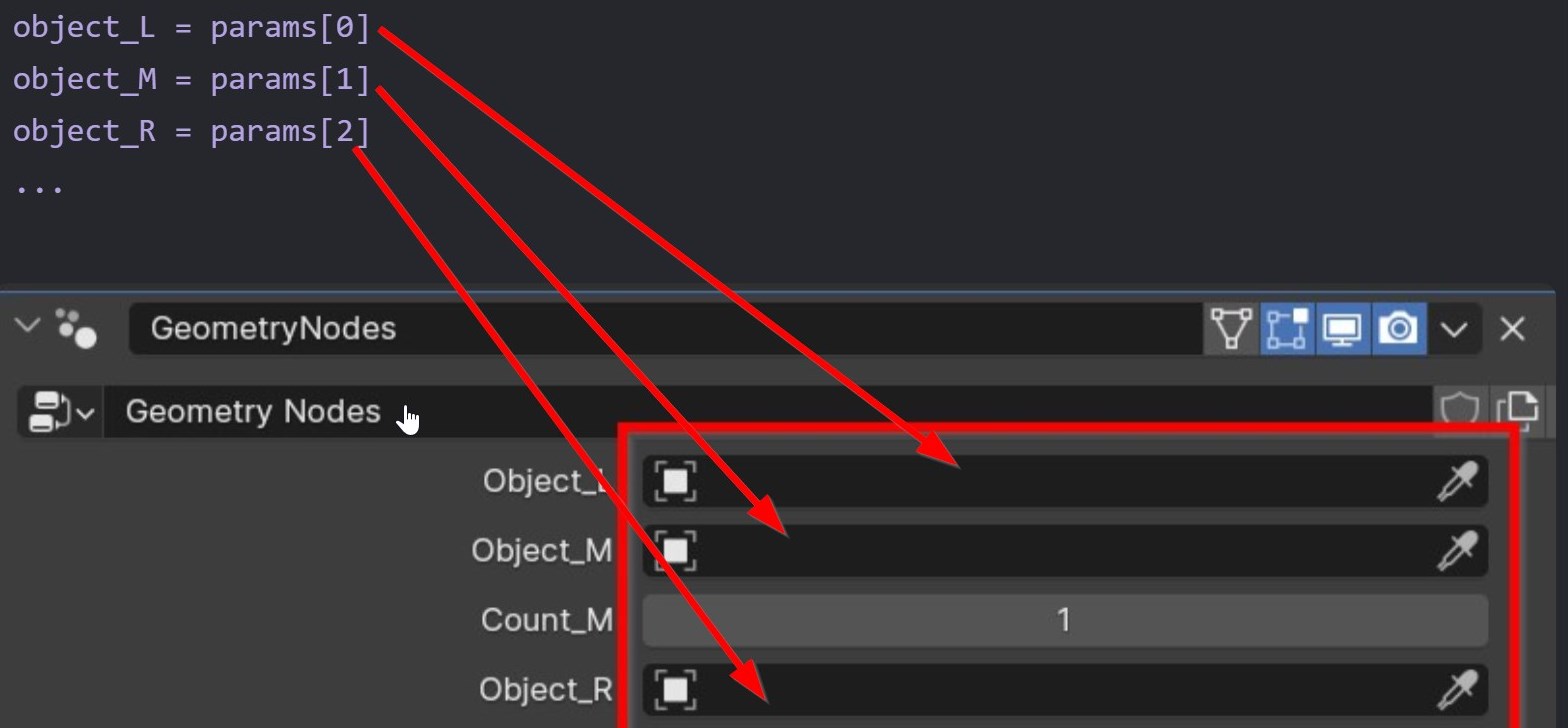
Hi. Will be there something possible in the future? So instead clicking with the mouse on the GeometryNodes panel i would like to pass this values from command line.
3 Comments
Yes, I completely forgot. 🤦♂️
For example: material = bpy.data.materials['Material'] bpy.context.object.modifiers["GeometryNodes"]["Socket_2"] = material
and then I use "obj.data.update()"
obj = bpy.context.active_object obj.data.update()
You can use the Scripting tab and it will print out the code you need.
Isn't that already possible with the help of Python (bpy)?
You can, though it's clunky:
First scan items_tree for the socket of the name you want: e.g. 2 bpy.data.node_groups["Geometry Nodes"].interface.items_tree[2].name
Then use the socket number you found to access the item you want: n = 2 bby.context.active_object.modifiers["GeometryNodes"][f'Socket_{n}'])
Possible there is an easier way I don't know of.