
CACHED PLAYBACK ANIMATION | Workflow
HOW FUNCTION
- There are the option to cache the animation to more fast playback, correct frame rate on 3D view. (Like 'prefetch' on movie clip editor)
<- something like this youtu.be/u_7jpSnI-o4
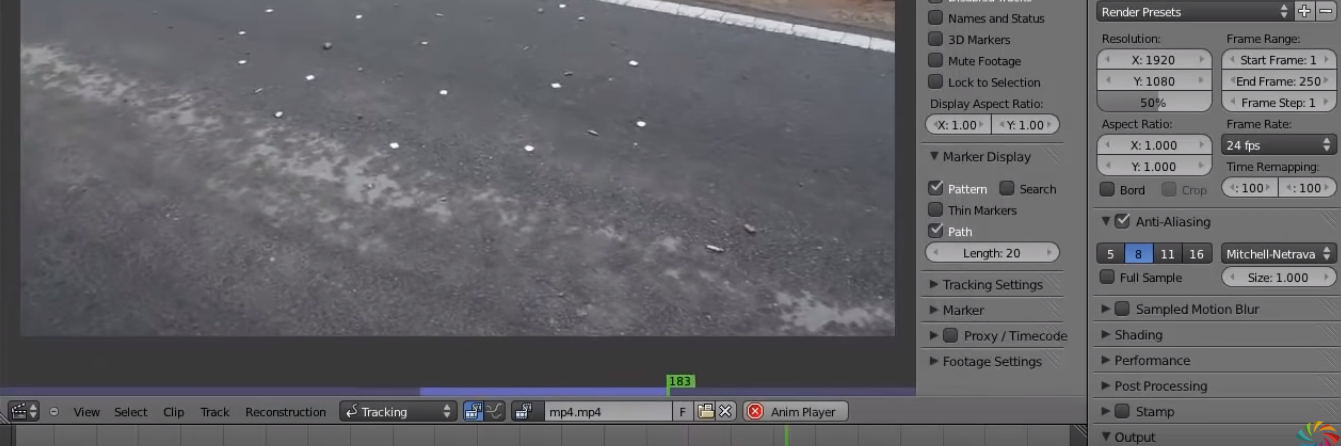
HOW FUNCTION
<- something like this youtu.be/u_7jpSnI-o4
10 Comments
Why isn't this feature even in development? This saves literally HOURS of work every day in Maya. Rendering a viewport in a blender is too inconvenient and takes too long.
This won't cache playback, but this will allow you to playblast like in Maya: rxlaboratory.org/tools/dublast-for-blender/
also armature pre cache playback for real time preview of animation
This makes sense. It could act a lot like video editors in that sense.
But what if you made changes? What kind of animation do you want to cache? Did you bake your simulations?
* @ Vyacheslav * something like this youtu.be/u_7jpSnI-o4
* @ Vyacheslav * I think the idea behind it is that you can have a button to temporarily bake everything in your scene so you can see your final product in real time. The second you add keyframes or something like this, you could probably check what was changed and add / remove cached data. Say I have a 50 frame scene. I have cached it. Now I went to frame 30 and want to change a few things. I changed frame 35 through 40. The program could recognize this and leave the unedited areas untouched. This is done a lot in video editors though I didn't think about it in the context of 3D. It obviously will require more planning and I'm probably not the right person to say how it could work, but this could be interesting.
Maya's cached animation playback works like any other cached playback, it caches the following frames untill it reaches either the memory limit or the end frame (and in that case caches de previous frames).
If something is changed, it updates the cache of the changed frames only.
It's that simple on paper.
In addition, there can be additionnal "order of caching", the usual default is what I described above, but it can also cache the frames before and after the playhead, or before the playhead first, ...
There can be step frame cache, gpu boosted caching or not, and so on.
* @MizManFryingP * oh, thanks for explanation. Now I see the purpose
* @MizManFryingP * I'll try to make it.