
Highlight collection of active/selected object
When a selected object is part of a collection that isn't expanded in the Outliner, that collection should be highlighted to make it easier to find that object. Thanks!
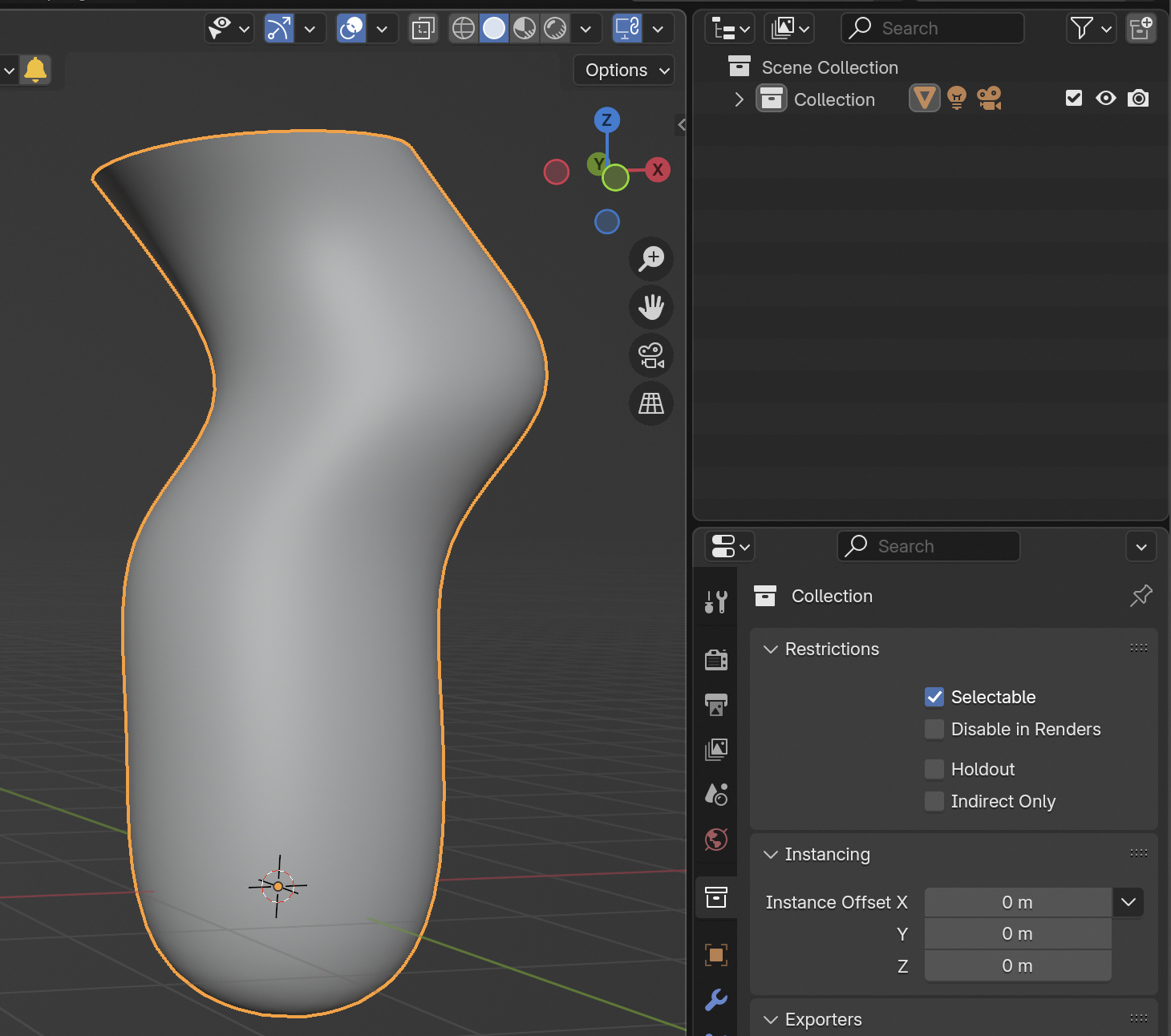
When a selected object is part of a collection that isn't expanded in the Outliner, that collection should be highlighted to make it easier to find that object. Thanks!
4 Comments
Also, if the "text window" overlay would CORRECTLY report the Collection of the selected item, this problem could also be solved. At present, if you've previously been in another collection and the choose an object in another collection, the text info shows the previous and NOT the current object's collection. If text info can't be corrected to give the right info, then it should not report the collection info at all.
Let us say you have 20 collections, and hiearchies 20 levels deep in each.
I'm not sure what benefit it would have, to select a single object and for the Collection it's in to highlight (while nothing else happens). IE - Ok, now I know it's in Collection 17... somewhere. What now? (The Object Property Panel already tells you the collection, when you select the object BTW).
While instead, if you click NUM PERIOD (selected, hover outliner) - you actually get taken directly the the object itself. And now also easily see which collection it's in.
NUM PERIOD has its flaws:
I think it would be great to have the ability to see at a glance in which collection or collection hierarchy active object is in.
Blender Market: Auto-Highlight In Outliner