
Control bones color sets improvements.
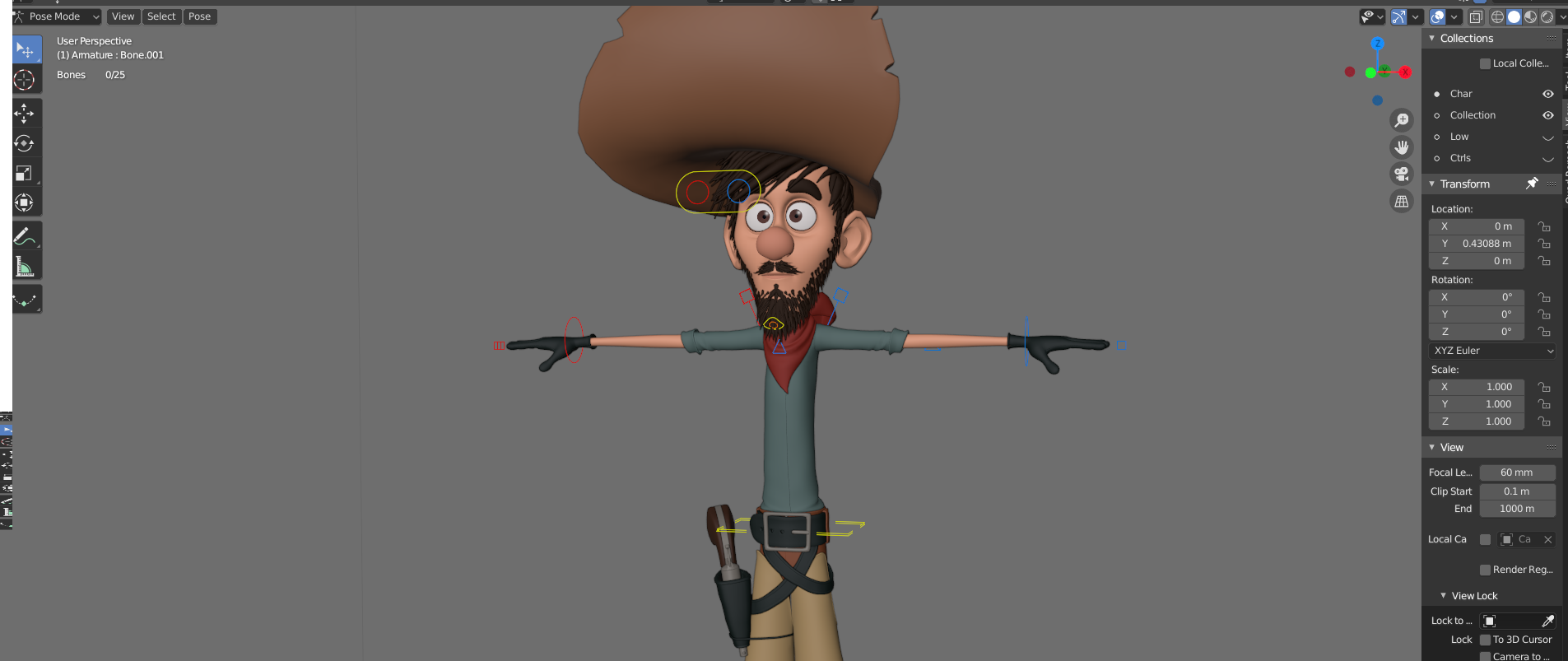
the default bone color sets are not that good, you can hardly see them in the viewport. You have to make your background darker and tweak their values which is not always desirable.
I did some testing in photshop because i noticed the regular bone colors are not at their full values, first thought it was a bug but after thinking it through, i understood that it's hardcoded so the regular(unselected) have less value than the ones selected.

My suggestion is to improve that by making the regular color sets to use 100% value internally and for the Active & Selected to have a different color schemes with also full value like in my example.
This way we can see our Control Bones much better in bright and dark backgrounds with as less fideling as possible.
5 Comments
Wish I could create a bone group without having colours attached to them. Since they are already in multiple groups, it would be very useful.
* @GabrielMoro * What do you mean with bone group? for selection? if so then there is selection sets for that.
* @Cobra * oh my. You just solved a major issue I had! This is an add-on that I didn't know existed. Thank you!!!!!
I disagree with additional color schemes. But I agree, that full color should exist and should be main color. I would prefer one setting, that will tell, what to do with base color: darken/lighten/more or less saturation. And sliderm that can tune the power of effect.
* @ Vyacheslav * That's the issue, you can't have full colors without changing the default schemes. maybe the Developers have something better so they can work on any situation because right now if you open any Blender rig with the factory settings they all suffer from the same problem. but yeah full values is the important request.