
Fixing the Ghost-Eraser
Description : The Eraser Tool erases the stroke only when dragging directly over a point (and not the connection between points).
Problem : If you draw using reduced points (e.g. Stroke>Simplify, or have low subdivisions) then you often run into a ghost-eraser problem of trying to erase and nothing happens, until you move across the stroke until reaching a point (note you can't see points in Draw Mode, only in Edit Mode).
I.e. It doesn't erase where you point to.
Edit: Videos aren't displaying. Alternate: youtu.be/XaPg8lcpFS0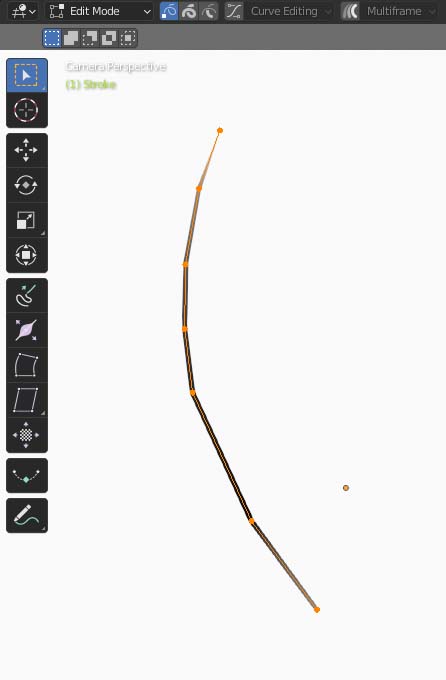
Proposal : Perhaps it would be better if instead of only initiating erase over a point, it could also detect it over the connection between points.
This would work for Eraser-Stroke, but for an eraser using Point/Dissolve, erasing between points still wouldn't delete exactly where the eraser is, so maybe it could detect where the eraser passes over and create a point at that spot, so it deletes exactly under the eraser and you don't get the ghost-eraser effect.
2 Comments
Solved in 4.3. Well done! I've been using the eraser a lot since the release and it works perfectly now.
Sure, much like we have vertex and edge selection in edit mode, we could have both in drawing as well. That would complement the other modes very well and could also be combined with them by shift toggling the buttons.