
Texture paint layers
It is a big need to have layers when it comes to texturing, the blender's Texture paint mode is amazing but it forgot a really important feature; layers.
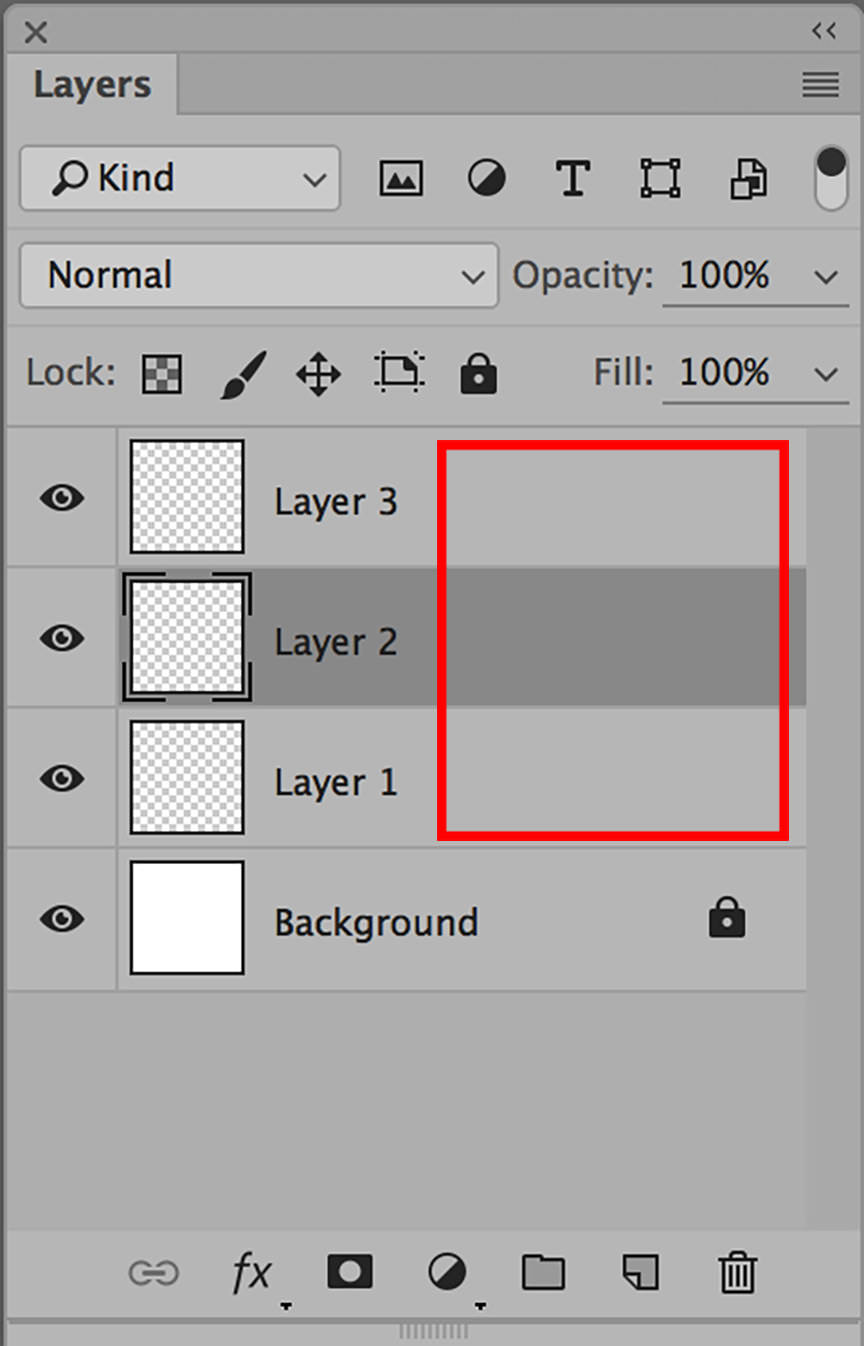
Layers is a great tool that you can to mix textures, efects, colors, masks whitout affecting the whole texture, it allows you to optimize your workflow and have more control over your texture

19 Comments
I agree. There should be support for layers but they are most useful if you only paint a diffuse map. When you want to paint textures for a full PBR materials or even a more complex setup then nodes will be the way to go for quite a while in Blender, I believe. Giving you the ability to add textures into your node tree much faster and more flexibly would be a faster implementation I hope and a much needed one. A full layer material system like in substance painter would probably take years instead. If you're after a simple layer system without the need for shading then I think the bPainter addon might be for you :)
@julien.kaspar: i have seen the bpainter addon but it sould be in blender out of the box; is a core feature for game artists, it's really important that it comes to be inside blender by default.
@pedrojosuedm: There are dozens and dozens of addons that should be part of blender out of the box in my and many other peoples opinions. At some point they very likely will but until then we can at least appreciate the amount of addons that make this possible :)
@julien.kaspar: Yeah, sad but true :)
Yeah, I'm a big fan of Blender Sensei's Zero Brush myself. Though now that we have Eevee I think it is worth considering revamping the painting system so it can work with multiple channels. Maybe similar to the way substance painter works but what it is also possible to bake all those cycles nodes into a few clean PBR textures. Who knows maybe by Blender 2.9 it will be possible.
@wondraknathan:
yeah , it would be amazing i hope that it comes possible soon.
You know what it really needs? The ability to paint a full PBR texture (Albedo, Roughness, Metallic, Bump etc.) all in the same brushstroke. (Not the same as painting a mask between materials, I want to be able to do full PBR texture painting)
@Craig Jones: Wait, seriously?! No software can paint multiple channels at once? Whoo. I guess it comes down to really improving the masking and material layering options, then (masking both brushes and materials based on existing layers and based on geometric properties like AO).
EDIT: Upon closer inspection, Substance Painter still has a huge leg up on Blender's current setup. Although it is blending between pre-unwrapped and defined materials, you still end up with a single set of material passes that you could plug into a Principled shader, rather than a set of 5 or 6 fully independent materials that you have to blend between using Mix shaders and LERPing between displacement values.
@Craig Jones: Substance Painter can paint in multiple channels at the same time. Under the Properties - Paint Window you can adjust a brush's multiple channels with no use of any materials. This is not a common workflow because it defeats the speedy purpose of Substance, though it is still used for both stylized and clean up work. You can also paint in the more logical method noted above^.
True, fingers crossed this will be possible to do a multi-channel bake and auto pbr set up in a single click. A while ago I asked Blender Sensei for this and he considered making an addon for it so who knows, it might be just around the corner :). Exciting times in the world of Blender!
@Craig Jones: I am sorry to say that I do not have an example of what I'm thinking of. In my 'ideal' setup, it would almost be like painting a UV coordinate texture + mask (U,V,A as R,G,B 16-bit), but instead of introducing warping when 2 strokes of the same material blend, it just mixes the output values of each individual stroke.
This might potentially be possible, but it sounds like from what I'm hearing, just saving that much data (all PBR channels) every stroke might be prohibitively slow and/or take up far too much memory.
@Craig Jones: The projection bottleneck could be pretty easily bypassed if we assume the passes share the same UV map, even more so if we assume they also share the same resolution (or power of 2 multiple of the resolution with linear interpolation). This way, although slightly limited on the mapping side, the difficulty of 4 vs. 1 simultaneous passes would be isolated to editing pixel data on 4x4k images simultaneously.
@camplowell: That's true, Unity is insanely efficient when using the power of 2. It is likely Substance shares similar algorithms to paint in the technique you first noted. I think there is a lot of potentials there, and I think it would really shift the industry standards.
@Craig Jones: Yeah that is an exciting one, I hope all his finances are resolved after that patreon issue. Definitely support that good sir if you believe in it, now would be the time!
Been experimenting with texture paint lately, this is definitely needed... We also need more brush and color tools, this tool has great potential but it's bare at the moment.
SUPER COOL
Picture Can Describe all things. It was really a needed information shared about Texture paint Layers.
I’ve been watching the discussion on adding a similar function for 5 years now 😁. Yes, of course there is the bPainter addon, but it only allows you to arrange textures by setting them in the shader editor. But this is not exactly what is needed for full functionality. You especially miss transferring layers when you work through projection editing in external app. For example, 3DCoat preserves the layer hierarchy with this painting method. But you can't do that in Blender. Since when transferring to Photoshop or Krita, all layers are merged together. There is no way to select a specific layer and work on it. Because Blender does not have such a hierarchy of layers natively. It seems to me that the ideal solution would be if the layer systems from bPainter were included in the functionality of Blender. And also to add selection tools like lasso or magic wand. Plus, preserve the hierarchy of textures when transferring them through projection editing. Since this function is very often used by Hand Paint artists.
And if they fuse the new Grease pencil layer system into the texture Paint mode? Is this possible?
if some developer passes from here .. take a look at this topic devtalk.blender.org/t/a-better-texture-paint-interface/2315