
Issue with Sculpting Flat Objects (Zero Thickness)
Hi everyone! I've noticed a very annoying issue that really hinders working with flat objects (zero thickness) in sculpting mode.
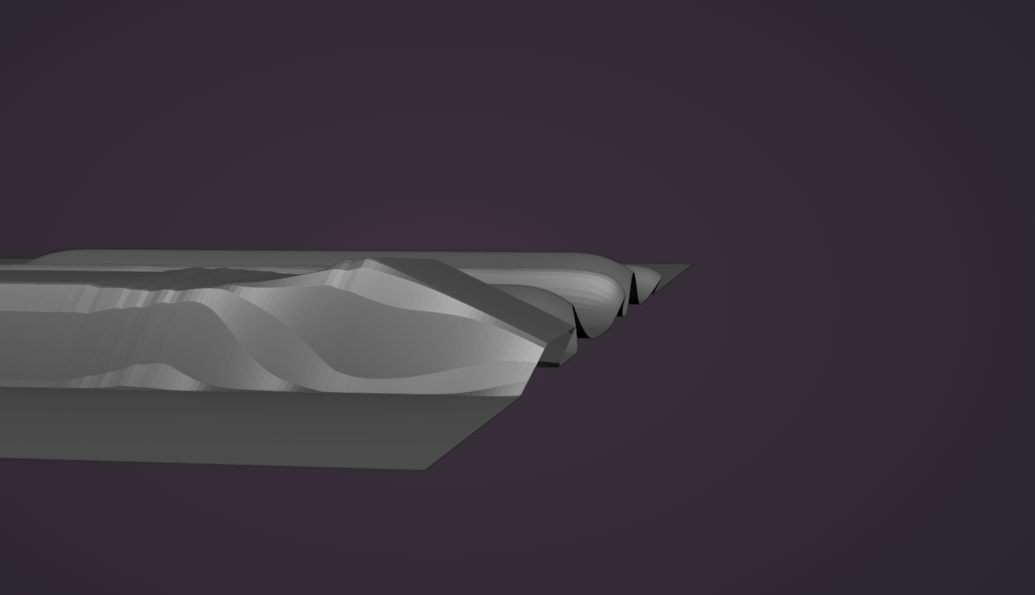
When trying to draw a line with any brush towards the edge of the object, you can see that the brush's strength at the very edge is significantly lower than at any other point. Because of this, you constantly have to adjust the edge position using the Grab brush.
Incorrect edge position:
Correct edge position:
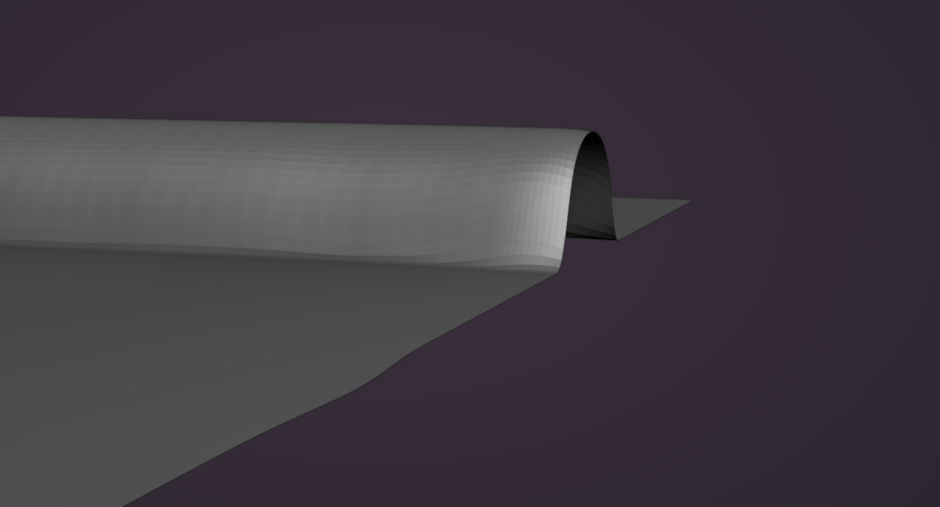
You can partially solve this problem by disabling the "Adjust Strength for Space" option, but this works correctly only with the Draw brush.
I believe fixing this issue would be highly beneficial, as it would save a lot of time when creating folds on clothing that affect the object's edges (for example, vertical folds on coats).
1 Comment
IMO, this seems like something best handled as a bug instead of a feature request. The first picture doesn't really look like what I would expect in terms of behavior. Can you submit this as an issue in the main tracker?