
Bevel For Text
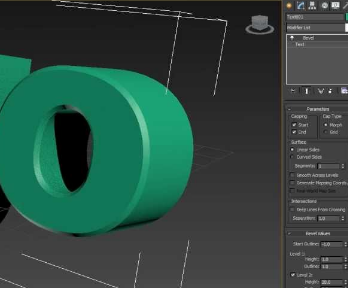
After creating a text object in Blender and extruding it, even when I apply the bevel modifier, the bevel doesn't work. This is because the surface mesh is very distorted; in fact, the top and bottom surfaces aren't even connected. I think this is why the bevel doesn't work. We work with motion graphics and use a lot of text. We need to use different fonts. Since we can't bevel, we're forced to correct the letters using polygon modeling. It's an incredible waste of time. I hope Blender's software engineers can easily fix this. We love you :)
3 Comments
why dont you want to a bevel for texts that works properly?? interesting
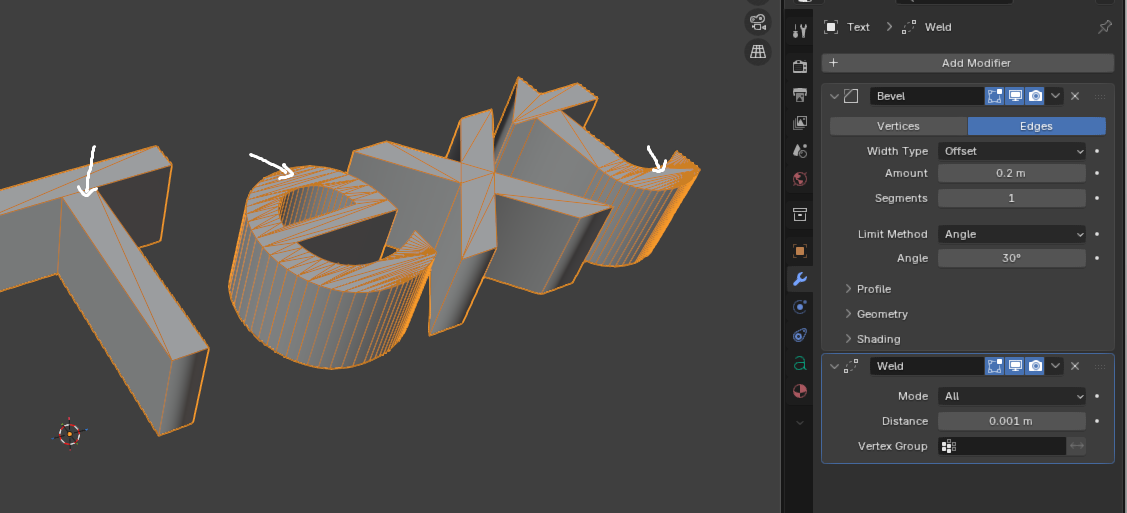
It would be nice if the text object could output geometry that works well with modifiers out of the box. Right now, even though a weld modifier allows you to have edges that can be beveled, the bevel modifier produces wacky results:
That being said, in the meantime, the text geometry options already have their own bevel. Have you tried it?
Hello I know this, I mean "Round" inflates the font. This is not a bevel completely. There some geonodes for bevel of text, but they can (software engineers) put a real bevel feature. Somethimes font can be important for companies. They dont want to inflate their fonts.