
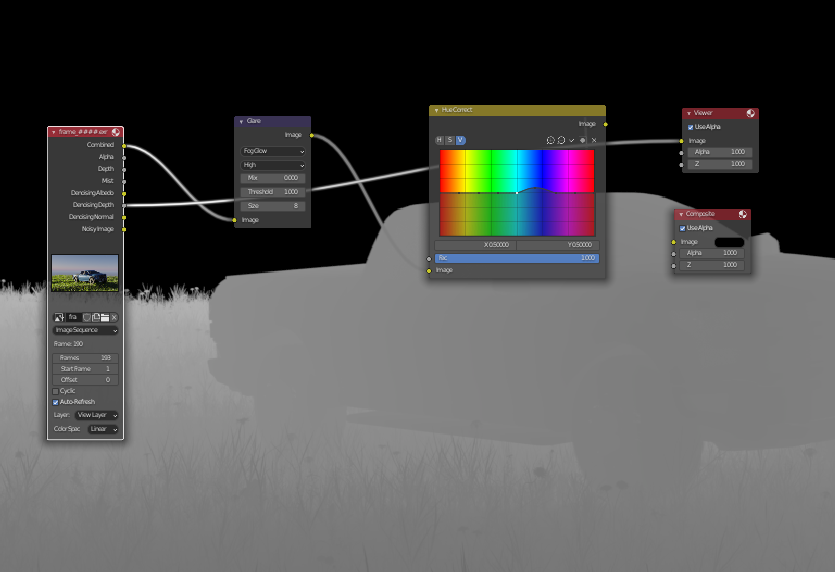
(UX) Add Ctrl+Alt+MMB for zooming the background image in the compositor
In the node compositor the navigation is the same as any other 2D editor in Blender. That is:
MMB = Pan
Ctrl + MMB = Zoom
For the background image we add the Alt modifier so:
Alt + MMB = Pan background image
Alt + Ctrl + MMB = SHOULD zoom the BG image. But it's missing!
I know there is V and Alt + V but this is not interactive and is unlike any other zooming in Blender
3 Comments
I just open the viewer node in the image editor. I don't like nodes floating all over the image I'm trying to look at.
It would be really nice if for small requests like this if there was a community run website that stored small scripts you could copy and paste run inside of blender that made the keymap changes all in one step to satisfy people like this. Trying to follow screenshots and written instructions for manually making the necessary changes is too difficult even for me.
Why not change it for your own needs? Or this is suggestion to change it by default? I change it to Ctrl+Alt+MouseWheel Up/Down and I'm good with it...
Yes please!