
Internal empty, curve and lattice for object as Data block
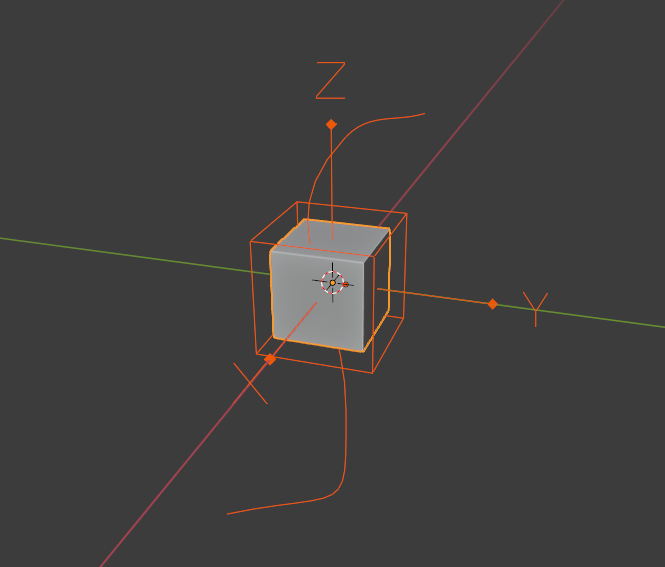
It will be very streamline workflow if blender add the functionality of adding these things within the object itself as an internal block. this will be helpful in Circular array, array with different scale, rotation. with internal curves we can define the shape of the object very easily. Lattice is a very powerful tool but people don't use much because we have to create an empty first and then scale it according to the bounding box of the object and after that parent it, a long process. also sometimes we move the object but empty/curve is not parented to the object and we realise after doing some work. also it is difficult to select internal curve also. Lattice can be used for shear, taper, bend, screw and many more thins easily.
A good workflow to create internal empty/curve/lattice is to press "Ctrl+Shift+A" with the object selected to create these things internally, also the name should be like "Box01_empty" or Empty@Box01. Also to edit the internal data blocks we have to press "Ctrl+Tab" and it shows the pie menu for curve/lattice/empty.
the idea can be further extended to make external boolean object as an internal block too.
1 Comment
Most of the plumbing regarding creation of these helper objects is provided by the wonderful Modifier List add-on. But personally, I'd also like to see a more fleshed out version of this integrated into Blender proper.