
Sculpt layers with opacity per layer
I wrote about it already, as a question on Stack Exchange, as it seems it's not possible right now in any way I think that would make a nice feature idea:
blender.stackexchange.com/questions/48766/how-to-simulate-sculpt-layers-in-blender
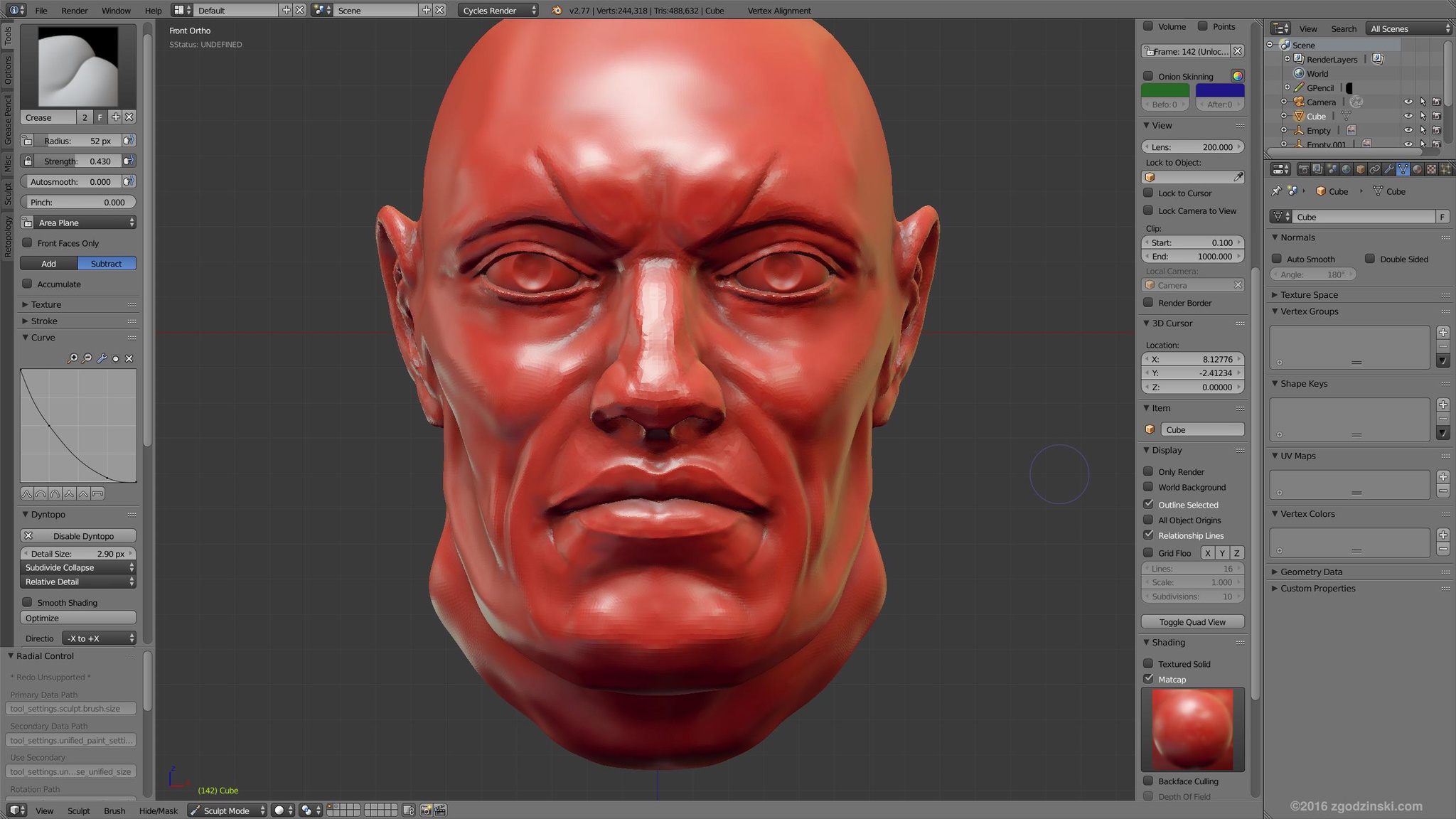
There should be a way to sculpt some details on top of existing, already sculpted details, and then change the opacity of newly sculpted details. For example skin pores on top of a wrinkles geometry.
It's like working with layers, where you put a layer on top of the layer underneath and then set the opacity individually for each layer. This approach is used eg. in Mudbox, please take a look at the following tutorial on 8:20 mark:
This idea was marked as a duplicate of Sculpting layers.
3 Comments
One way to implement this would be with shape keys. See this proposal: rightclickselect.com/p/sculpting/Hdbbbc/shape-keys-for-multi-resolution-modifier
Your mock-up doesn't seem to show where the controls for sculpt layers might be or how a user might work with them in Blender. Am I missing something, or is this just a pretty screenshot?
It's also worth mentioning that this may be a duplicate of this proposal .