
Double-Click Island Select in UV Editor
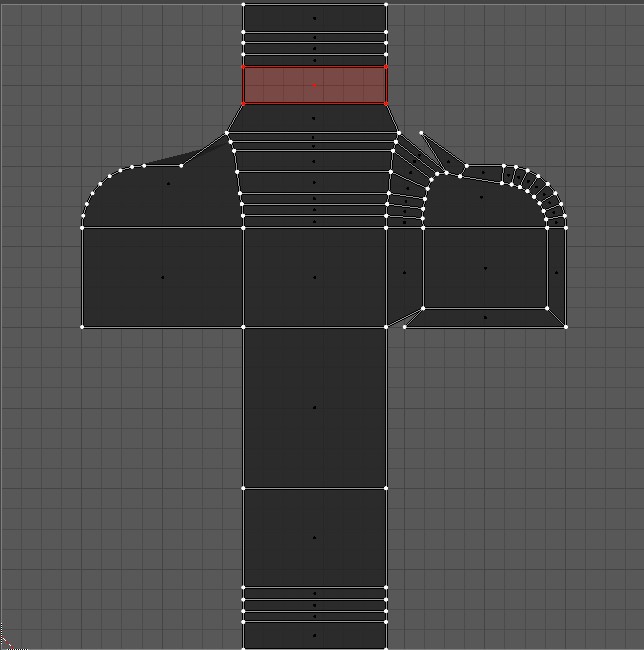
Hello Blender users, I have a quick one here. I'm pretty sure we people who work in games get really tired of hitting L to select UV islands in the UV Editor. I used to have this issue in the 3D Viewport, but I found a way to make Select Linked a Double-Click instead of an L.
Can we have Double Click as a default Select Linked or UV Island Select? Are you guys already too attacked to L? I think it would help anyone who spends a considerable amount of time working with UVs.
8 Comments
You can already achieve this in the preferences :) Go into preferences, keymaps, Image Editor > UV, add a new keystroke, put 'uv.select_linked' in the field, set it to mouse - dbl click - left (or right). If you are a right click select guy and want to select with left click, i suggest you put shift as modifier, as left click is for 3D cursor. Otherwise everything is fine
One key is faster than two clicks, IMO.
* @Josephbburg * if you're left handed and using your mouse on the left, sure. otherwise you have to move your hand THEN press one key.
* @testure * I'm right handed and i have no problem using L. By experience, doing everything with mouse can become really fustrating (I'm talking to you Adobe)
* @darknoodlesorigine * great. super happy for you, but for the 90% of the rest of the world, we use a mouse and our left hands are on the left side of the keyboard.
* @testure * Want a magic trick ? Go into preferences, keymaps, Image Editor > UV, add a new keystroke, put 'uv.select_linked' in the field, set it to mouse - dbl click - left (or right). Tadam. That's what keystroke customization are made for: customizing withoutht forcing a whole community to adopt clunky behaviors. Otherwise you can still flip the keyboard ;)
* @darknoodlesorigine * Oh I did. But I'm also a believer in the default actually covering the majority of use cases, which in this case is not the one you prefer, unfortunately. When it eventually does get changed (it will), you can use your instructions to change it back the way you like it ;)
* @testure * To be honest, i see no issue with this for the right click, as Blender has been built upon it, and therefore solves some special cases like the unability to select an item at the same place as the gizmo. I've been hating right click for the first monthes i started Blender, but now, i wish every software would make a similar system (be it right or left, as long as the selection ain't the same as the gizmo grab etc). But i keep thinking this should be optional, (even as a form of a bool prop in the preference, like for Emulate Numpad) as it can be quite fustrating for addon developpers, and also that pressing L is much faster and less error prone. And there is also a Island Select tool, so i don't see a real advantage of this. On a side note, sorry for having been mean yesterday, i couldn't get out for 14 days, i'm a bit on the nervs.