
Grease Pencil Stroke Mode buttons missing functions in UI
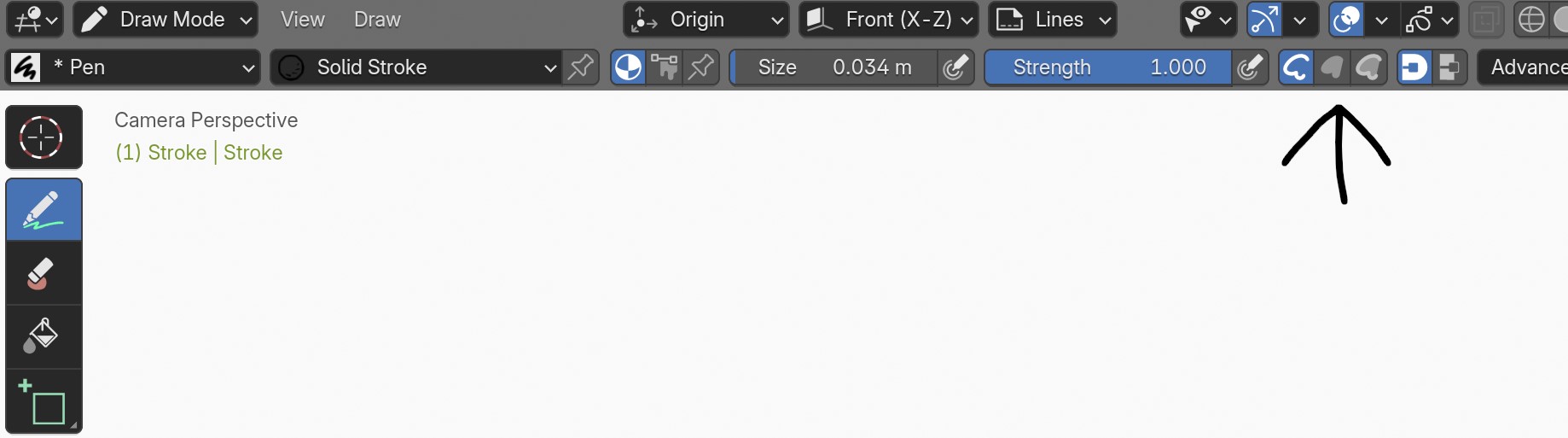
Hi!
These buttons are essential when working with Grease Pencil
They let you switch stroke mode from stroke / fill / stroke + fill
But UI doesn't let you shortcut or quick favorite them. (works for most other things)
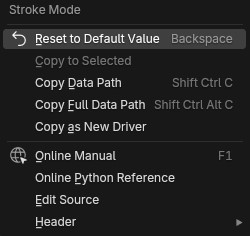
Adding this feature would improve workflow by 200%, cheers! :)
2 Comments
If you right click in "Edit mode" the "Stroke Menu" opens up (alternatively you find the "Stroke Menu" at the top). If you then go to "Set Stroke Type" in the "Stroke Menu" you can add any of the 3 options to quick favorites from there!
Of course being able to add the option from the ui without going through the menu would be nice!
Should have context menu, but in meantime You can add that with keymap directly¹.
3D View > Grease Pencil(so it only work in GP and does not block anything other)wm.context_cycle_enumtool_settings.gpencil_paint.brush.gpencil_settings.stroke_typeWrapsetting, so it will cycle all 3 continoiusly. (That greyed out field means that shortcut does not overwritesit.)¹ - You can add shortcut to almost(?) everything in Blender, even if there is no context menu