
Seam thickness in Blender
Hello. Is it possible to make 2 modes of displaying seams in 3D in blender?
1 Standard as now.
2 Thicker seams like in 3ds max?
Option 2 should allow you to completely paint over the entire edge that is marked as a seam with a given color.
Ideally, this would be convenient to set in the theme options, just as you can set the size of the vertices.
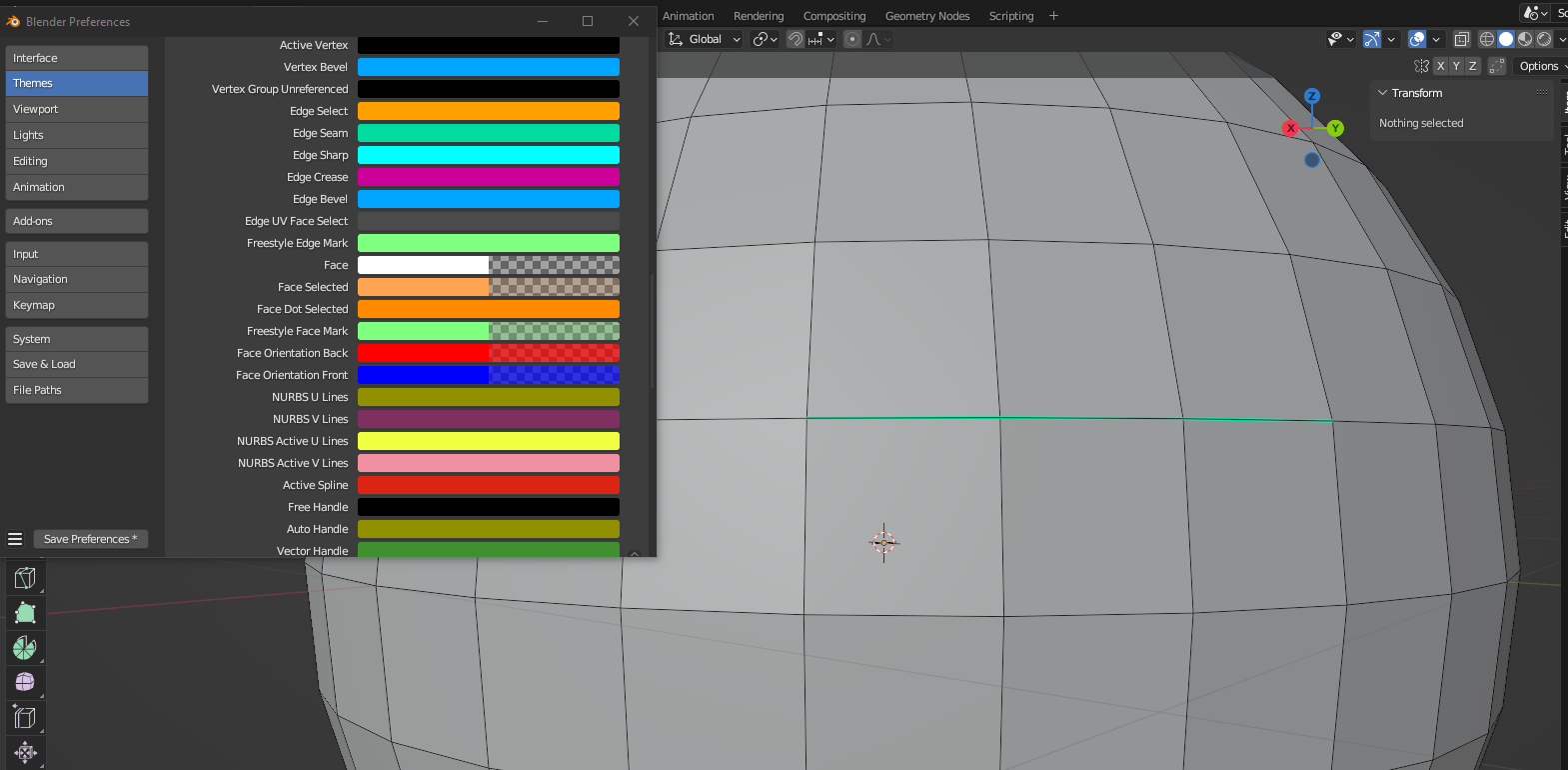
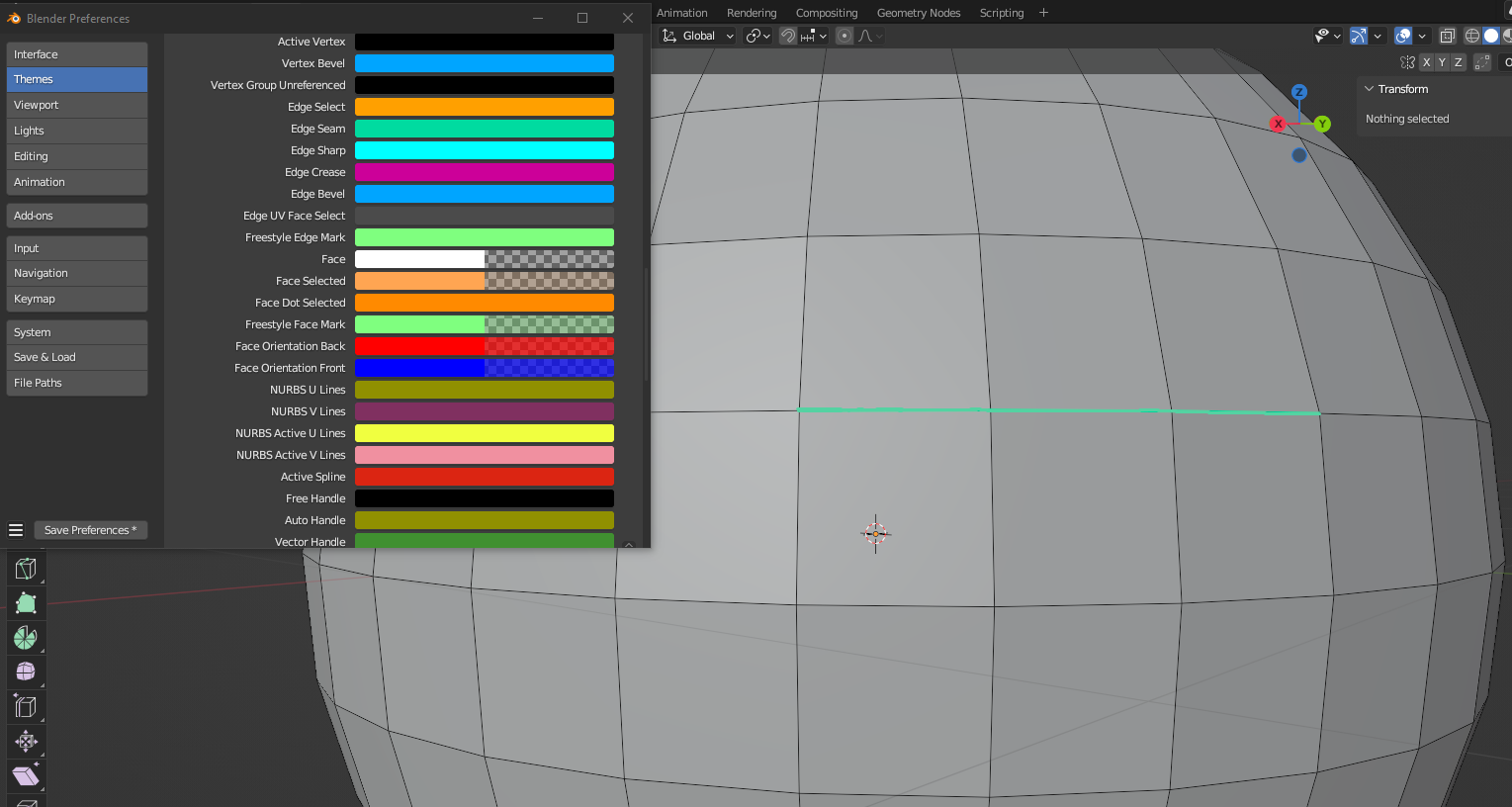
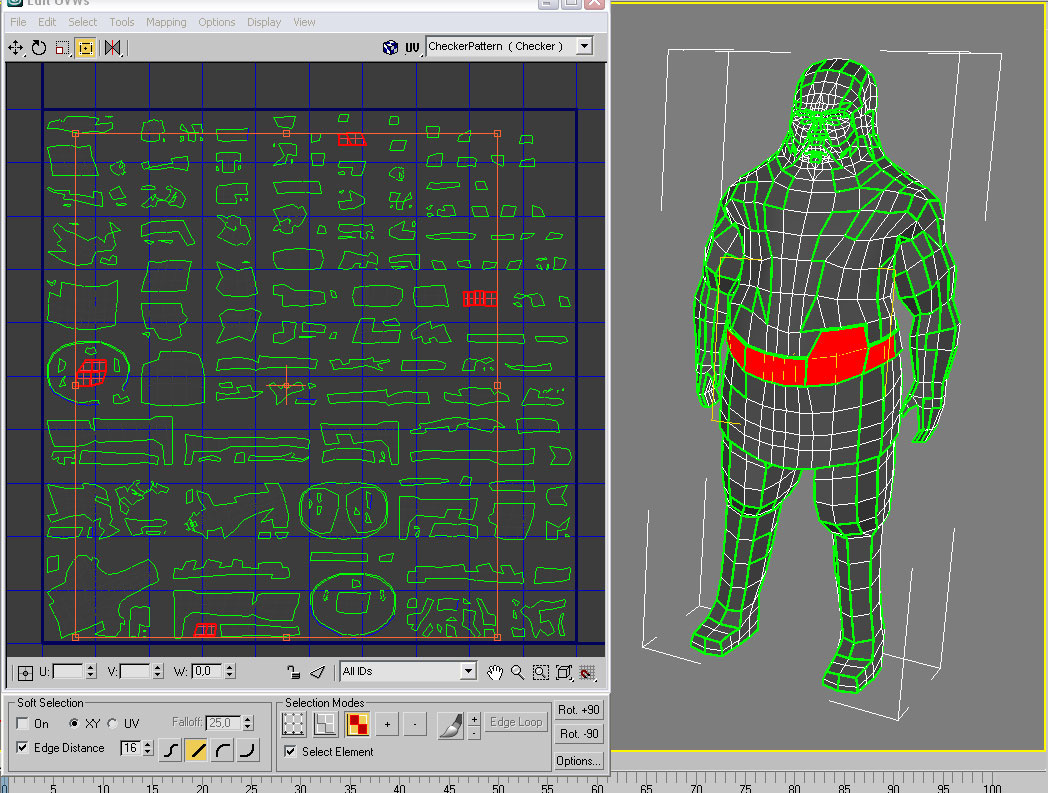
I want the option that the seams are completely filled with the color that is specified in the set markseam and not, as it was now, the color of the edge is always visible, which is also set to standard black.
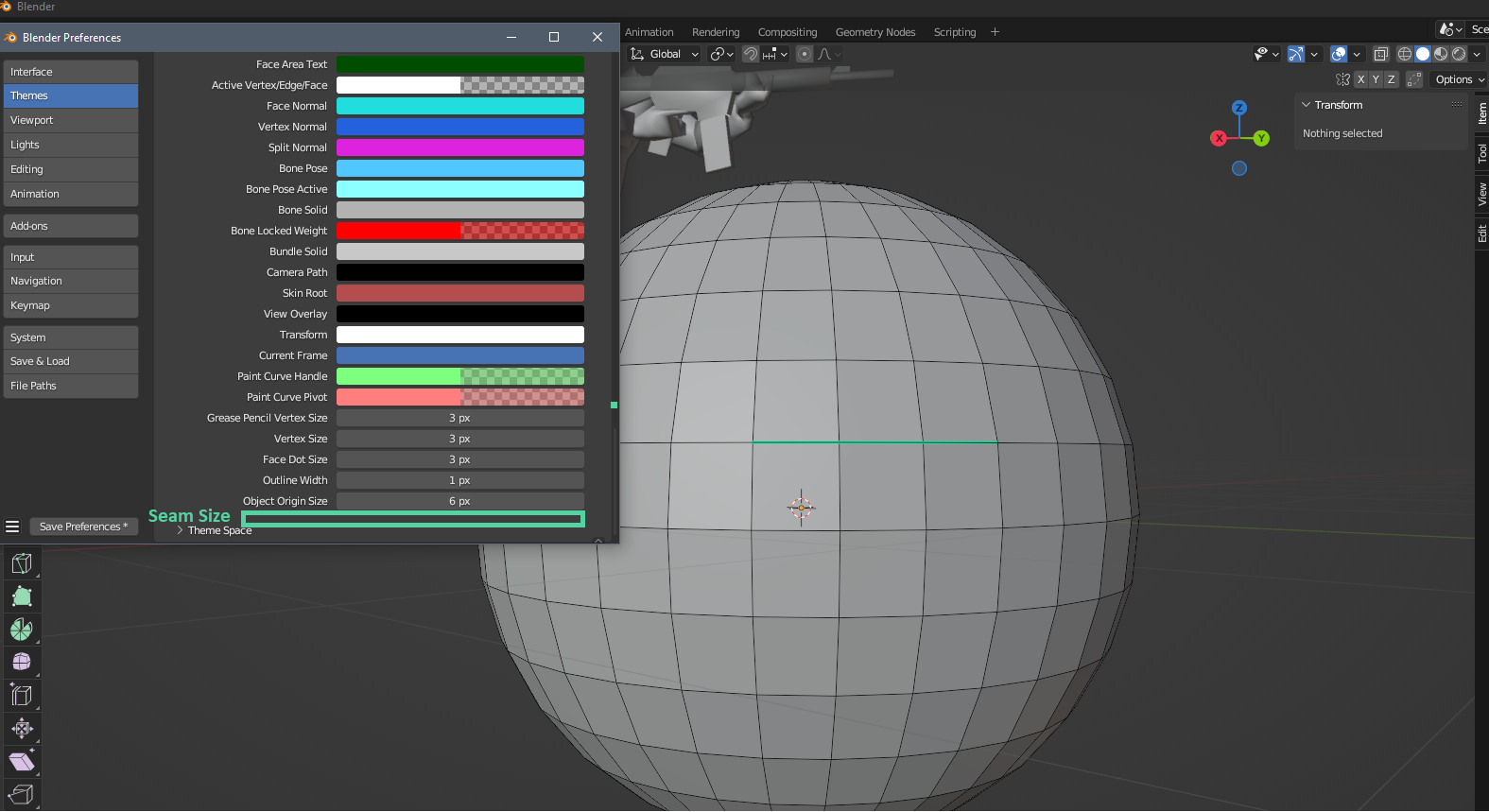
6 Comments
I would prefer 3 options.
Could you explain precisely what these three options mean? It's not self-explanatory.
I suppose "Overpaint" would mean "thicker" as per the proposal shows?
Yes, overpaint is thickest, 2.8 is thick+ edge display, 2.7 is the thinnest
Be aware that changing the way the seams are displayed would also affect the way sharp edges or creases would look. It's based on a shader, and while I believe it might be possible to adjust it, it would not be like the other named software packages.
The inner and outer colors have their meaning. So far adjusting the thickness will adjust the inner and outer part of the line equally. Would be worth checking if that 1:1:1 ratio could be adjusted, though I'm very certain, that unicolored edges like in other software won't be implemented as it would mean an entire different system.
This would be especially useful if the mesh geometry is set to white. Thick seams would be better seen than the option that is now. Try to do this and even the red color is not as noticeable as on the black edges. In 3ds max, this is always visible on any color of the edges.
Thick/Thin
It's written in the description for 3ds max.