
Implement multiple versions of Blender3D within Steam and you can choose which version to start
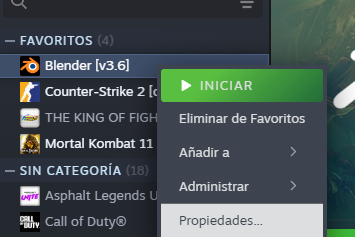
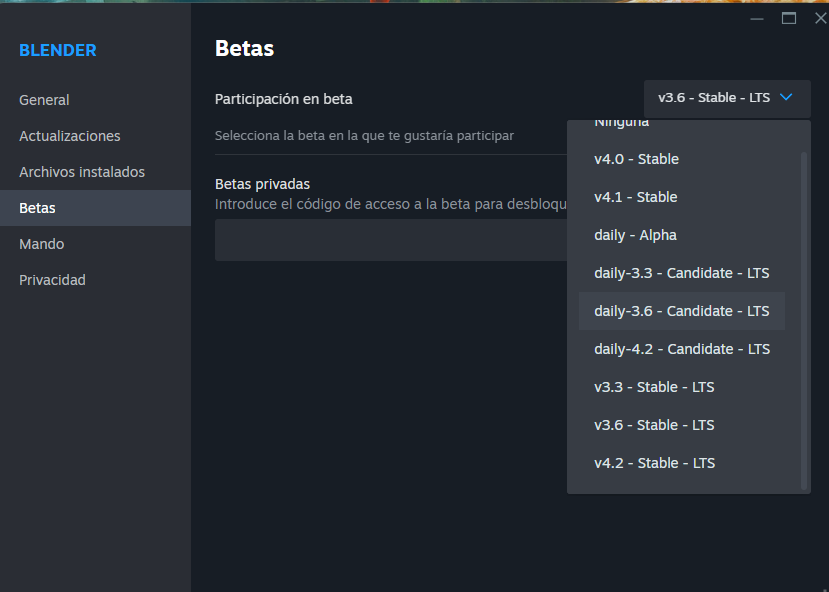
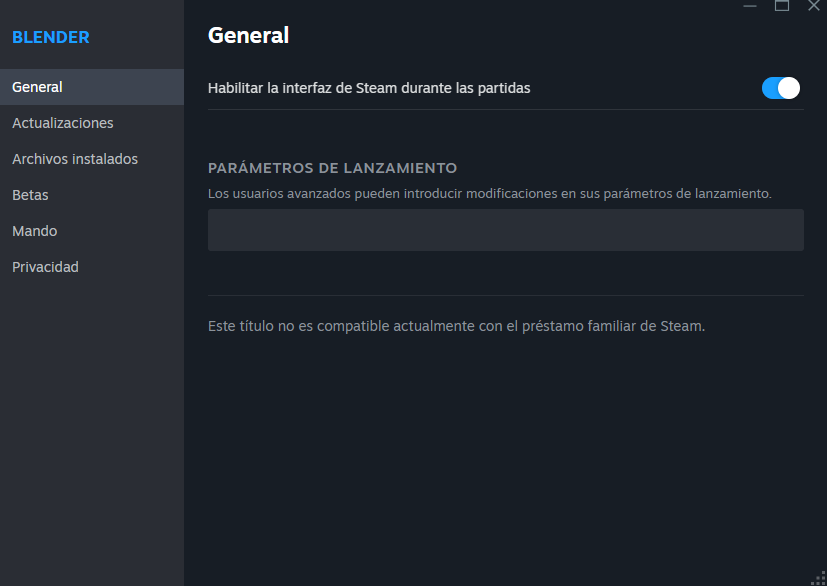
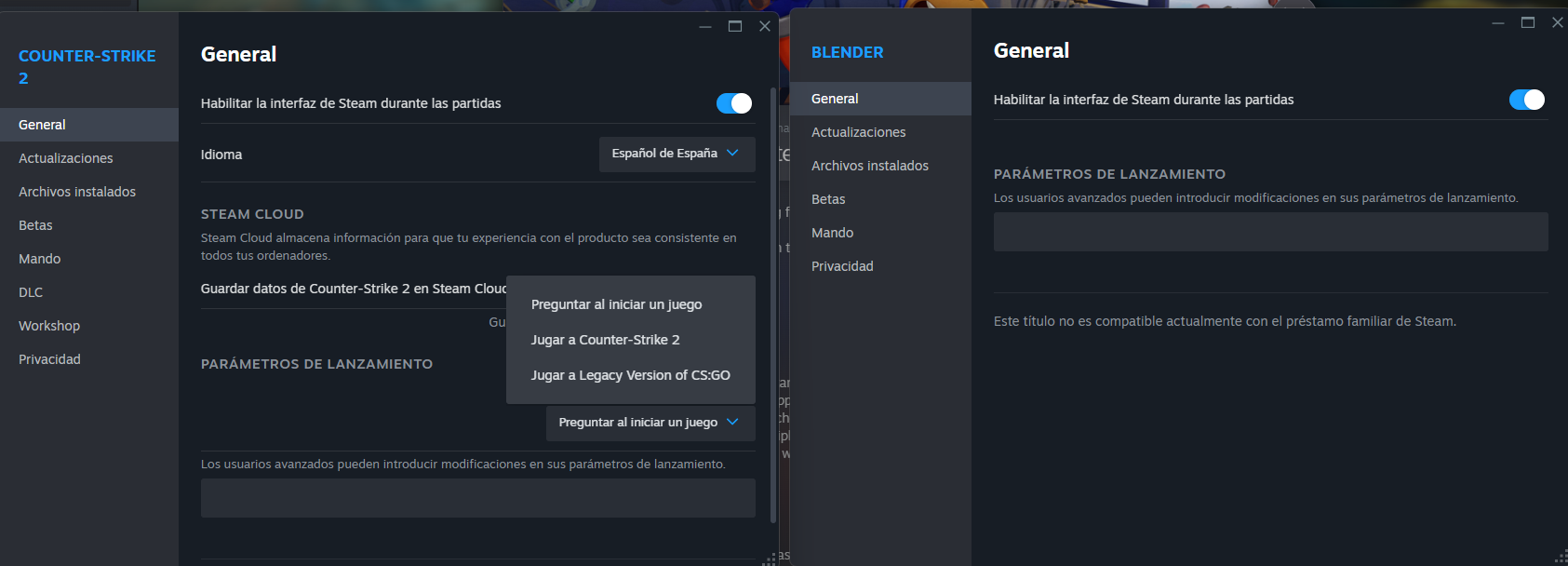
If you install Blender from "Steam" and go to properties, then go to the beta tabs, there you can install different versions from Steam itself. Then when you start from STEAM you can choose which version to start... However, I don't see that option with Blender3D. For example, you can do that with CSGO and CS2 and then choose which one to start.. Then you can keep old and new versions at the same time within Steam.. The best thing about Steam is that it keeps it updated, that is, when updates go up, Steam automatically updates without having to download files, or anything like that, apart from that it also shows you the news... I really like Steam because it calculates how many real hours you are using Blender3D, apart from that I like that I don't have to decompress, or anything, when I have new updates, it is very practical... I currently exceed 1300 hours with Blender3D since I started counting hours with Steam... It seems to me that they only have to enable the option, I leave a screenshot compared to CS2... They could even create a User Ranking from Blender3D.. Thank you very much
1 Comment
The less configuration and ease of obtaining updates in LTS versions, the less time wasted.