
Lock the 3D viewport
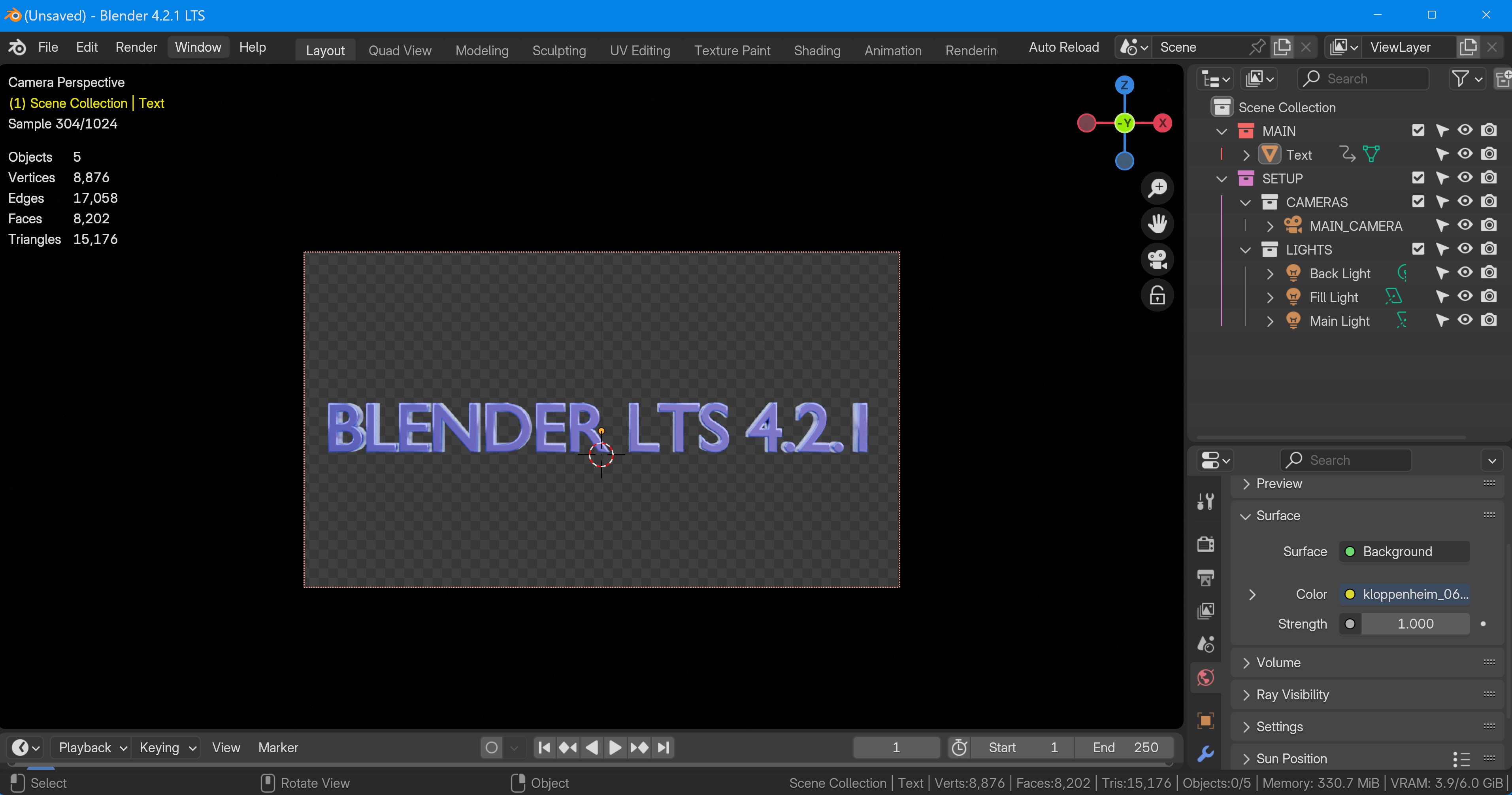
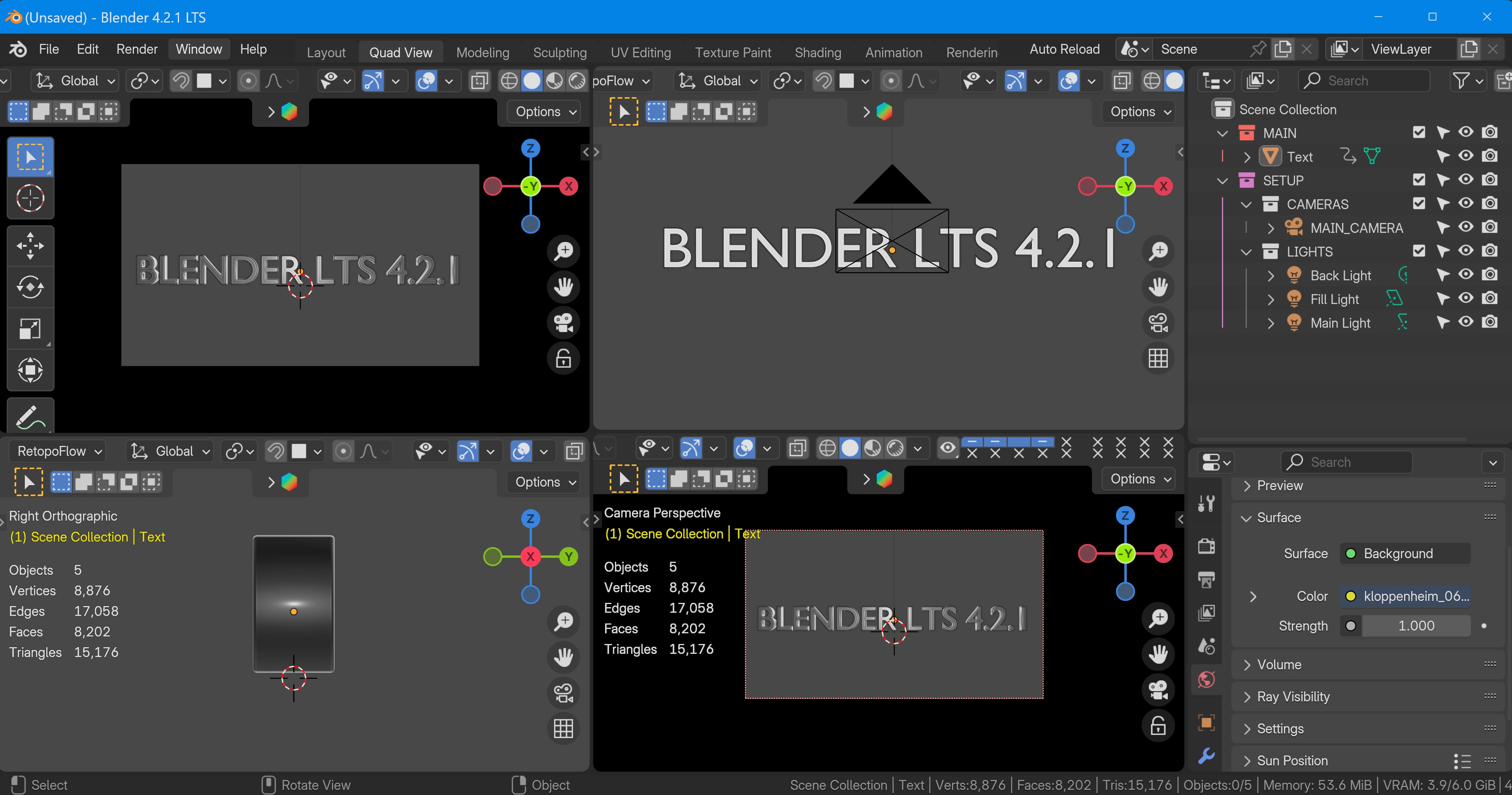
Hello, the idea is not to lock the camera view with the padlock (wich is very usefull by the way) but LOCK THE 3D VIEWPORT, for exemple in camera view. Whit that, we can work on the timeline for exemple without the risk of changing the view, and have to click so many times on camera view. Greetings From France
2 Comments
Install "Lock View Rotation"-addon gist.github.com/Fweeb/bb61c15139bff338cb17
After that, there's "Lock View Rotation" in "View"-tab in sidebar.
That should be default in Blender. Especially when doing 2D animation. It have suggested before, I wonder why it's isn't there.
I don't know if i understand your proposal correctly, however you may be interested in that extension: extensions.blender.org/add-ons/k-tools-view-sync/