
Object's Rotation in Shader Editor
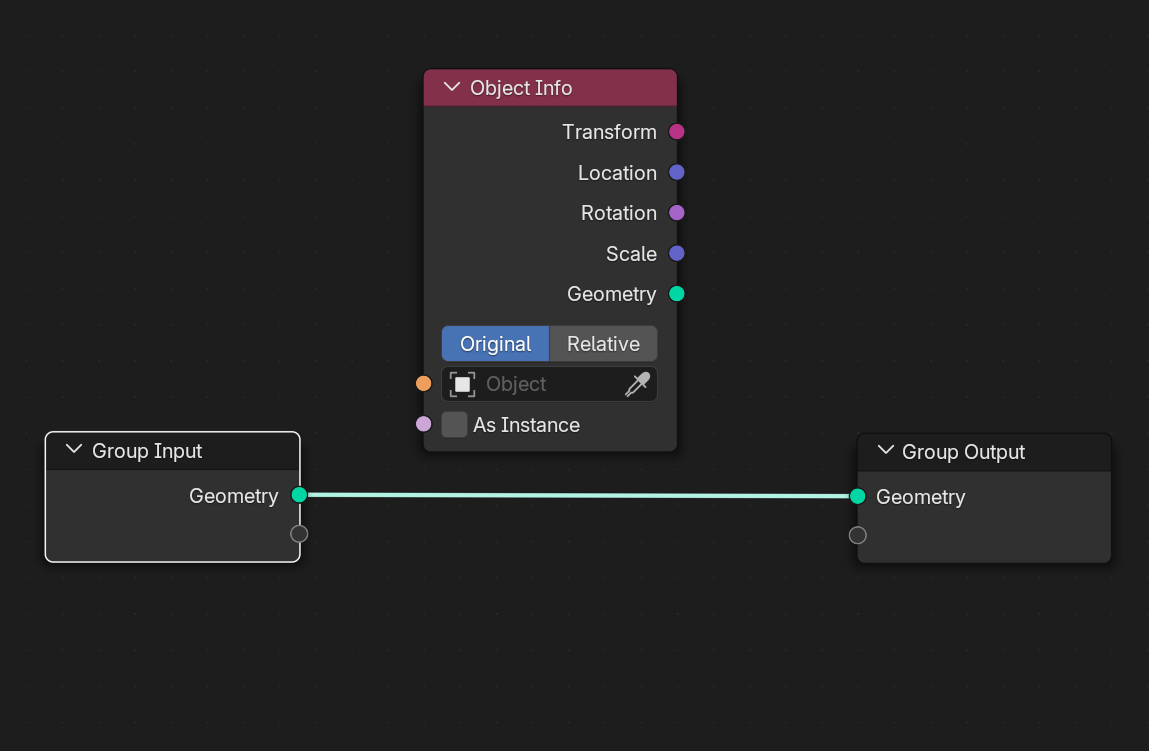
That would be so helpful having any object's world rotation in the shader editor, same way we have the "Object info" node in Geometry Node. For the "Location", you can Subtract "Texture Coordinate, Object" node from "Geometry, Position" node and you will find the "Location" of any object in the shader editor. Apart from drivers, there's no way you can get "Rotation" or "Scale" in the shader editor.
4 Comments
By instinct, I would expect drivers to be able to give you that, or passing the geonode's object info data into an attribute and use that in the shader. Have you tried these?
But a dedicated node would be better, yes.
Hi Lauloque. I know how to use drivers to do that. But if you want to affect multiple objects's shaders, you have to put drivers on all of them which is not ideal. "passing the geonode's object info data into an attribute and use that in the shader", how do you do that?
Node mapping? Nope!?
its just that the shader nodes doesnt support rotation sockets so I think that's one of the reasons