
Inset Faces proportional mode
It would be useful to have a "proportional" toggle option for the inset faces operation.
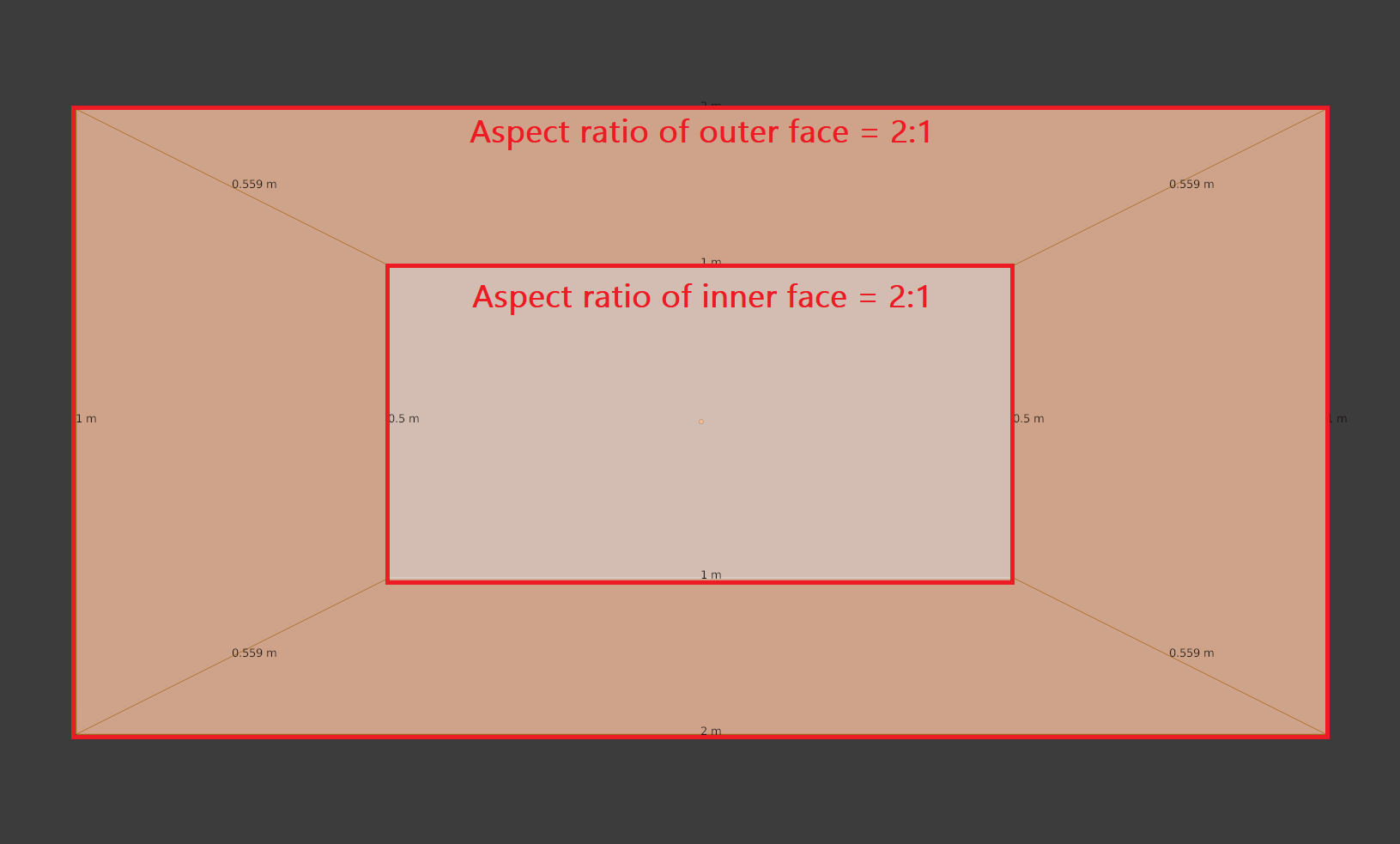
In this mode, the inset face would have the same proportions as the original face, but scaled down. For example, on a face with an aspect ratio of 2:1, the inset face would also have an aspect ratio of 2:1.
Illustrated with n-gons:
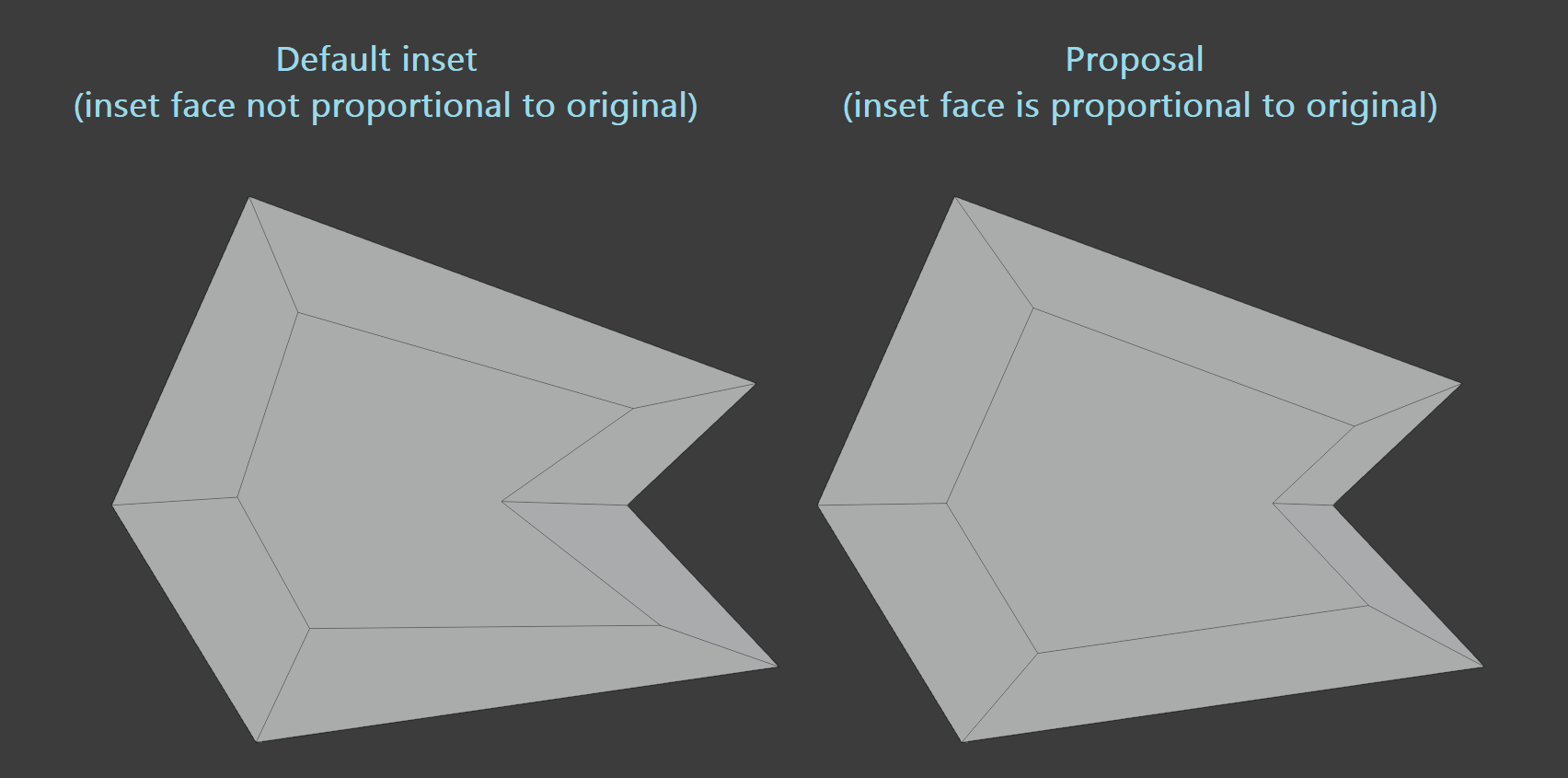
The way to achieve this currently is to extrude the face with zero distance, and then scale the new face down. You then have to delete the original face, which is now intersecting with the newly created geometry.
It's tedious to do it this way, especially if you are operating on many faces at once. I think having the option within the inset modifier would be very convenient.
notes:
-
the inset face would be scaled using the face's median point as pivot
-
This mode would have to enforce "individual" face inset, because it doesn't make sense to do this on a multiple-face selection
5 Comments
Actually you can do it exaclly like you discribed with the extrude method, but with inset. Press i, immediatly validate with left click then scale down. But why not.
ohh haha I had a feeling there was a better method that I was totally blanking on, thanks for pointing that out
Did you try to apply the scale of the object in object mode first? Because if you do that, the face inset will scale proportional. This is working with shortcut and face inset tool.
I don't get your result on the left by default.
You're right, it is because I had "offset even" checked off - forgot that was on by default. But in either case, the inset face is not proportional to the outer face.