
A Radial Clone Tool and Better Curve Array Tool, for the love of all that exist
Look I get it array, curve, curve deform but this works somewhat well. I sometimes want to clone along a path, or in a radial way without my model distorting even a tiny bit. This is impossible to do with the current set up. Can we have an array along with a curve modifier that just does that without deformation? With theRadial Array have the option of going around cursor.
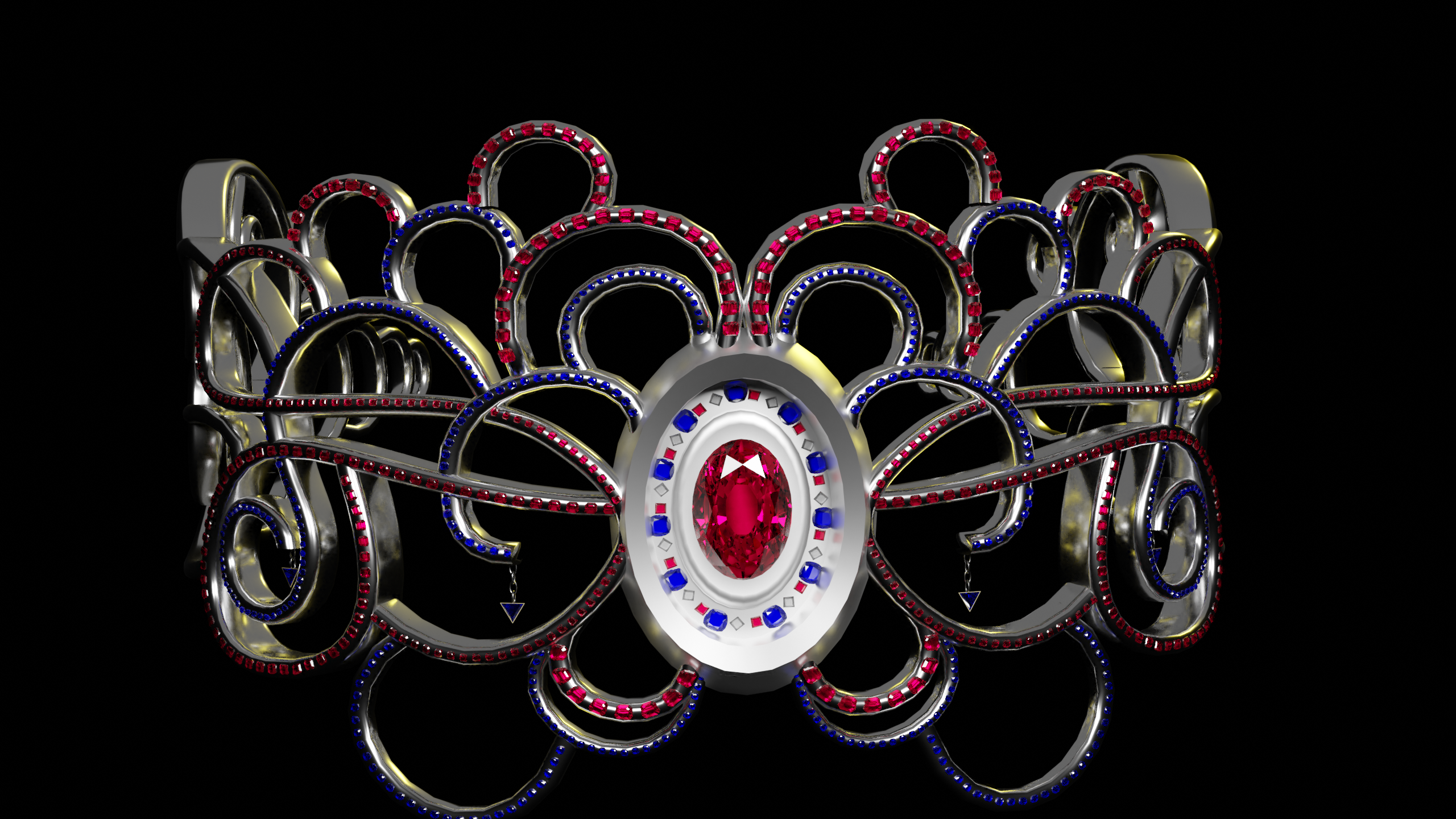
I made a Tiara a bit back with a lot of jewels on it and no matter what I did the jewels deformed in some way. This includes applying all. You may not see it in this image very well but trust me I noticed it a lot.
4 Comments
To do what you want to do watch this video youtu.be/7pXcyq0gUnU but yes it would be nice if the curve modifier could do this
* @BuZz Shiro * Yep that video proves my point even more so. Should be simple as having a checkbox in the modifier that says deform. Turn it on or off. It stretches it or keeps it exactly how it is. Though thanks for the video it will be handy later.
The ability to place meshes along a curve procedurally without deformation is really important in a lot of situations, and I think it should be implemented in the array modifier.
* @Michael Schouten * Distortion is annoying for something small to me I could not imagine how bad it is for something large. Hopefully, they will listen to some of my requests including this one.