
Symmetry Mirror Modifier Modification (Could be part of Blender 3)
We know how mirror works, alt-right click cursor wherever, set center there, and mirror that is to a degree how it is done or apply all, and have the model at the middle of the scene however with this method the model can be anywhere, and at any angle. This can also be used about the same way with symmetry.
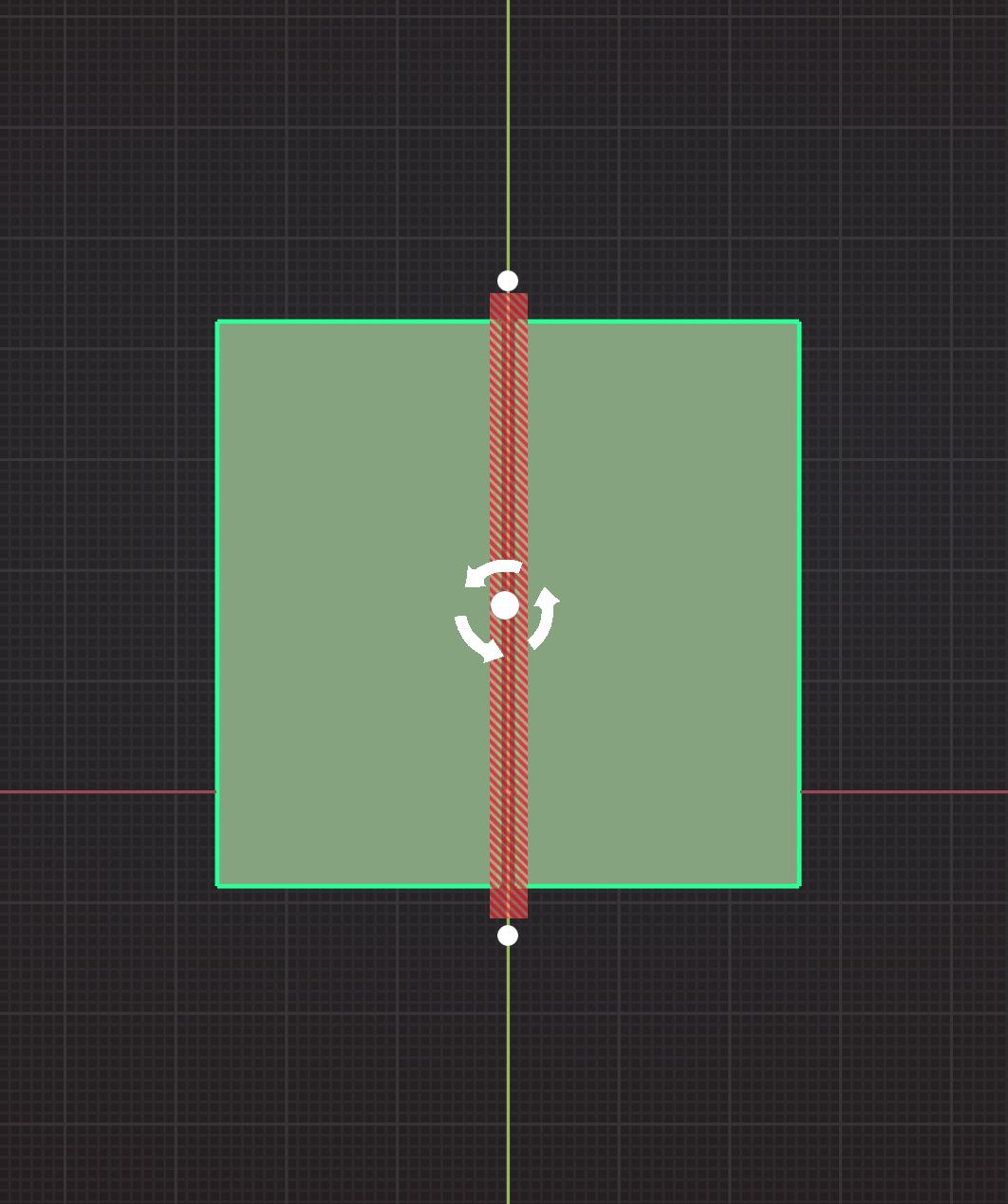
In this image we have a symmetry plane, you can alt-click the main bar of it to drag it anywhere. The center point with the rotaty icon you can also move with alt right-click. The outer dots you just hover over them it changes to a rotation icon, you click drag and it rotates the plane via the rotation pivot point aka the rotaty icon area.
Any plane is doable and it should also be doable to do with many planes may be a tiny bit more confusing. Of course vertex group etc could be part of this as well.
0 Comments