
Middle Mouse Button to clear Annotation layer
Why are Blender's annotations so annoying?
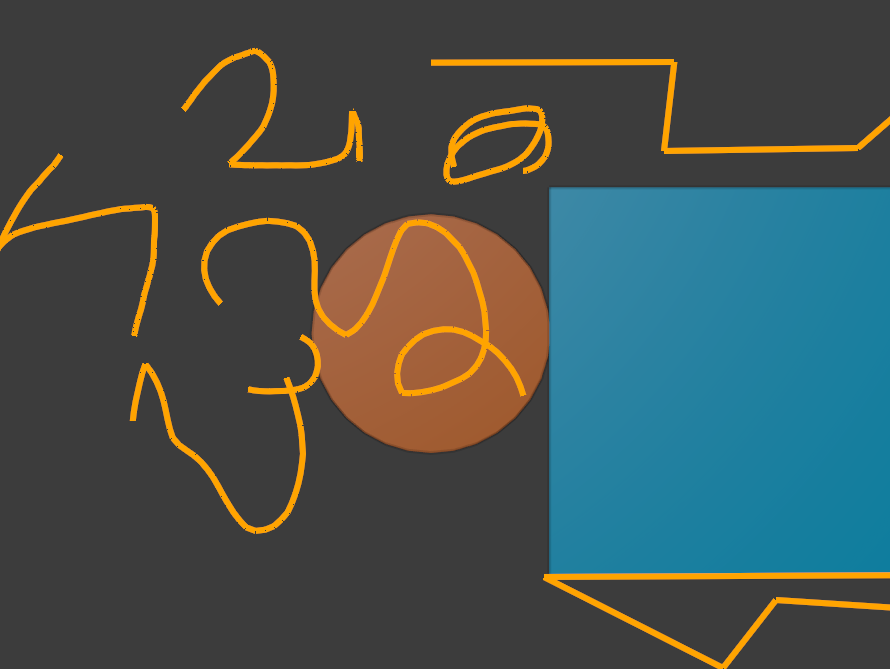
Sure, hold D + Left Mouse Button draws them.
Sure, hold D + Right Mouse Button erases them but it takes a while.
Sure, you can delete the whole annotations layer from N-panel, but it takes the color away with it.
Why not just, for example hold down D and Middle Mouse Button to clear the annotation layer? Can I do this in keymap, couldn't find a way?
1 Comment
Okay found a way to map it to D+MMB. But it deletes the annotation layer, which means the color is always blue :(
Right-click and put MMB to the shortcut of the minus-button in N-panel in annotations
In Keymap settings, search for MMB and add D to the shortcut