
Option not to show back-facing mesh wireframe while using xray in edit mode.
hello guys. I would like to propose a feature that would give the user an option to not show mesh that are back-facing.
Currently when you try to use the edit mode especially in subdivision surface workflow, some parts of the mesh wireframe are not visible, so the user would try to use the xray mode.
▬Currently there are some parts that are not visible.
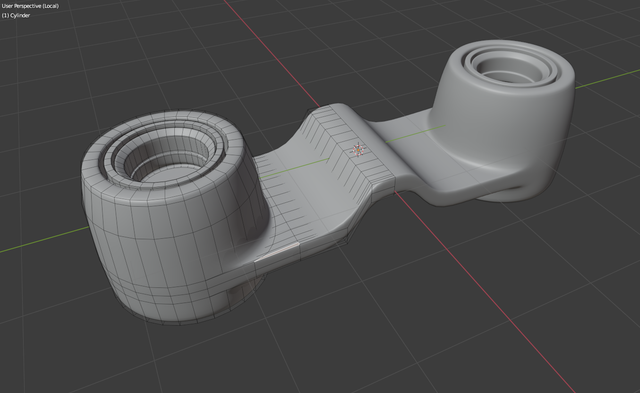
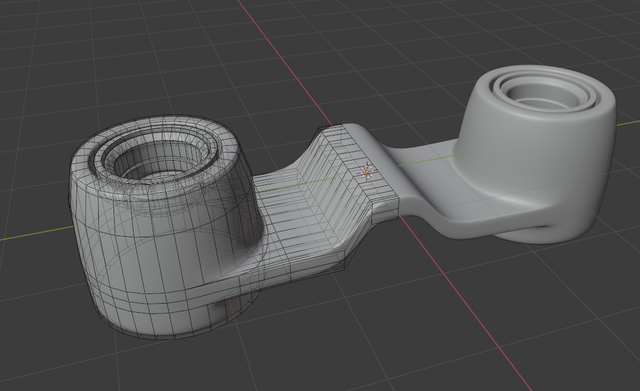
▬If the user uses xray the covered wireframes are now visible but the heavy amount of wireframes can be a little distracting in some cases.
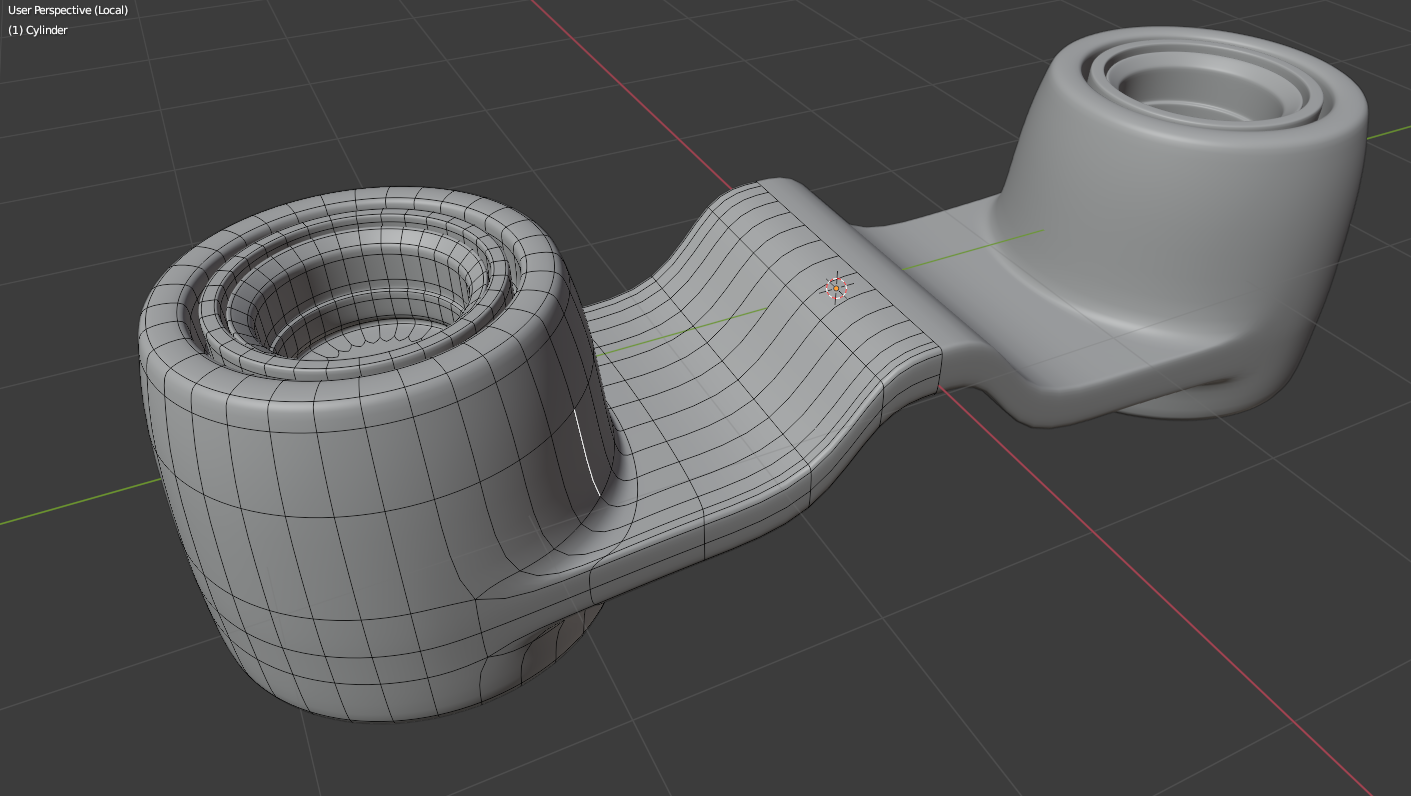
▬The cage view in the subdiv modifier does achieve the preffered implementation but it does only show the subdiv wireframe version and not the low poly version of wireframes.

The only minor issue is that the wireframes can be too overwhelming/cluttered because you can still see the back-facing wireframes. Even if you turn the xray to 100% the back-facing wireframes are still visible.
I hope we can add some features similar to this in the future.
Thanks blender dev team.
2 Comments
Why in xray in particular? Why everyone makes this proposal but only for one scenario at a time? It should be so damn simple!
If backface culling is ON, then all backfaces are OFF.
Nothing less. No extra conditions. Thanks for the viewport performances and simplicity.
There are tons of this same request here at Right-click-select.