
DISPLAY IMAGE AS MESH PLANE.
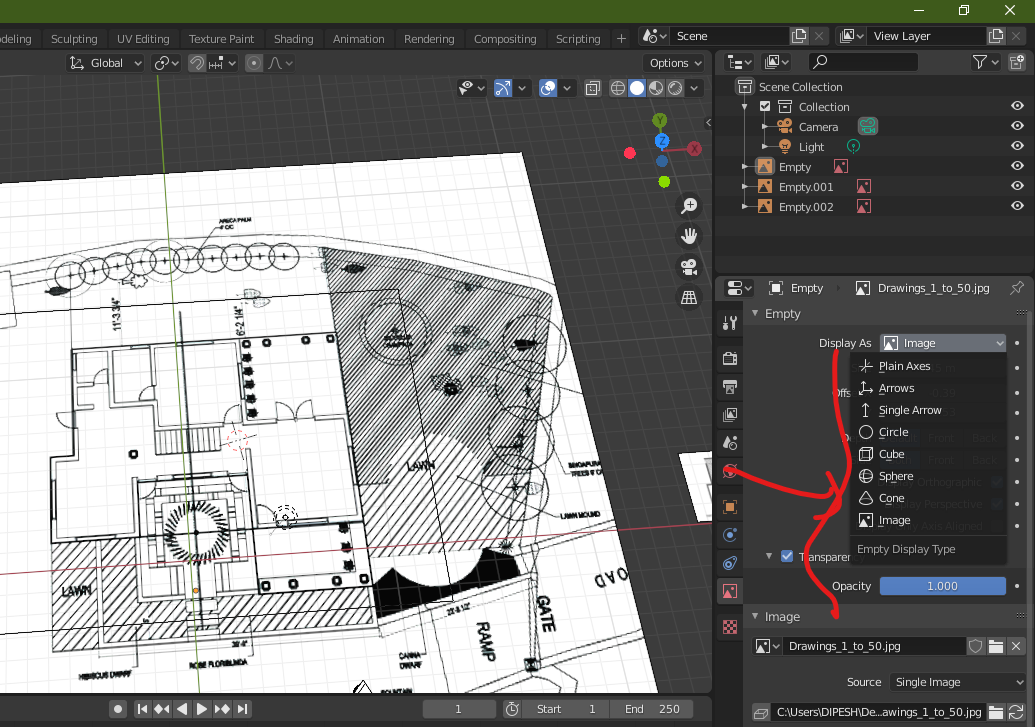
I just can't figure out when we drag and drop the image in vieweport there is no display as mesh plane option while we need to import it using image as plane plugin.i hope dragging and dropping image as simply checking display as mesh plane would do the plugin's job. And ability to convert image into mesh geometry.
6 Comments
I'd say yes BUT; instead it should be possible just to convert image empties into geometry planes, like how you can convert curves to mesh.
* @simon.p.heggie * yeah i mean to say the same.
once i got working file with huge number or reference images with proper positions and scales in blender and i needed to export them to max...i didn't find the solution but get the point that blender can't convert reference to geo...
cause sometimes people add images not to be shown, but as for reference. if you want images to be on a square mesh there is an addon images as plane its not drag drop, but it works.
* @peter.boos * Yeah try that addon, it will at least provide a workaround for now. But why that functionality isn't included, I don't know.
* @simon.p.heggie * agree, that it will be nice to have mesh-reference with presets. But mesh do not have option «always back» for example, it don`t have lot of tunes, as reference empty have (shift, fit, autohide, always noshades, keep picture in wireframe mode).
So there is not so much sence to have mesh-references without all these functions.