
Exposure override for material preview
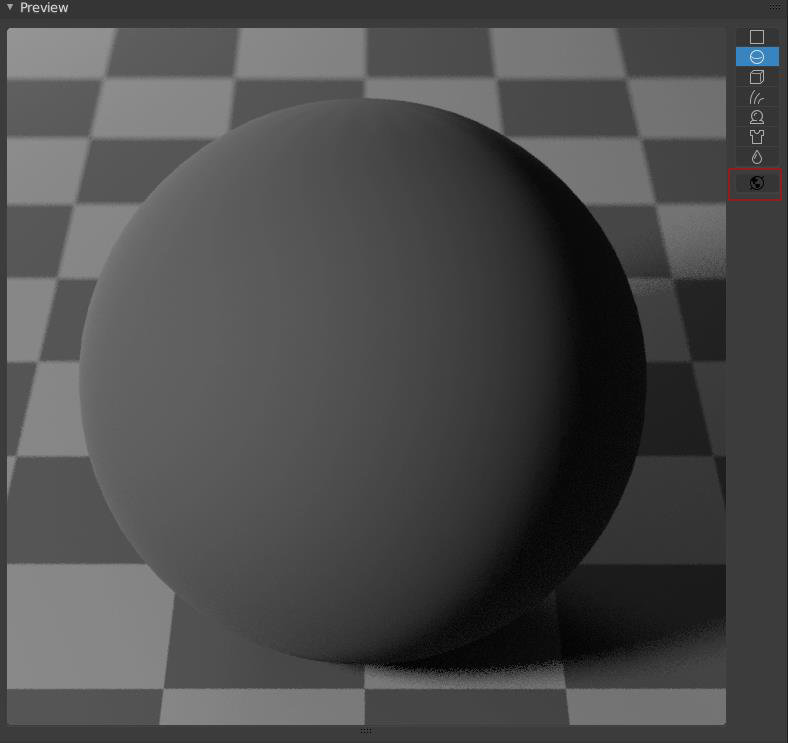
I would just like to point out that it would probably be better if the material preview wouldn't be affected by the scene exposure or light. In my workflow I like to adjust my light intensities and camera exposure. But the problem is if I change exposure in color management the material preview becomes too light or to dark, and therefore unusable. I would suggest that the button for world settings in material preview would be used as follows:
Turned off: The lighting in material preview is default and always gives same result no matter what light setup we use, and what exposure
Turned on: The lighting is inherited from scene world settings, with default exposure
This way we always have material creation "benchmark".
And one more thing. If I change exposure values, it is also affecting my passes.
0 Comments