
PSD Alpha Channel
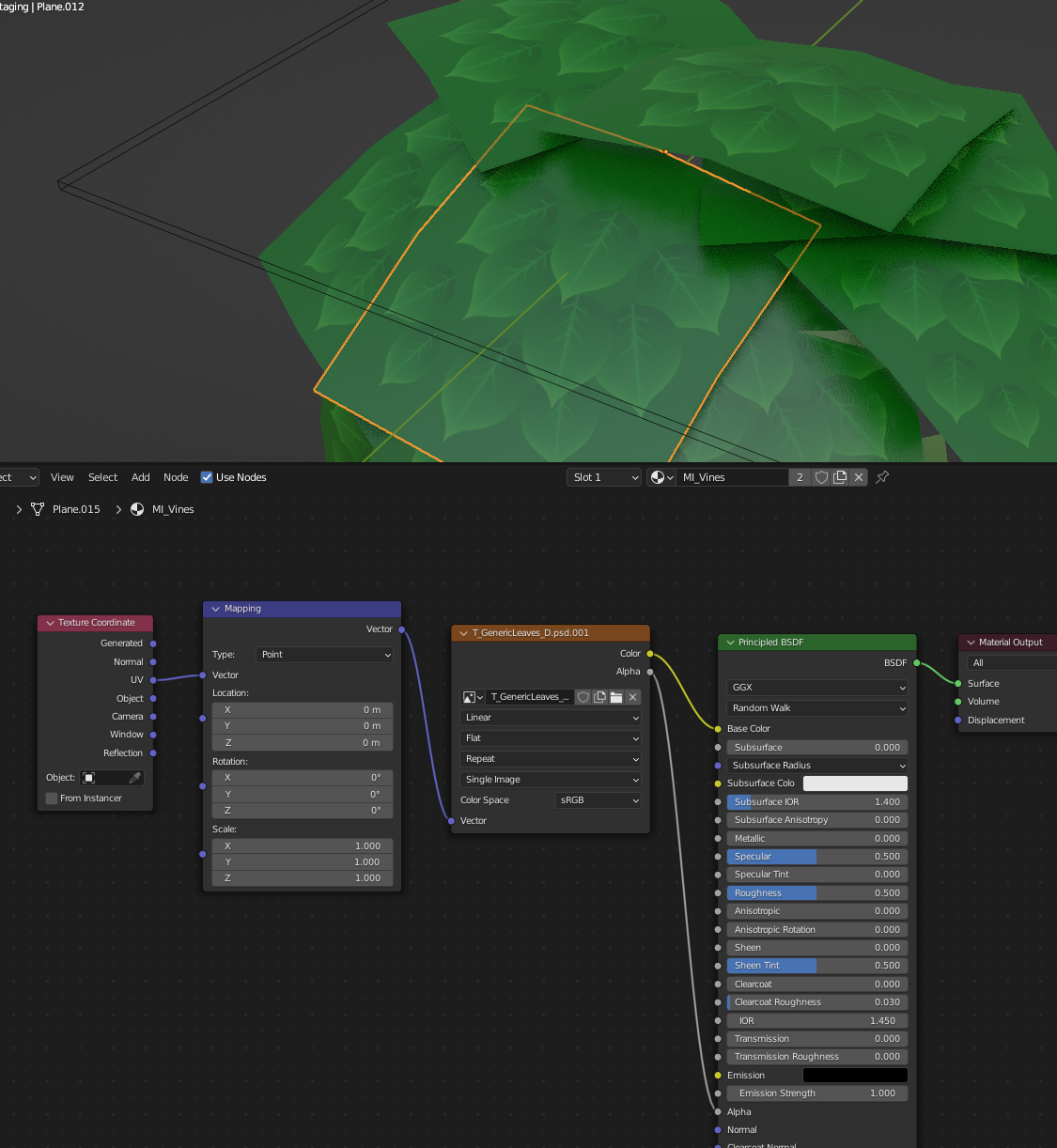
I'd love to be able to use a .PSD file with an alpha channel for transparency in Blender. Currently if I save out a .psd with a solid background and an alpha channel to mask out that background, plugging the texture's alpha into the material alpha has no effect. I have the material's viewport display blend mode set to alpha clip. Using a .png works fine but I would like to use .psd to preserve the ability to edit layers.
11 Comments
Merge PSD layers and use Alpha channel for Mask Layer ...
It works for 3.2 (since 3.3 there is an Alpha bug for PSD
... workaround - in Blender under Image Texture node set Alpha type to Channel Packed .
Hey, I recently switched from "C4d + Octane" to "Blender + Cycles" and I share Kyle's need to being able to use psd's "custom alpha channel" for a universal alpha mask for the image.
It's nice to know that, layer masks works with "Channel Packed" and "Straight" alpha mode, but the workflow Kyle mentioned here and " projects.blender.org/blender/blender/issues/99221 " lets you to use the same file for multiple use scenarios.
With the present workflow; you have to keep the background empty. Whereas if custom alpha channel would be the alpha data instead of layer masks; you could fill the background with whatever and extract the selection by using alpha. Comes in handy, extracting logos from decal images and have 1 image texture for both whole decal and only logo itself. Its lighter and quicker.
Octane's image texture node's alpha property works this way too. I hope to see this as a feature in Blender, Cycles.
Which Blender version are you using?
On 3.2.0 it works:
Huh! I'm on 3.1.2. That's in material preview mode?
Also, this is an extremely ridiculous question, but how do you add an image to a reply on this site? I don't see an option anywhere.
It worked both in preview and rendered.
To add an image, upload it somewhere like imgur or whatever, get the link and use it in the markdown code:
Ok, so I've upgraded to 3.2.0 and I'm still not having any luck. Are the psds you both are testing with saved with a solid background? I'm working with a solid background and keeping transparency in an added alpha channel to get the proper matte color in Unreal Engine.
my test picture was a square horizontally halved in black and white with the alpha triking through it vertically.
Have you tried enabling your alpha channel before exporting?
Thanks for your response. Yes, I made sure the alpha channel was toggled on in Photoshop's channels palette, and ensured that "alpha channels" was checked in the "save as" dialogue. If I close and reopen the .psd in Photoshop it still has the alpha channel, but if I open it in Blender's Image Editor and select the alpha channel it appears empty.
Maybe report this as a bug then.
It is not a bug just current limitation ... developer.blender.org/T99221