
option to move and duplicate objects out side of sculpt mode and to move sperate objects in sculpt mode
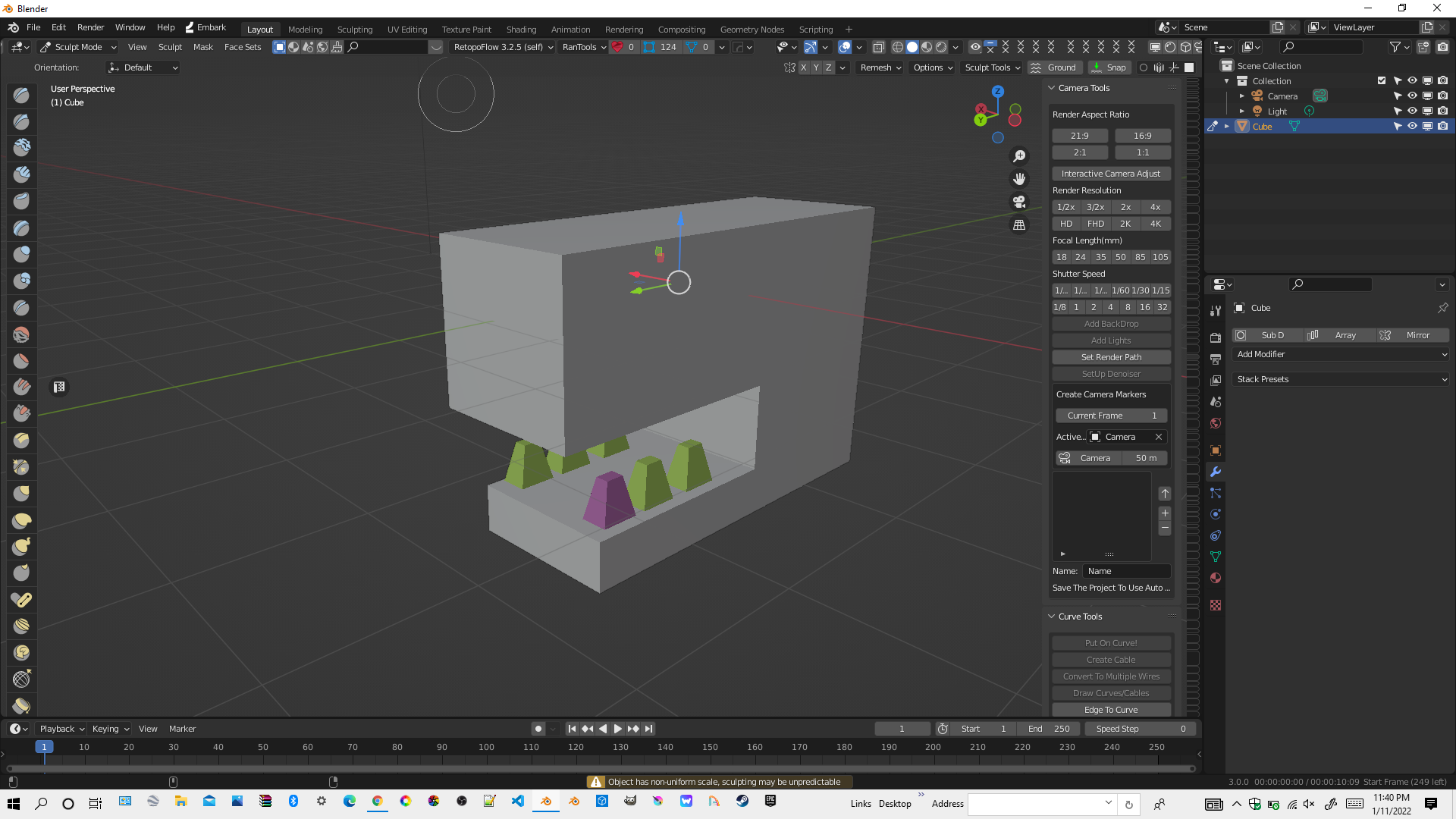
this will be really helpful in placing and duplicating teeth horns and spikes and even more and being able to select objects that are outside of your selection inside sculptmode lik
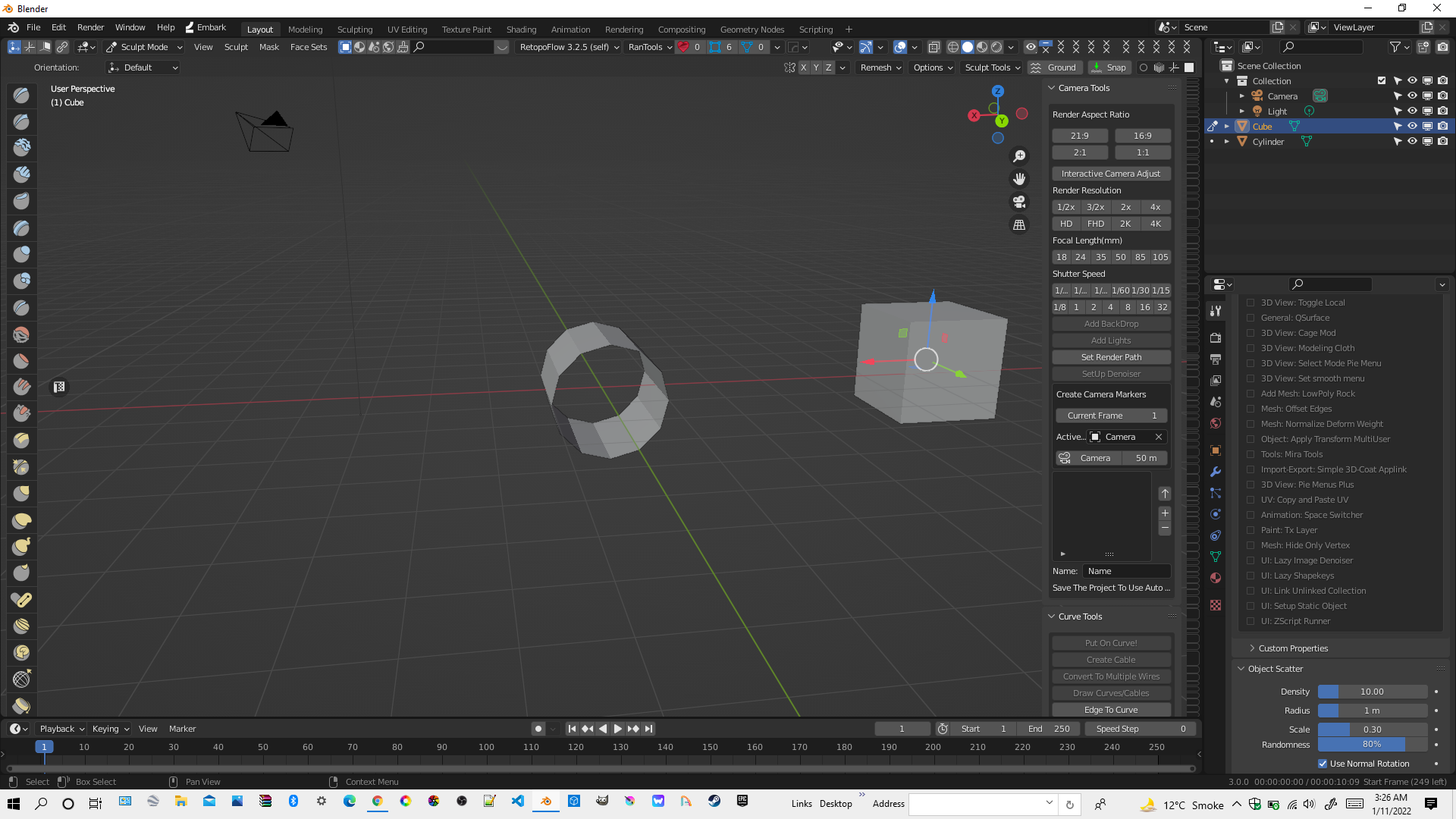
this second option will help the same way unlike the first option this will save some energy so you dont have to go to edit mode and select the teeth or horns what ever and sperate them and move them using the first method like this
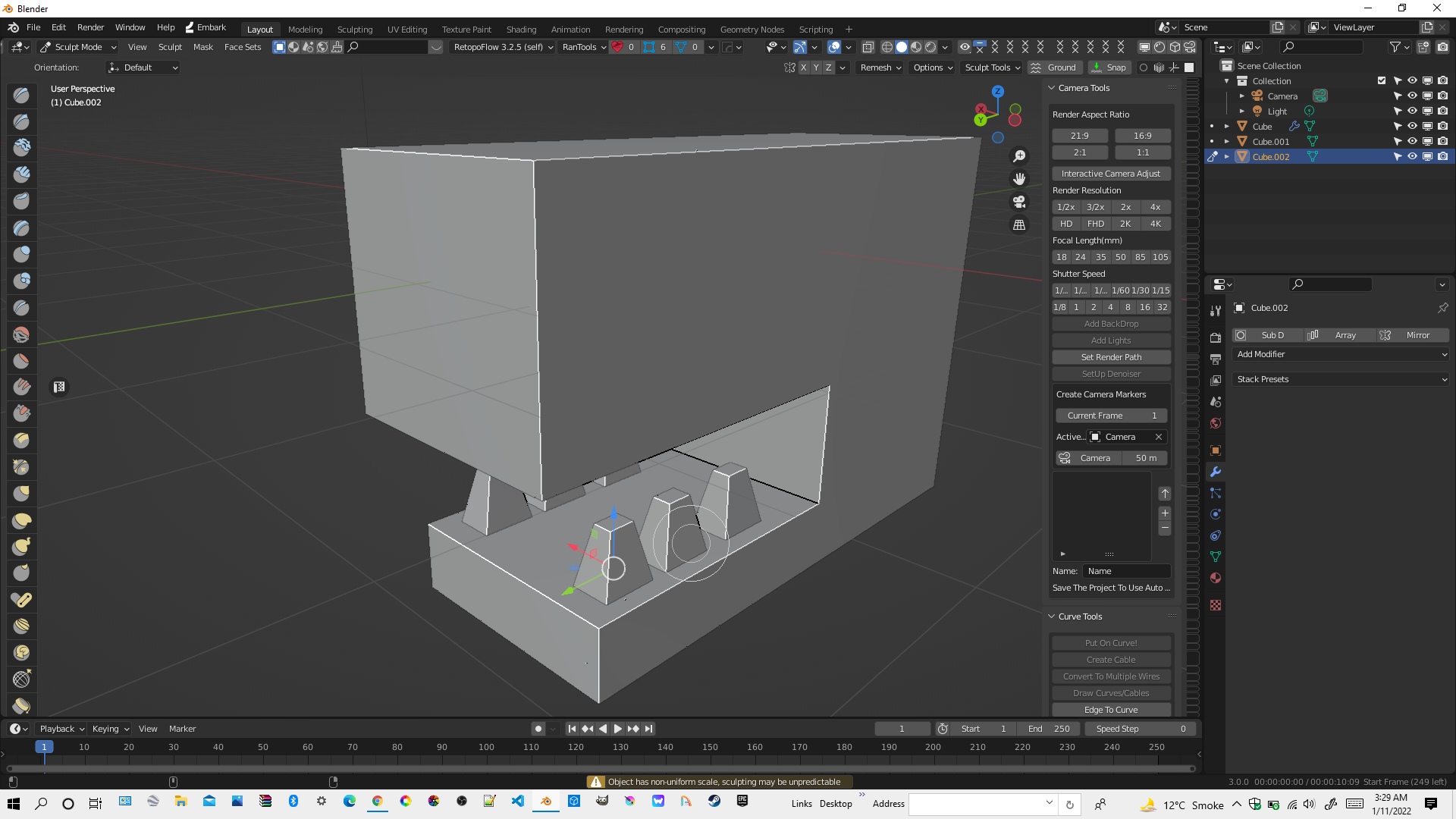 basically being able to move objects with different geometry
12 Comments
I have no idea what this is about.
maybe now
I guess by "workspace" you mean "sculpt mode" ? Because this is what workspaces are in Blender .
Then, why?
being able to select objects outside of sculpt mode in scultp mode so we don't have to switch to object mode to select the teeth and place them in the right spots
So basically you are asking to break the interaction modes?
well kinda lol let me fix this
"kinda"? It looks like absolutely that to me.
lol
so which sounds better second or first option
None. Why do you want to break the interaction modes? Why do you absolutely need to do what object mode is for, but in sculpt mode?
if you are confused about the second one and first one let me explain clearly if I ctrl j and join two objects they would still be separated by geometry it won't be a boolean but you will be able to sculpt them in sculpt mode but only able to move them by selecting a face and pressing ctrl l so I want to be able to move objects that are sperated by geometry or by different workspace
forget insertmesh you can implement this and g key will now move objects instead of being a shortcut to grab brush