
Edit mode visual transformation
the idea is that when you are in edit mode while some deformation is on. snapping and some transformation features don't work properly like in this example below
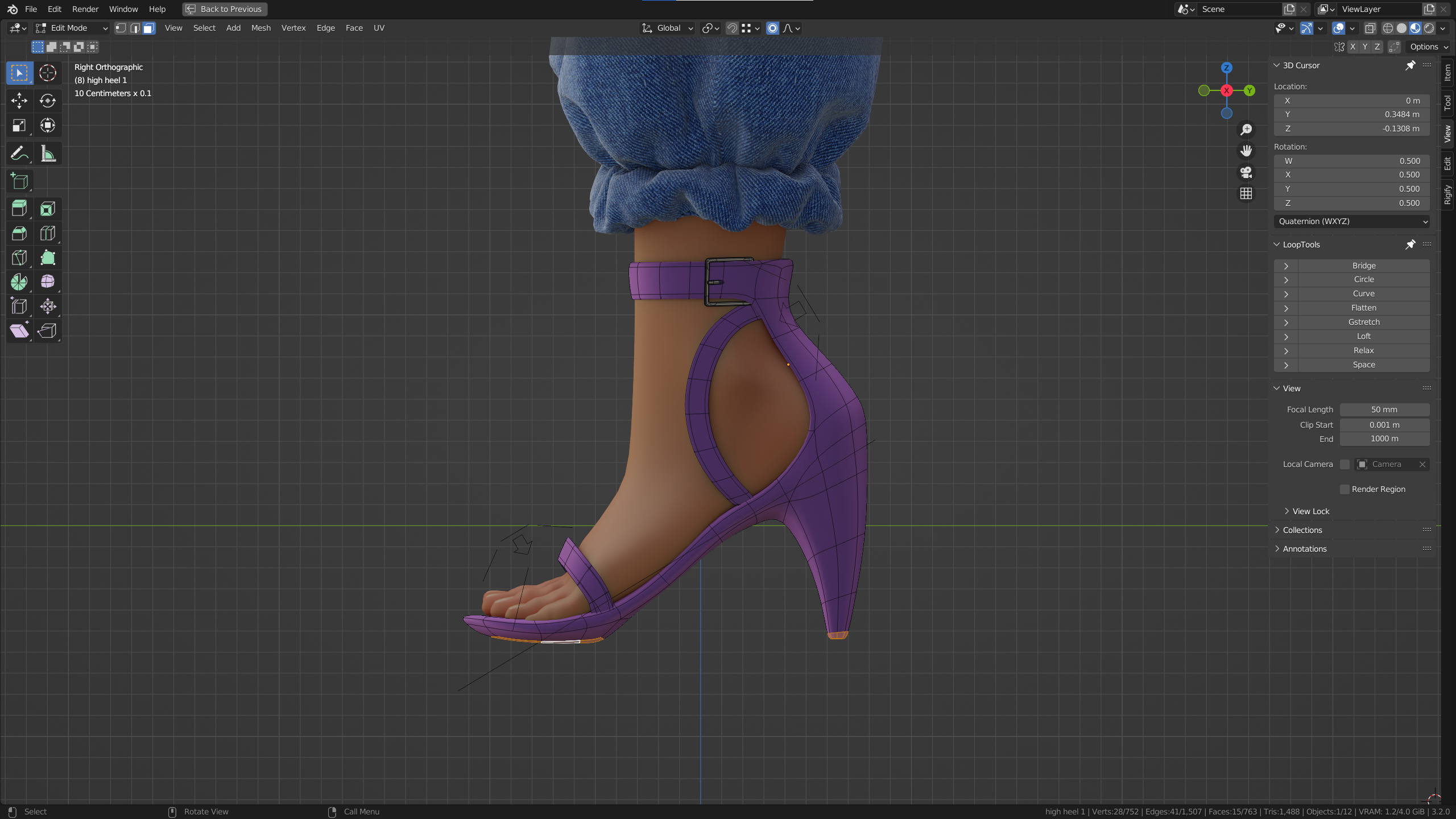 I tried to scale the vertices along Z by 0 but it didn't work out cuz I have the armature deformation set already and the result was like this.
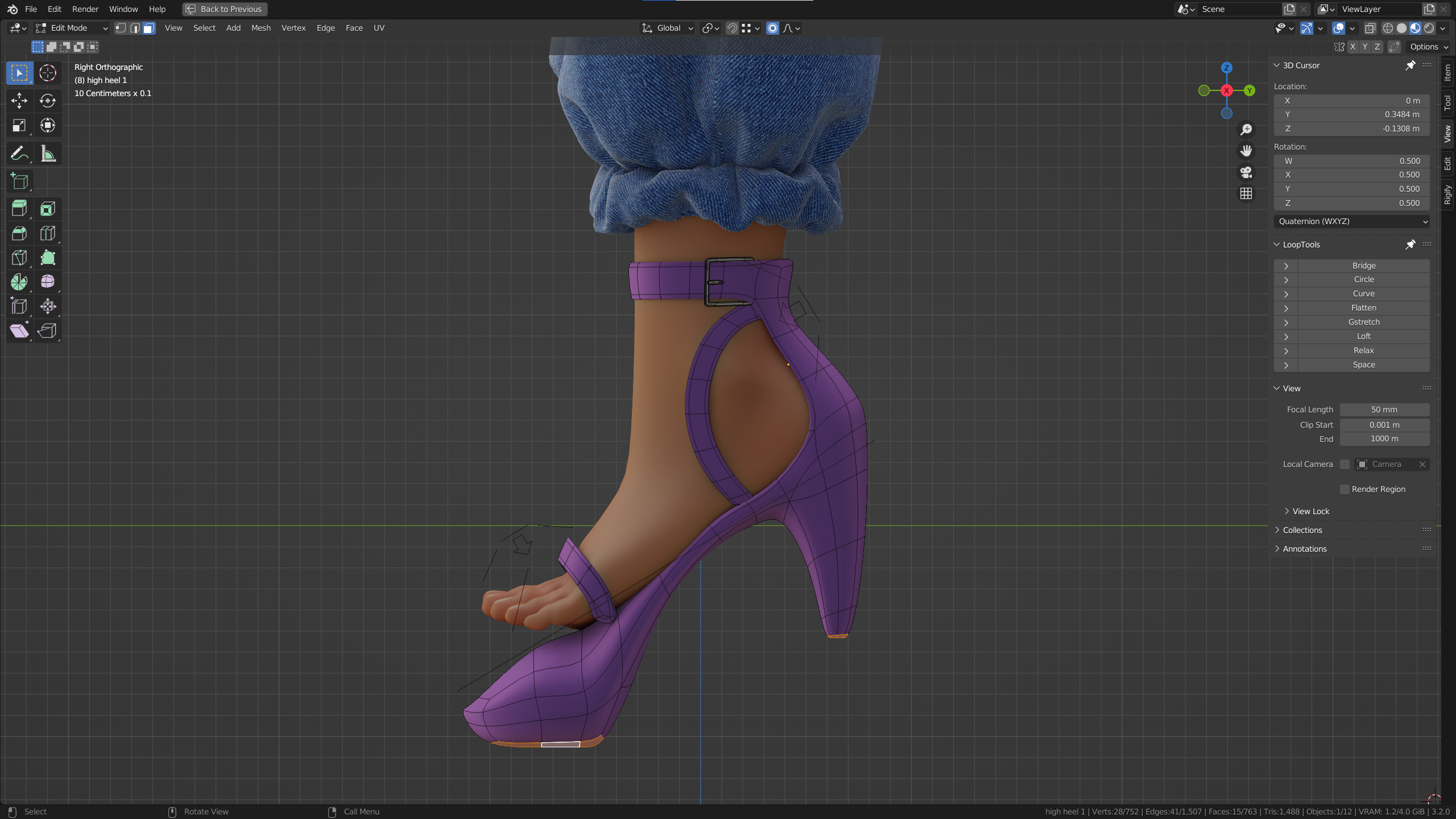 the reason why it happened is because I have a simple pre riggid and skinned mesh that I start with to save myself tones of time modelling all the different variations and with deformation off it looks like this
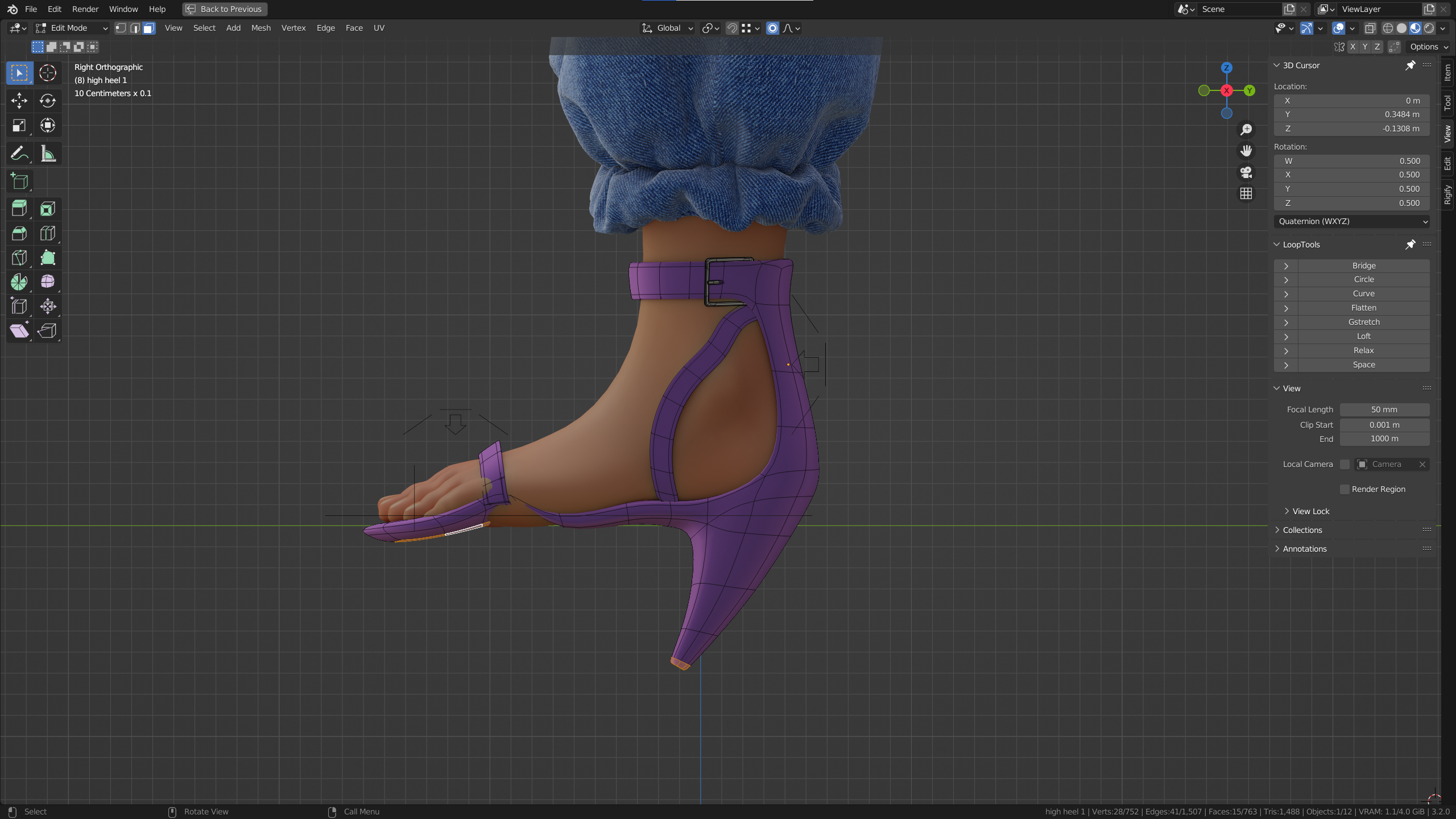 I know. ugly but it magically works.
so as I mentioned above lots of things don't work out like:
-scaling by 0 along an axis
-self snapping
-some looptool features like relax
I know. ugly but it magically works.
so as I mentioned above lots of things don't work out like:
-scaling by 0 along an axis
-self snapping
-some looptool features like relax
surprisingly we don't have the problem in sculpt mode and everything works like expected. and the solution is to my expectations which might be wrong of course is to have something like visual transformation in keying sets which applies keyframes to things as they appear in the viewport regardless of parenting or constraints.
I could of course use other methods but this by far is the most efficient way especially when you have tones of models in the same file.
the problem was there since the beginning but I never thought it would be such painful to deal with until recently
2 Comments
That's the kind of things an edit poly modifier would fix.
I'm not sure if it would in blender but it's one of my dreams and to me it would be way more useful than geometry nodes