
Viewport Snapshot
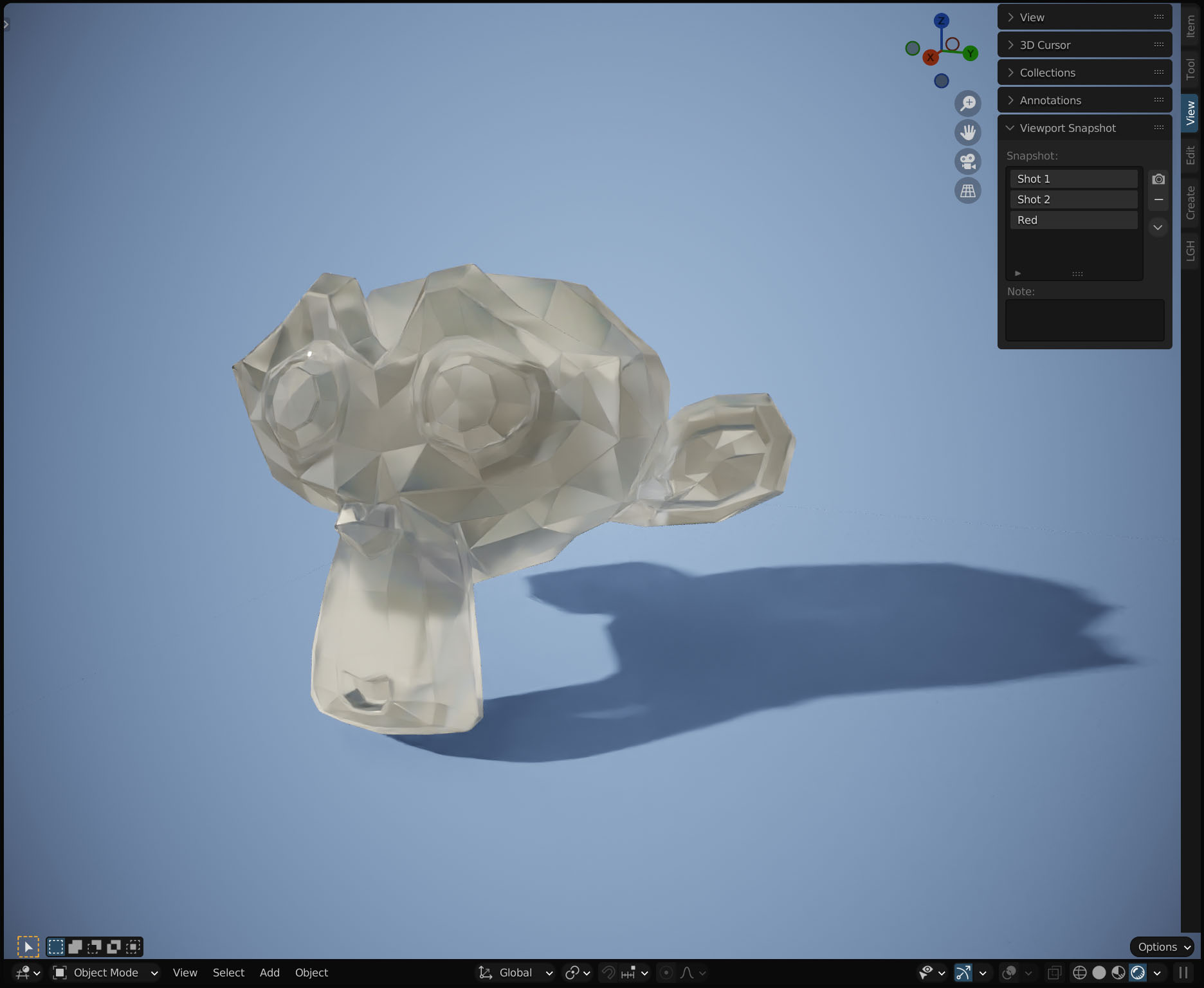
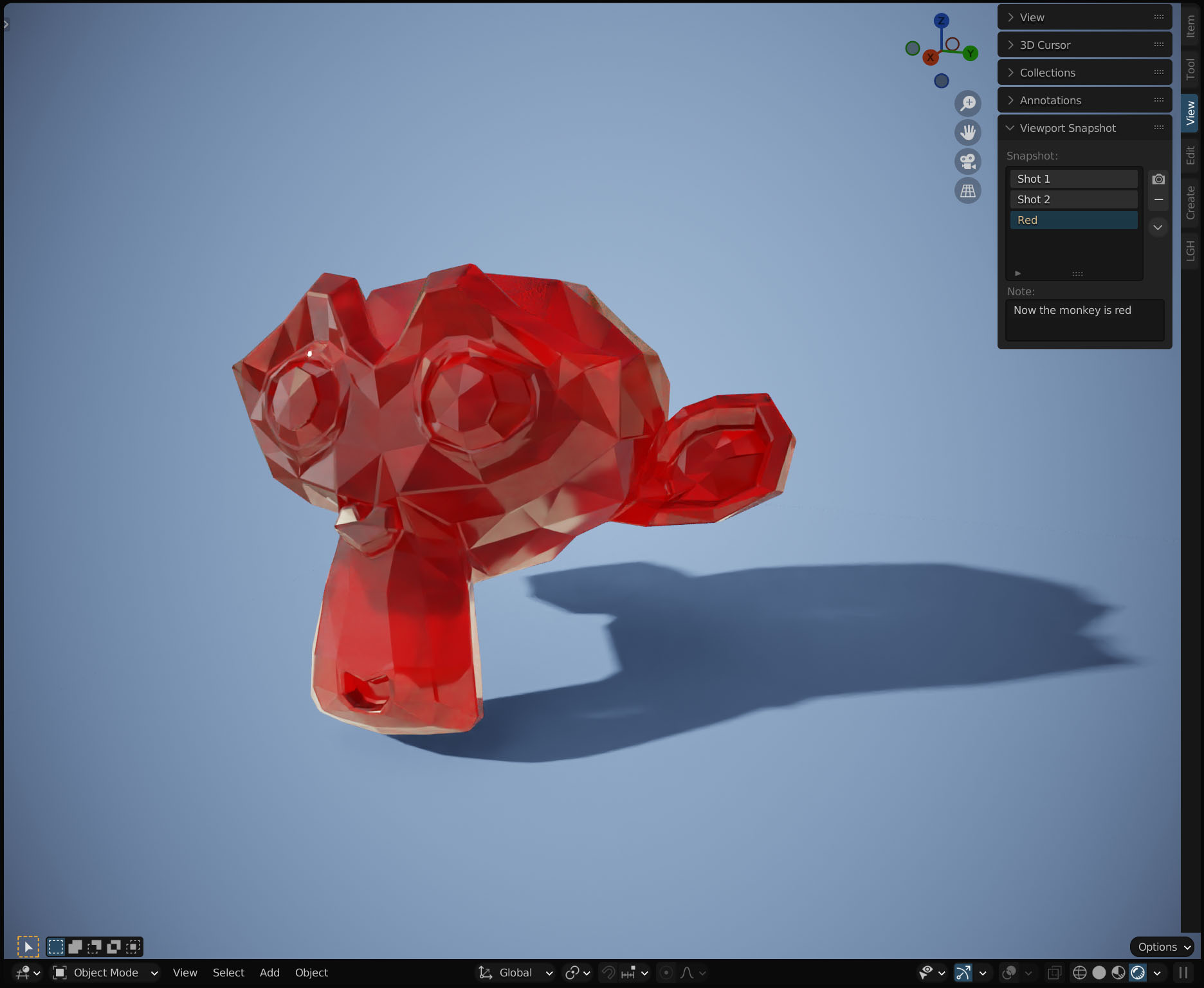
I would like to have a small panel in the viewport that can take snapshots of whatever is show atm and stores it so you easily can compare something before and after for example.
So there is this small camera button that you press to make a new snapshot that populates the list below. Press on one of them to show the snapshot (and it's note below), press again to go back to the viewport.
3 Comments
Viewport Render Image kinda works like that: i.imgur.com/fBmAvU5.png
It respects render slots and render slots can be renamed too: i.imgur.com/3DjK7N4.png
Render slots can be quickly compared without clicking with Ctrl + Mouse Wheel Up / Down.
Though functionality is split between 3d View and Image Editor so it's not as convenient as everything in one place... And notes location is very far / there is no way to change notes after rendering: i.imgur.com/hbsYmSN.png
Interesting idea. After fiddling with things above I can see how it can help with cases when you make small change and not sure if it's better or worse. Right now I just use Undo / Redo but that only works for simple stuff. Maybe someone could write addon since all ingredients are already here.
It's a decent workaround you suggested, but would really be nice with something proper. I'm not a programmer at all so I have no idea if an regular addon can show images in the viewport like that. If it can in an efficient way that would be nice, but I'm pretty sure that something native would be the absolute best :)
+1 this would be very useful when doing precise shading, comparing parameters or texture changes without the need for making a full rendering into a slot