
Requesting changes to workbench solid/rendered modes because of incorrect matcaps.
I have imported some matcaps from other softwares and I have noticed that in Blender's solid mode they look dull & washed out in comparison.
So after more investigation, I found out that it's the color management.
I assume solid mode uses hardcoded "standard" view transform with look "none", since that's the one it matches when u play with the color manangement in the rendered mode.
This is in solid mode.
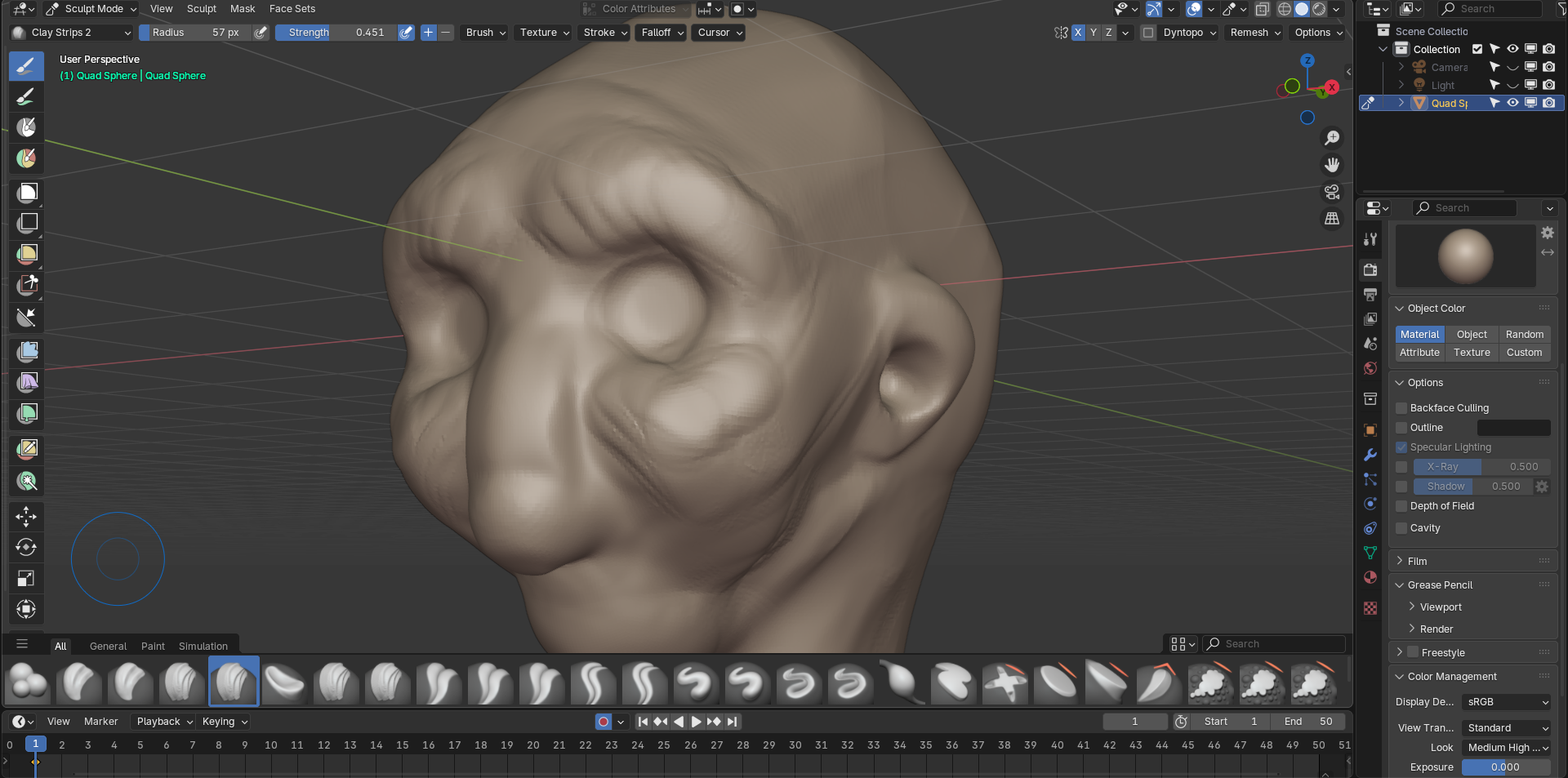
This is in rendered mode, flip between the two images to see the difference.
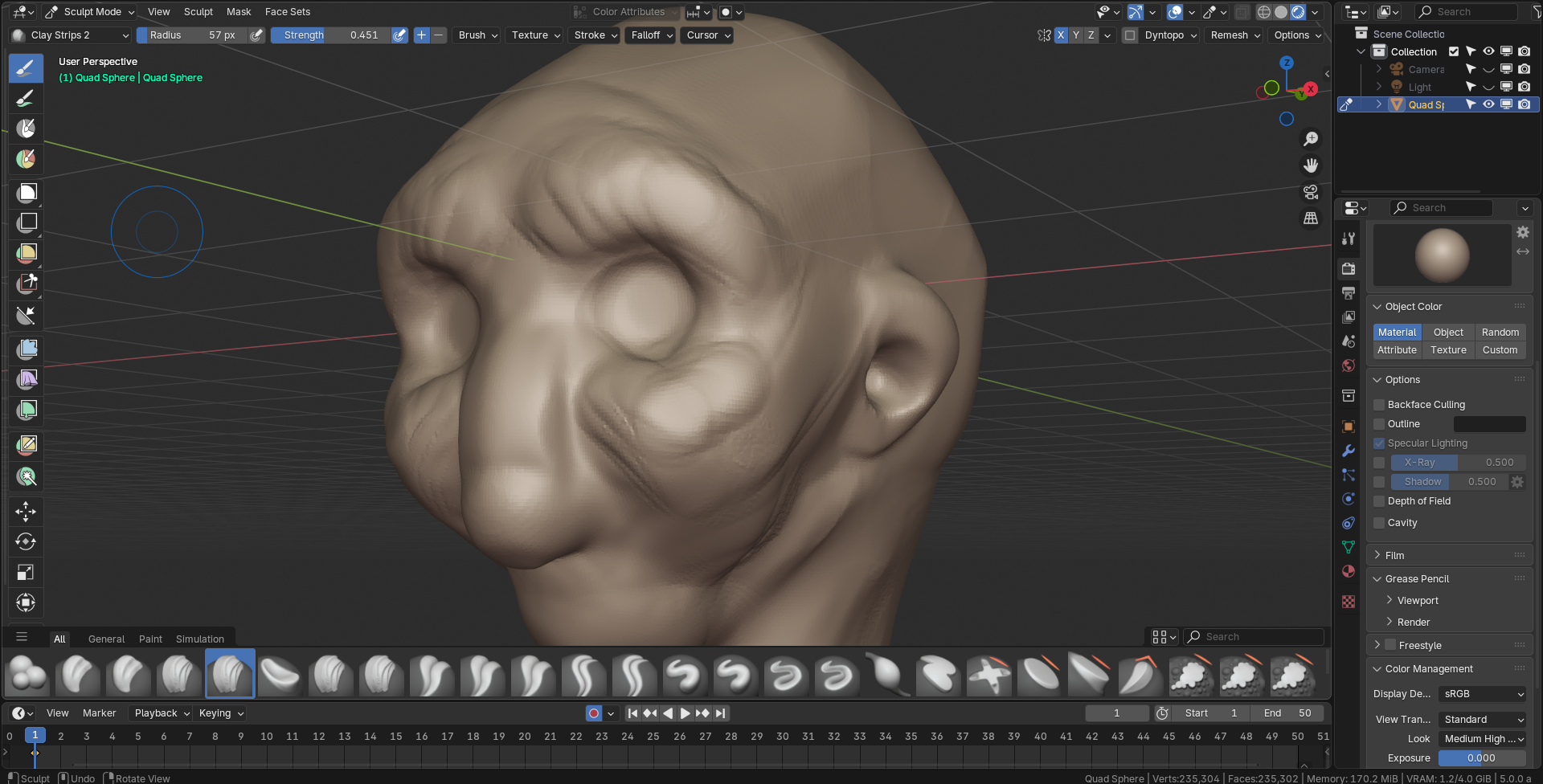
Look set to " medium high" is the one that matches other apps and gives a nice look and contrast of colors & highlights.
Because once you see the difference you can't unsee it.
My request is. Why not replace solid mode with rendered mode so it can use color management settings?
Or add these settings to the solid mode so we can have "correctly" looking matcaps and therefore studio lights, since the other apps are either doing color management too to their solid viewport or it's something else that I don't know about.
As an Artists I care more about looks than technicalities, so if I am wrong in anyway please do correct me.
0 Comments