
easy export texture displacement as mesh
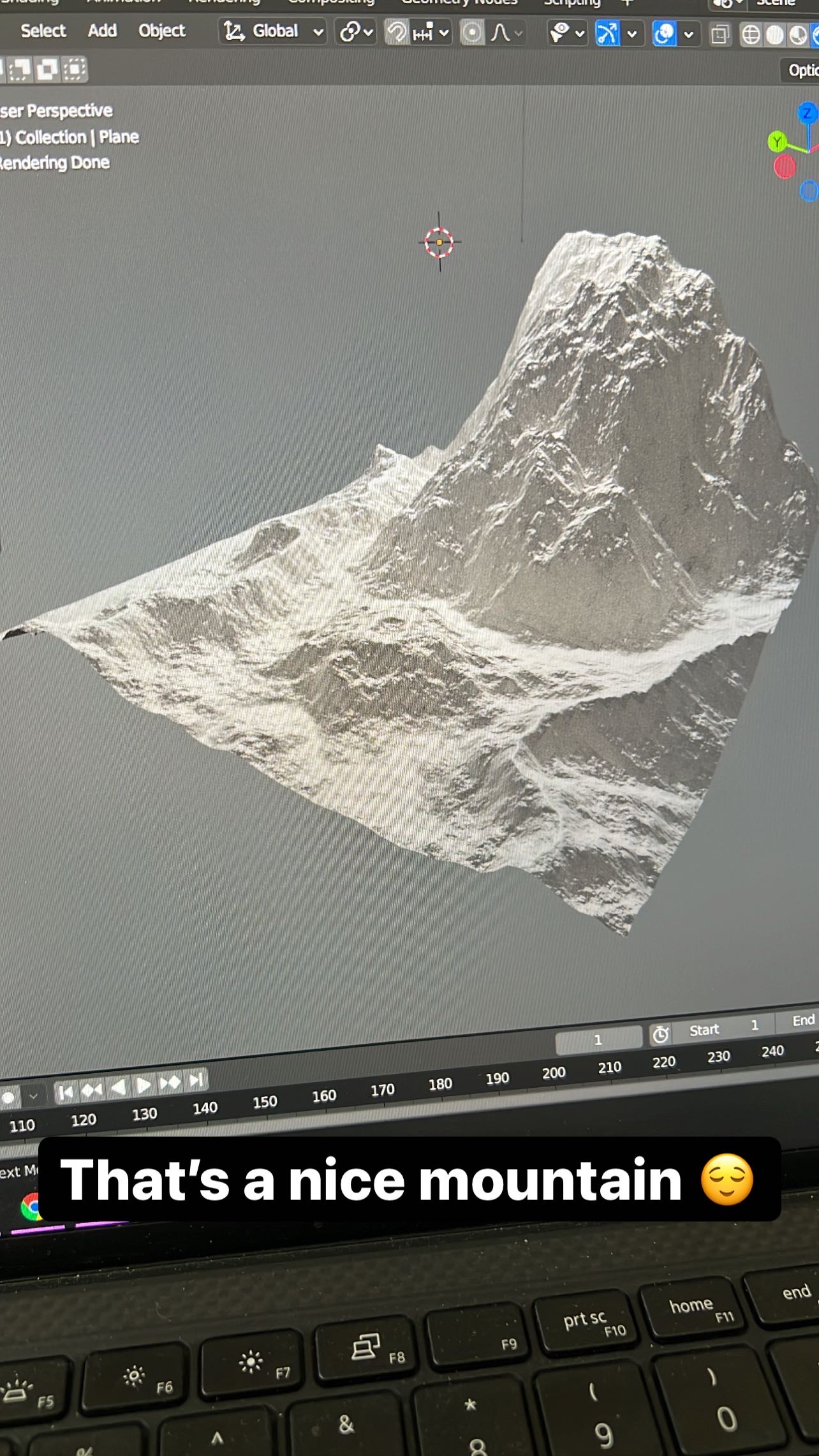
It would be super useful to have a tool or option for exporting the changes from a displacement texture as a mesh. Currently it is kind of challenging using methods like this youtube.com/watch and I am not even sure how/or if it is possible in blender 3+, I have not been able to achieve it.
There are a lot of use cases but the major ones I have come across are 3D printing and having a massive displacement such as a canyon that other things need to be modelled around or when the final outcome needs to me manipulated.
10 Comments
Instead of using a shader displacement, use a mesh displacement by simply using your displacement map as a texture in a displacement modifier.
If your texture is procedural, then you need to first bake it, then you can do the above.
In an ideal world, we should be able to create textures - with or without procedural - and use them anywhere so that we avoid these extra steps. This is what the Texture Editor was supposed to do, but it has been broken a long time ago. Plans to bring it back are there, but the devs haven't done it yet
this makes sense and in my use case it is procedural which is why I am struggling because I am not having success baking the map. It seems the details of doing so have changed quite a bit from 2.8 - 3
Not much, I suggest you to ask for help on blenderartists.org to get you setup working.
Hi. You see that if it is what I suggested, Change the title of your post and suggest a Render Map (baking of the shader nodes easily).
Hi. You only need to go to the Object tab (Viewport 3D) --> convert --> Mesh. Export Mesh and Ctrl + Z (Undo) for undo the conversion. I think this is what you need, but I'm not sure if this is...
thanks for the suggestion, object is already a mesh, converting again and exporting just gets me the same flat plane with no texture displacement
Ok, if I understand correctly you want to export your object without applying the Displacement texture and also export the Displacement texture. If so, what you want to propose is a Baking of textures of the Shader Node Editor. In 3d Max is Render Map (is the same topic with diferent name).
link of Render Map in 3d max: knowledge.autodesk.com/support/3ds-max/learn-explore/caas/CloudHelp/cloudhelp/2020/ENU/3DSMax-Lighting-Shading/files/GUID-EE0E322C-D3FF-4607-BA2F-EE1EE93A780D-htm.html
and this link: substance3d.adobe.com/documentation/b2m3/files/67797025/67928083/1/1411489458000/worddav6648dfb2a02cdca798ee425dec166cfc.png
The idea is that this is mainly used in procedural shaders that when you have several nodes and your final result you want to Bake (Render Map) this result