
Curve render support in Cycles
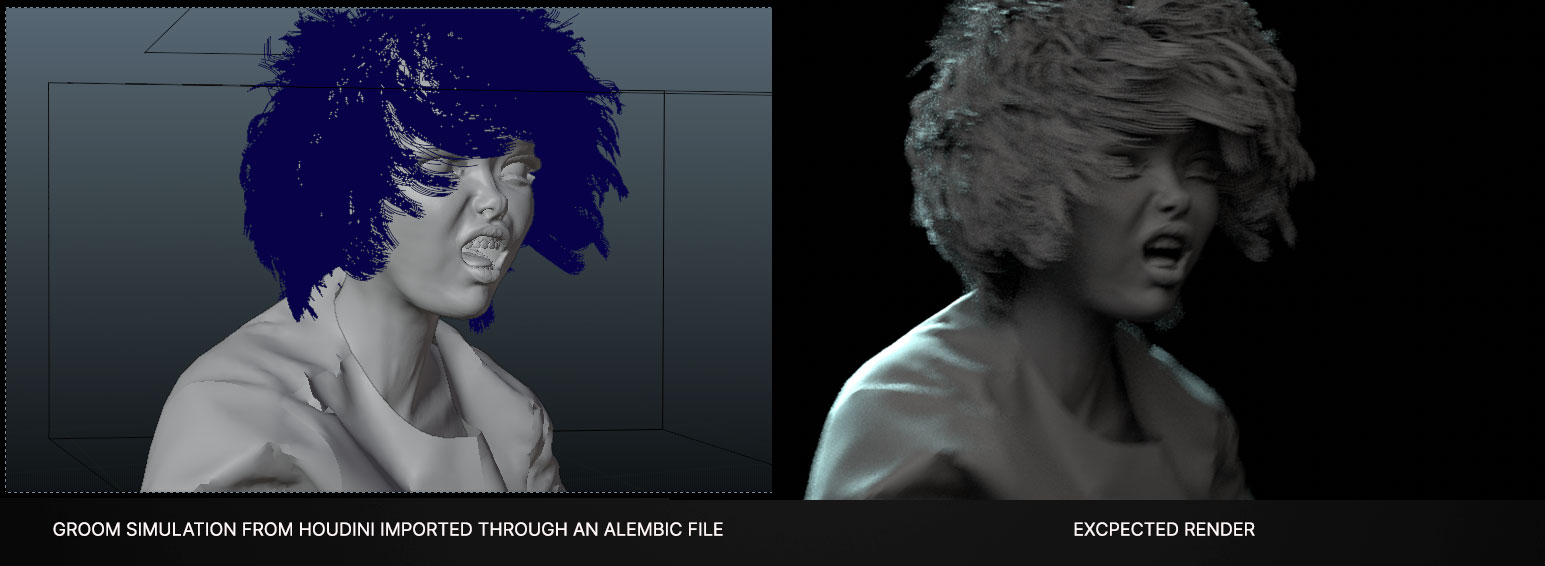
 There are quite a few instances where curve support in cycles would be very useful, but the main I think is to import animated groom from other software.
What I basically mean by that, is using the same instructions of the hair system for curves:
- Shape (Thick/Ribbon)
- Width
- Root | Tip scale (using the vertex order)
- Render time resampling
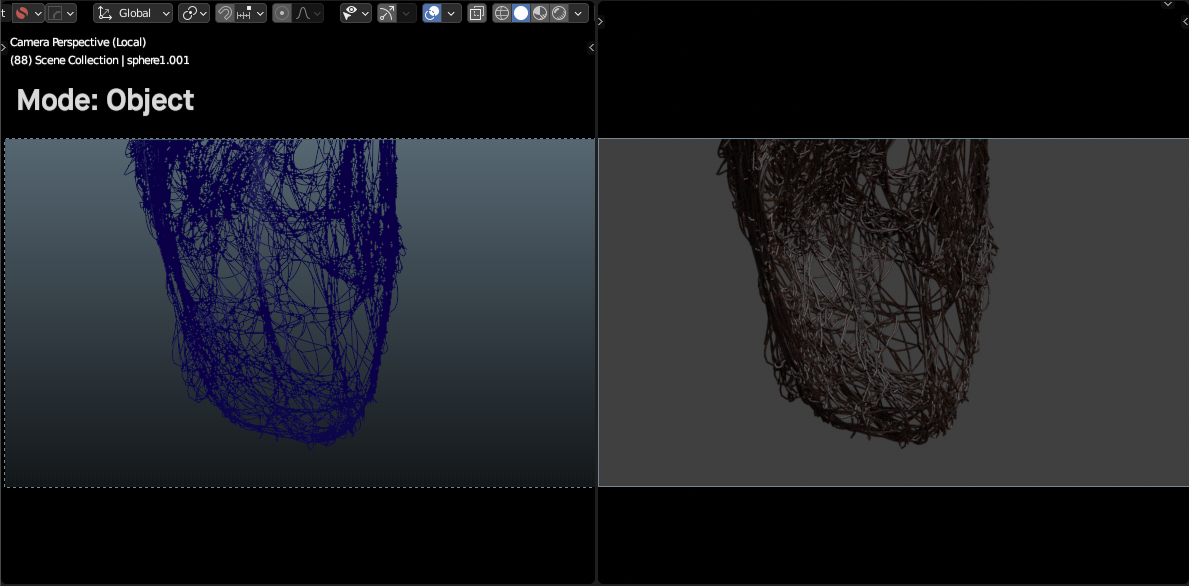
For now, we have to actually extrude or bevel the curves, hence creating geometry, which can be very slow.
For example:
7 Comments
I found out that you can use the
cycles-xbranch There is now a new setting in the alembic cache modifier (you need to set the cycles features set to experimental ):But that's only in the viewport not in final render, and not very compatible with my RTX 3060. Am I the only one ?
Hi, as the developer behind this feature, I just would like to know what is not compatible with your GPU? Also, the feature is now in master, so you can report a bug if something is not working.
Thanks Kevin, great work! Glad to see it in master, what is the preferred way to report bugs for it?
The main one is that when using Render Procedural, the caches freeze at the frame the option was enabled, and it does not render at all in batch (render animation)
I can make a more precise bug report, with file samples etc.. Just tell me where!
Is this proposal up to date (known Limitations etc..)? wiki.blender.org/wiki/User:KevinDietrich/Cycles_Alembic_Procedural
You can report bugs through the developer website, like any other Blender bug: developer.blender.org/maniphest/task/edit/form/1
The wiki page is pretty much up to date.
Hi kevin, well in the end I think it's more Blender 3.0 itself which doesn't like my card (I use nVidia dch-whql driver 471.96), it gets all grey in rendered viewport if I use optix for instance, but that's another topic I guess, but maybe it's related. About importing animated Alembic and activating the procedural engine, it doesn't work in final render, and in the viewport you can't play the animation at all unless you deactivate/reactivate the engine for each frame, what am I missing ? For now it works fine with static Alembic curves but there's still some see-thru grey cube around it. Is it ok to post screenshots here ?
woops I just read the other comments, okay... x)