
Drag and drop for material slots
The possibility to change the order of materials respectively material slots within the slot list by dragging and dropping instead of clicking the "Up/Down" buttons repeatedly would be nice.
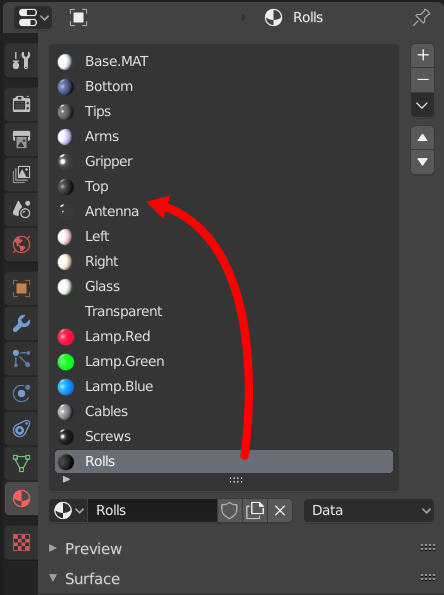
The possibility to change the order of materials respectively material slots within the slot list by dragging and dropping instead of clicking the "Up/Down" buttons repeatedly would be nice.
2 Comments
Yes please. Also, an option for removing all materials or a multi selection in the dropdown would be nice. Currently with heavy objects it takes ages to remove materials.
* @3dddan * There is fast way to remove lots of materials but it's not very intuitive:
1 create new object without any materials
2 add object with lots of material to selection and reselect first one
3 in materials tab of object properties press arrow down and select "Copy Material to Selected"
So technically you are copying 0 materials 0 slots from active object to all selected