
Add a tool to create vertex at intersection of edges
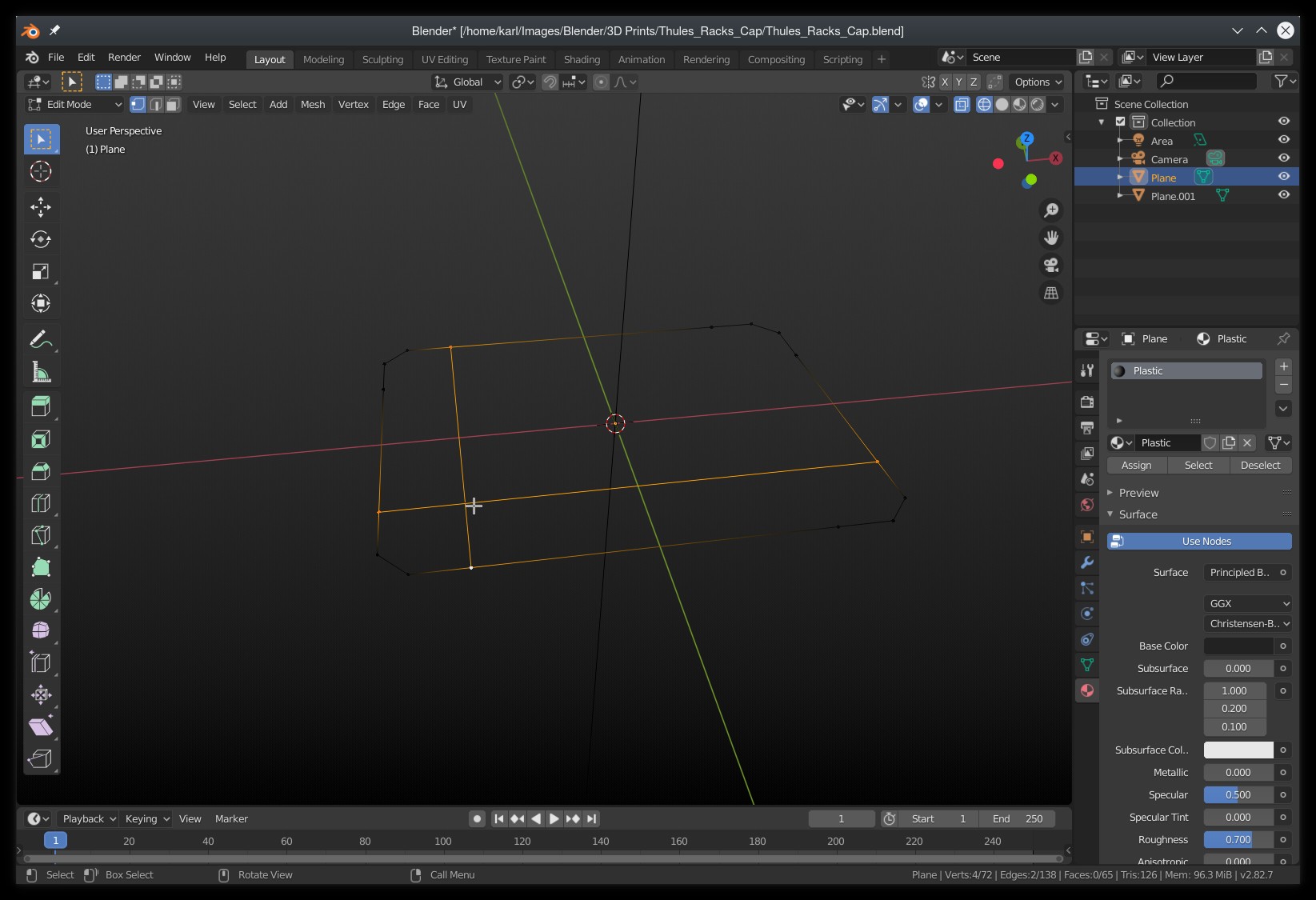
I did not find a way to create a vertex at the intersection of two edges in the mesh, vertex and edge tools. This is something I often had to do manually, it can be very boring and slow to accomplish such a single task by creating edges and faces around that intersection to finally be able to create the point precisely.
11 Comments
As mentioned before there is TinyCAD Addon with V2X and other similar tools.
But there is also automerge with split edges option, that ~will split edges at intersection of moved parts.
* @Pawel Piotrowski * oh I always saw this in the drop down never knew how it worked this mind blowing for me, never thought to turn on edge snap and use it with this. This and the cad thing solves everything thx.
* @Pawel Piotrowski * OMG ... THAT is what Split Edges and Faces does? We could really need better tooltips. "Automatically split edges and faces" does not NOT sound like this behaviour. :D
* @motionblur.of.doom * right now what i am doing is to basically do the auto merge split thing select those edges and moving them out then snapping them back with vertex snap works good
* @Pawel Piotrowski * I did not know this option, it would work as a workaround, but it's not really a true dedicated solution. After having tried it, this is not as easy as having an action "Create vertex at intersection" via the search menu (F3) for example.
* @beenjohn * You don't need to move them just press g and enter
* @jalik26 * Yes this is workaround (as maaaany things in Blender) as side effect. A lot of my comment here are just workaround tips.
Hmm, someone could make a YT compilation tutorial of that kind of workaround tips. As you can see a lot of ppl don't know them.
There is an addon to do this exact operation called TinyCAD which I believe comes packaged in Blender. After installing the addon, you only need to select the two edges, right-click and choose the V2X (Vertex at intersection) operation.
* @resa12354 * thank you man this helped alot
If there is a face between them, you can use the
Jkey to do this... I learned this only recently after 6+ years with Blender! These things need to be more discoverable.ya this should be added because 'j' does work if you are creating doings between already existing faces but it does not work when you are trying to fix a model that already has this kind of mesh where many of the edges are already interesting
it becomes redundant searching for them and deleting and then pressing 'j'
this could be assigned to ctrl+J or shift+j in edit mode since they dont do anything on edit mode
i am also frustrated by this, i also receive these kinds of models by other people for work aswell (not often but its often enough to get annoying)