
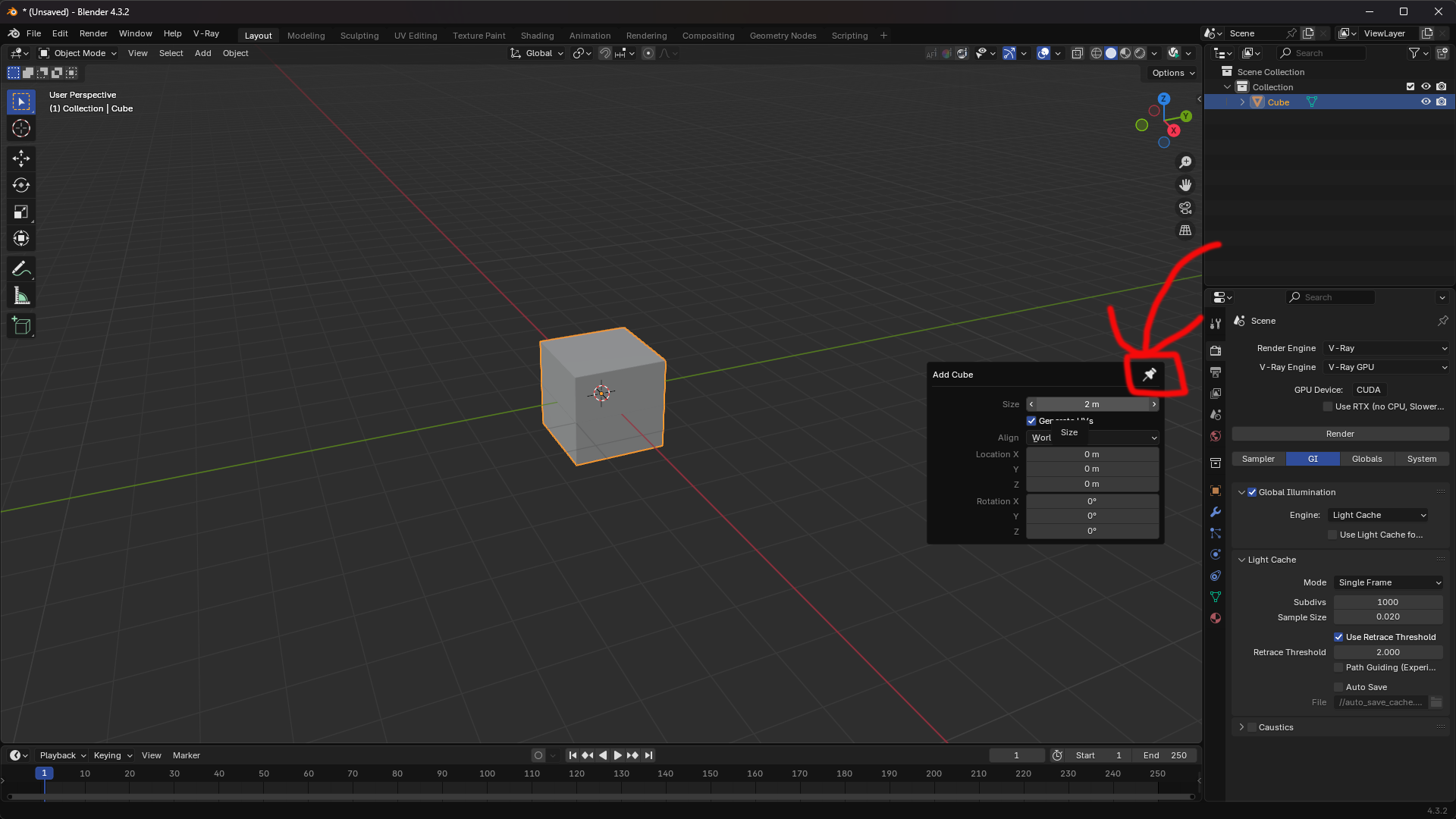
Add Pin & Control Buttons to the Operator Panel
One of the most annoying issues I've faced in Blender is how the operator panel disappears as soon as you release the mouse or click somewhere else. It's really frustrating, and I’m surprised this hasn’t been improved over the years.
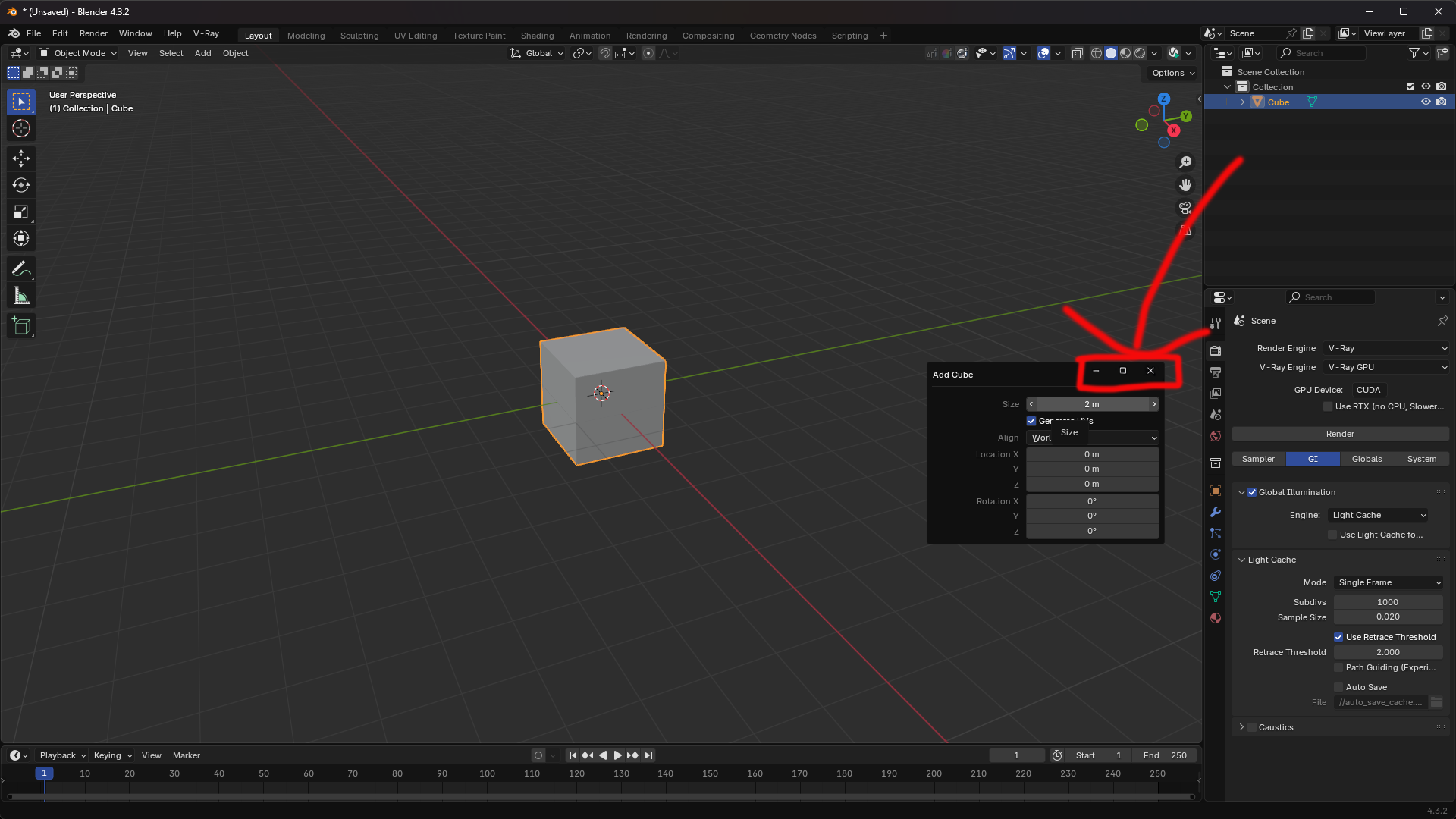
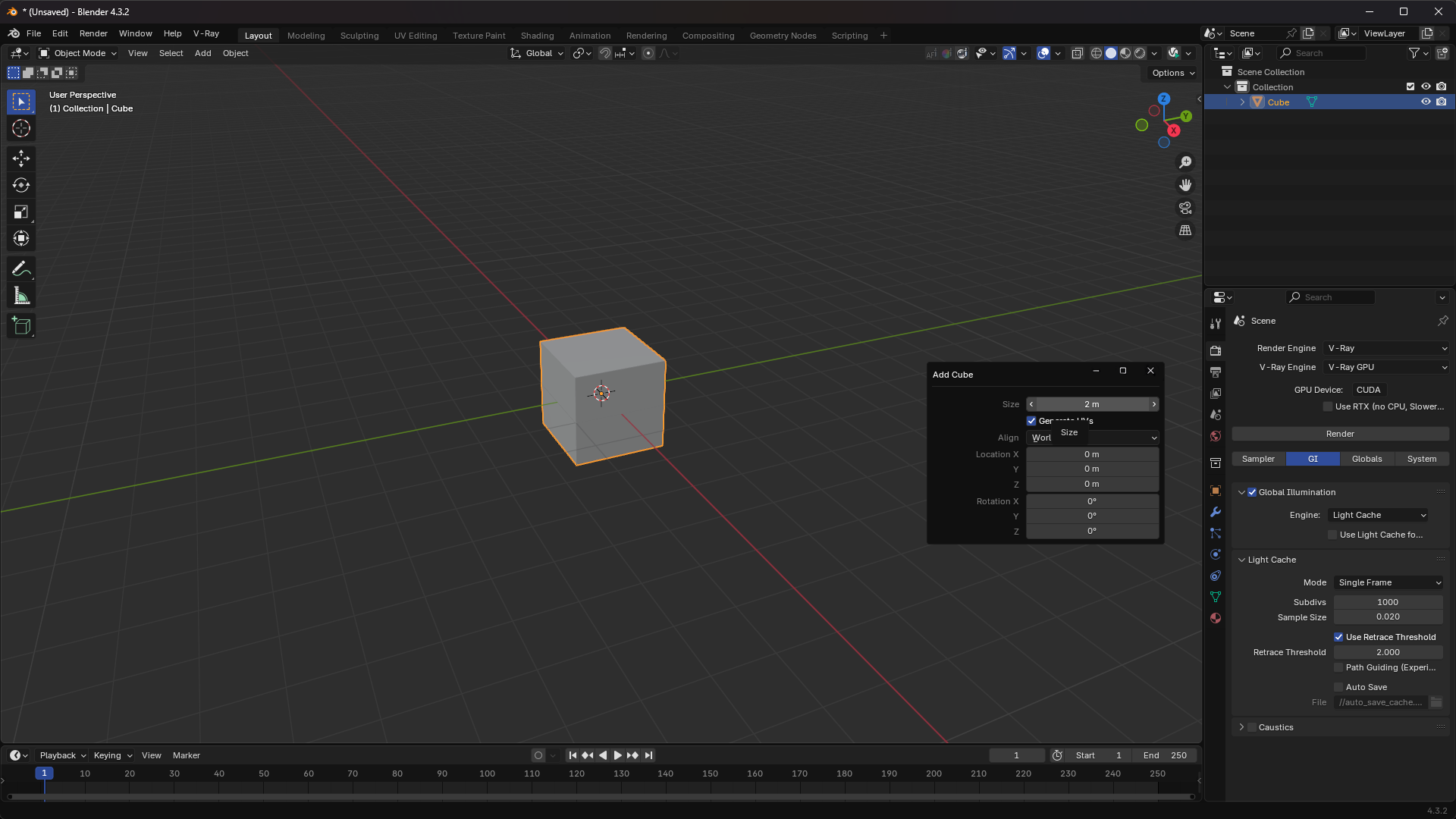
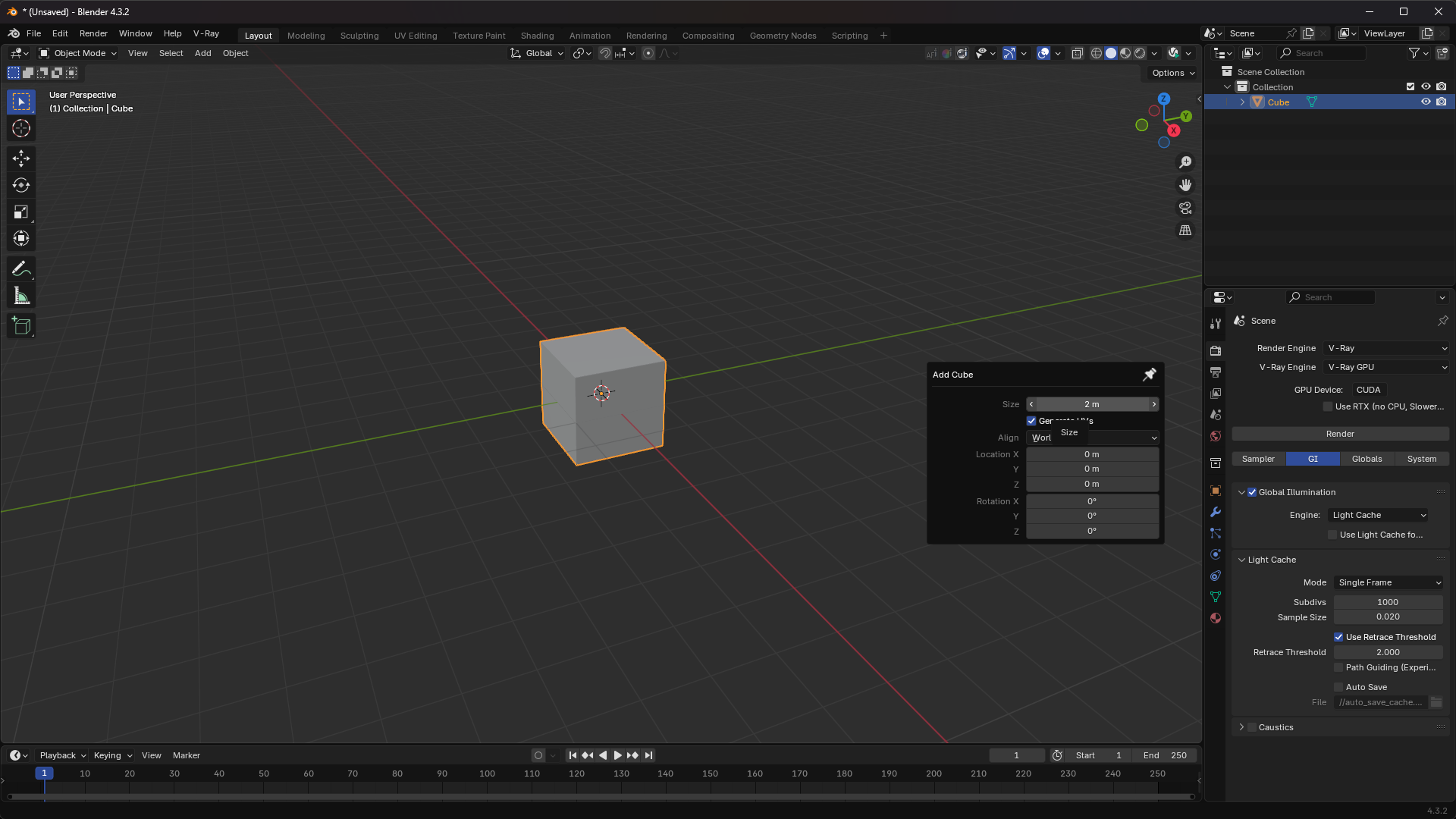
I hope you can add an option to pin the panel, or even better — add full control buttons like hide, expand, and close, just like I showed in the images.
This would make the workflow smoother, especially when adjusting recent actions. Sometimes missing that panel means having to redo everything.
Thanks for your efforts, and I hope this feature becomes real soon.
3 Comments
Example you're giving is incidentally most difficult one, because that particular panel disappears once new action is done (if that new action doesn't have redo options). So there needs to be some design.
But in general, this shouldn't be restricted to panels. Maya has great UI feature that can "rip" menus, like Object menu in 3D viewport and keep it pinned, and also move around.
That's why I like the Maya interface. Even if it's a bit complex, it gives you more options and better control. In Blender, it's a bit strange things should stay in place or maybe move to where the add-ons are. It's annoying when something disappears before I'm done with it. One small mistake and I have to go somewhere else and start over, which is frustrating.
But those operation options exist in the little panel at the bottom-left of the 3D view, no? I used to be able to call it up with F6, but it doesn't work anymore; I have to click it open manually. But it stays open forever.