
2.8 Grid is Clutter for a Prop Artist
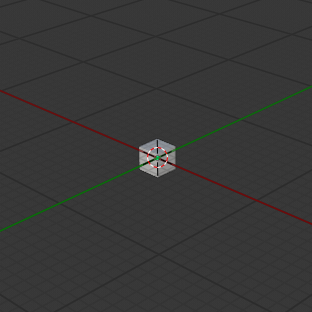
I've been looking for a way to change Blender 2.8's "infinite" style grid back to the 16x16 grid. I hope there will be a feature to change the grid in this way.
A 16x16 grid can help prop artists judge the scale of their prop faster. And in the case of a small props artist, the extra grid space is unnecessary and can clutter the viewport.
With the 16x16 grid I feel like my final scene is confined to an area. Though I still know my scene can be infinitely large. It reminds me that more is not always better. I want to think about the details inside my scene, not the emptiness around it.
Of course, some users will like the infinite grid. So I propose that a toggle or slider should be implemented to let us define the area that our grid is confined to.
Thanks

6 Comments
Hi, not sure if there is a way to set the grid to 16x16 grids only, but for a workaround you could have a plane scale of 2, with a checker texture set to Scale 4 to get a 16x16 grid on a plane?
Then set the background to black and turn off grid for a complete sense of size?
i.imgur.com/kixpBVbl.png
@ozefordsa: In general I think things shouldn't be that much harder for 2.8. I think it sounds reasonable to have some control over the grid.
@Cyanbcbc-work: You could also save this plane in your startup file so it's always there. Make it unselectable and maybe subdivide it into 16 squares and set the maximum draw type to wireframe.
You can not possibly explain this kind of requests for improvements with this kind of simplicity. We are doing here, proposals for improvements. Otherwise, we can also solve most problems simply by "Go to another software". I am sure everyone knows how to solve each of their problems while waiting for more.
@valentinwn: But sometimes people don't see simple solutions to problems, so I thought I would suggest one, just in case. I'm not trying to keep him from suggesting features that would benefit him and, I'm sure, other artists with similar needs, I'm just offering a work around until a better solution is found.
To be honest, I think the work around is almost as good as the original suggestion. In some ways better. For instance you can have a custom grid that is a different scale from the home grid. You could then have two base snap increments. You can also place the custom grid anywhere you want, not just (0,0,0). This is the very reason that many of my scenes have helper grids like this.
Thanks, for the replies. I've found that my feature requests is already a feature in 2.79 (3D View > Properties > Display > Lines) . I hope it comes to 2.8 soon so I don't have to workaround.