
Provide feedback on selected colour with eye drop colour picker
With the current eye drop colour picker there is no feedback to what colour you will select when you click. Meaning sometimes you have to click several times to get the correct colour.
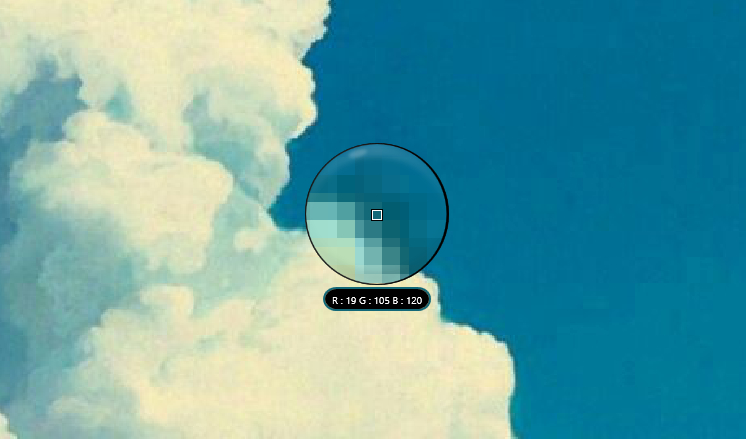
I like the design of Affinity Photos eye drop tool. It turns the cursor in a magnifying glass that shows the pixels near your cursor, and has the RGB values as well.
It also behaves as a regular tool with several options. One such option that might be worth adding to Blender - as a HUD popup config box? - might be the ability to set the radius of the colour selection. By default it lets you select a single pixel, but for some colour selections you aren't selecting the colour of any individual pixels but the way they blend together in your head. For these selections you can choose a radius several pixels wide and it averages out the result.
4 Comments
Pick area size could work like proportional editing, by changing the area with mouse-wheel on the fly while in picker mode.
Yes, and also in the 3d window (while cycles previewing...)!
Not sure if this should be placed in a separate suggestion but substance designer apps also have a neat option for picking gradients. Where it samples colours every few pixels and populates the gradient with these values. You can see this being used in the following video beginning around 4:45.
youtu.be/CbRMaMWuvI4
Photoshop's version also has some variations that may be worth considering: