
Remove The 0 Frame
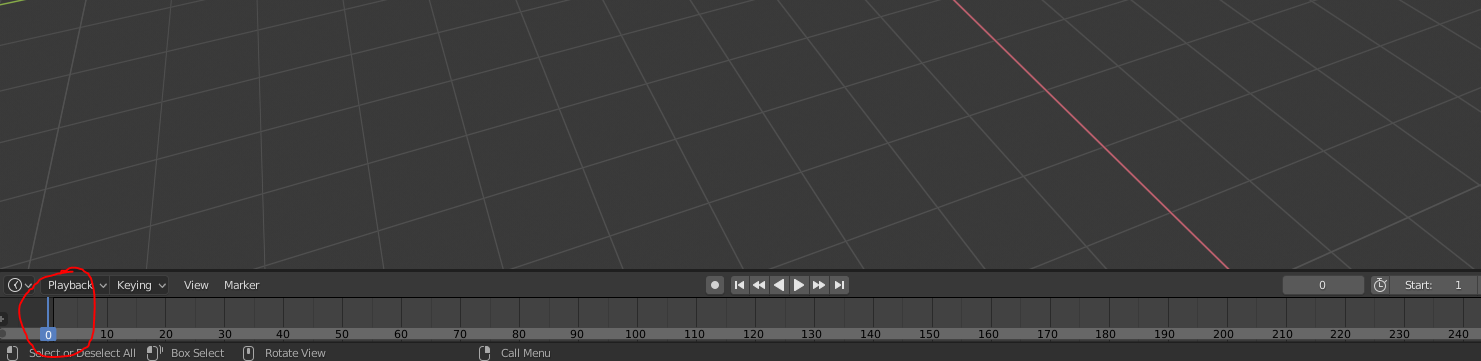
Currently, if you hold right click in the timeline and drag it over to the left of the screen, then the timeline's cursor will go onto frame zero. It isn't a big deal it is just annoying since if I were to be making a water simulation or something and wanted to go to frame one I couldn't just quickly drag the cursor the left of the screen since it would land on frame 0 and wouldn't display the water simulation at all.
3 Comments
I'm not sure I understand. Why not just start your animation at frame 1?
@Jason van Gumster: It's just annoying. I tend to drag the timeline's cursor to the begging when I want to go to frame 1, but instead, it goes to frame zero which I didn't keyframe for.
Changing the shortcut for "jump to end point" would be a solution maybe. I made it "1" key to jump to the first frame which is frame 1. More convenient in this way in my opinion