
Image Aspect Ratio Default and options for images in different aspect ratios (Video Sequence Editor)
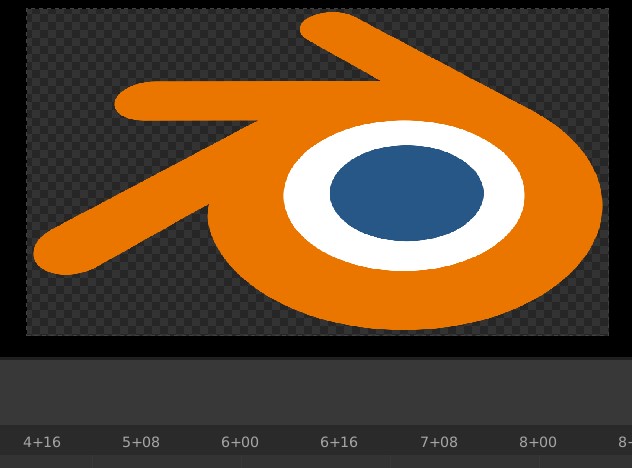
This image shows how Blender stretches the image when imported into the the video sequencer with the display dimensions at the default 1920 x 1080 px. This is mainly an issue for projects recorded from different sources like in documentaries or slide shows. We can use the transform options to resolve every individual clip, but this creates tedious work for the editor to create for every video with a different aspect ratio.
I propose on default should retain the original aspect ratio and scale to fit the first side of the display it touches. An option to change this to stretch to fit could be in the adjust options in the right side panel(N Toggle) of the Sequencer.
1 Comment
This will be fixed when this patch is committed: developer.blender.org/D8393