
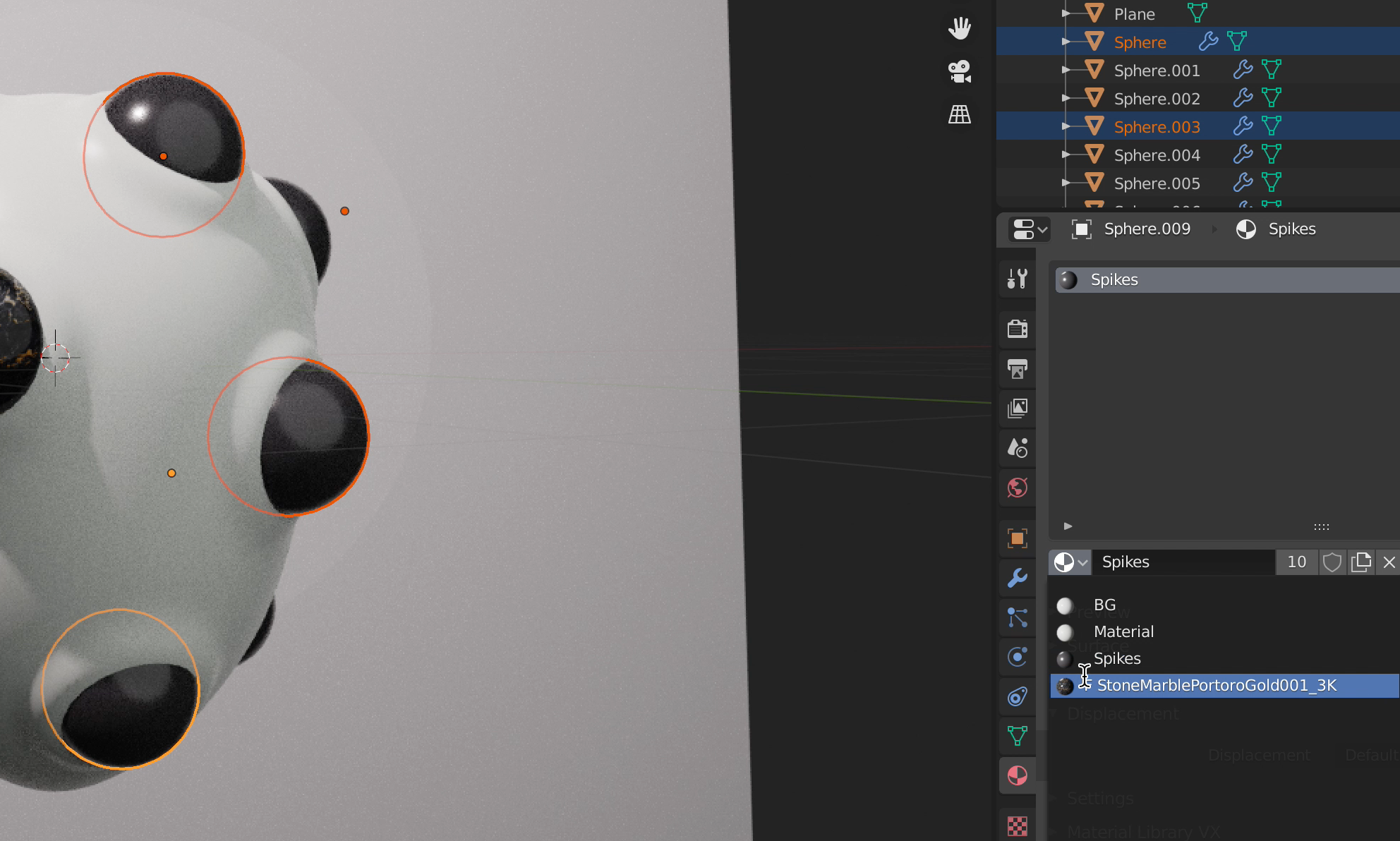
Linked selected material to all selected objects
From other programs, I expect when selecting multiple objects and selecting a material that would be applied to all the selected objects. Rather, it's only applied to the first selected object. Like when RMB + Link materials*
Screen recording in comment
*Update Thanks, Henry for teaching me to link materials. Works like a charm :)
5 Comments
Hi hemdrup,
the workflow works like this:
First you have to select all objects that should get the material with LMB + shift . Finally you select the object that already has the new material. Then press ctrl + L and select "Make links material". Done. :)
I hope I could help you. :)
* @Henry * Thanks. Din't know.
* @Henry * It is very hard to do this every time
* @shablin65 * I think the basic problem is rather that the user expects that a material can be applied to several selected elements simultaneously. As far as I understand it from a technical point of view, this would only work if the selected elements were all identical or if the material only contained basic information, otherwise Belnder wouldn't know how to deal with it.
See screen recording {attachment Screen_Recording_2020-06-11_at_74851_PMmov}