
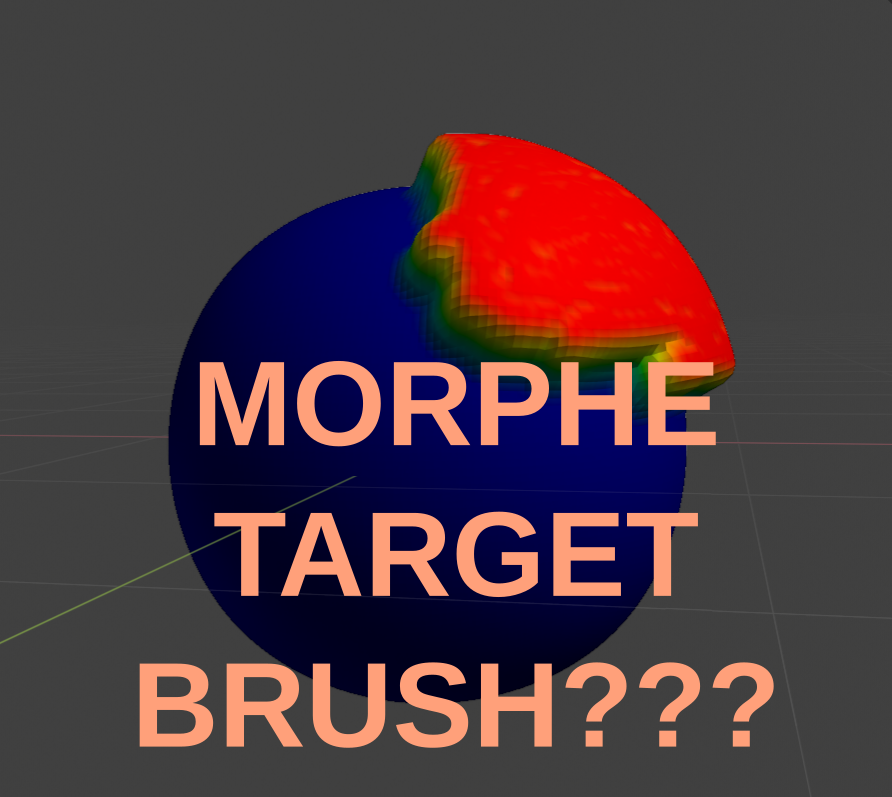
Please create "MORPHE TARGET" sculpt brush.
Hello developers :)
Please create "MORPHE TARGET" sculpt brush.
This effect can create??? with "detour" if use weights...
See images below.
\ And add to weight brushes the same function like in color paint or sculpting (masks, stencils and etc)...
The functions realized in blender, why it not includes in weights brushes?


14 Comments
So if I understand it correctly, this will work by storing two sculpt forms so you can chose one or the other by erasing or mixing the two forms, the new and the old. That can be very nice to have!
* @Tonatiuh de San Julián * Only You understand me :D
* @jazzik.jazz * and me ,it is a Brush in zBrush, called MORPH :D i use it to make Shapekeys ,then bring them in blender!!
Blender doesnt have much for shapekey editing
Blender has a tool called "blend from shape" that sort of does this... would be nice to have a way to apply it with a brush!
* @Josephbburg * well yeah that's what i use to transfer Shapekeys from zbrush after i import the zbrush mesh lol
I really don't understand what you're trying to explain here.
What would that "morphe target brush" be used for ?
What would be the benefits compared to just doing weight painting for your solidify modifier ?
Hello, may be I do not correctly express my thought. This method need not for weights painting. This method for sculpting.
For example see this video - youtube.com/watch From 3:38 minutes.
The "similar" effect can achieved only with weight paint...
* @jazzik.jazz * What I see at 3:38 is what's already possible since quite a long time.
Tutorial here: youtube.com/watch
* @-L0Lock- * I think you are only looking at alpha brush, the morph target in zbrush store the previous form of the sculpt, so it can erase the new form and recover the previous one. very handy.
* @Tonatiuh de San Julián * Yes!
* @-L0Lock- * No that is not like that. Try to sculpt anything on surface model, and if You don't like some details try to return piece of Your sculpting details back look. Yes, only a piece, without deformation. Like in photoshop (hold alt? I forgot the hotkey, i dont use this programm) when You use eraser . If You know method how to do it, tell please me. P.S. English is not my native language.
Ok I see.
So if I translate that into Blender's environment: it's a way to control shape keys' influence through Sculpt mode.
In zBrush : you create a "morph target", you sculpt it, and then you control its influence via a "Morph" brush.
In Blender : you create a "shape key", you sculpt it, and then you control its influence via a similar "Morph" brush.
Currently in Blender, the same result could be obtained by creating the shape key, sculpting it, then using a wieght painting in the "Blend" input to control the influence.
This proposal's idea is to have se same kind of workflow but through a sculpt brush and without needing all the clicks in shape key handling, weight paints, blend vertex group selection, ...
* @-L0Lock- * "This proposal's idea is to have se same kind of workflow but through a sculpt brush and without needing all the clicks in shape key handling, weight paints, blend vertex group selection, ..." Excellent explanation! That is right!
You should really take a look at the new sculpt branch over on graphicall!