
Separate windows should stay together when alt-tabbing
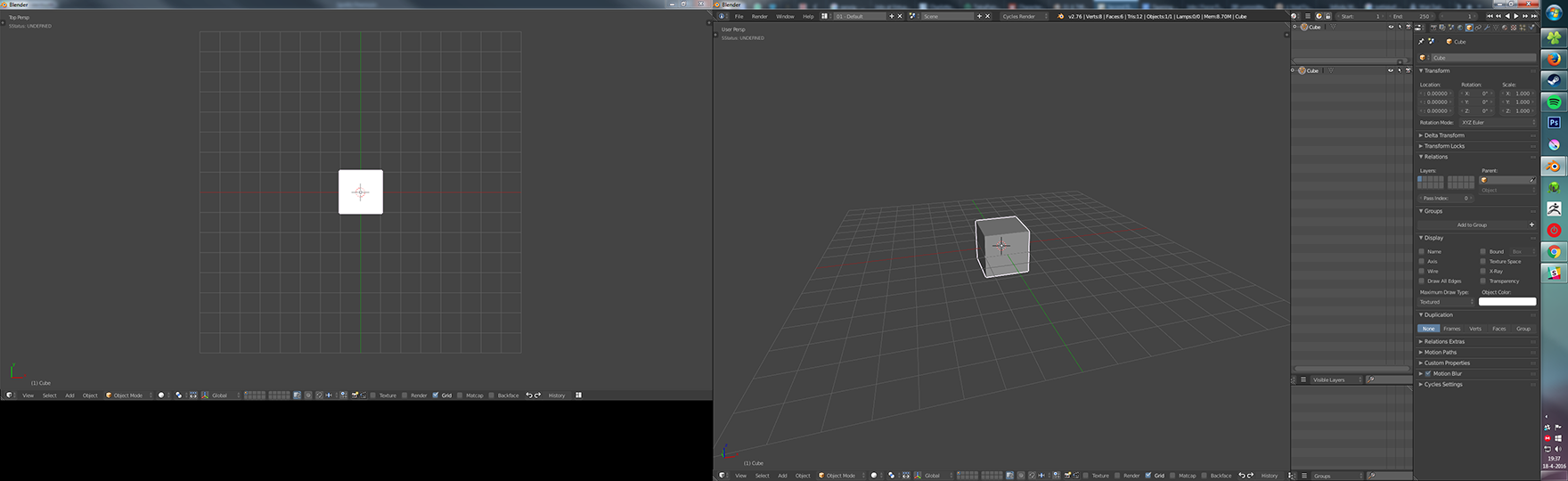
In Blender, you can duplicate frames into a separate window with a shift-click drag on the frame's grab-handle, which is extremely useful for people on a multi-monitor setup. One problem is that Blender treats this as two separate instances, which makes window management and alt-tabbing a lot more hassle than it needs to be.
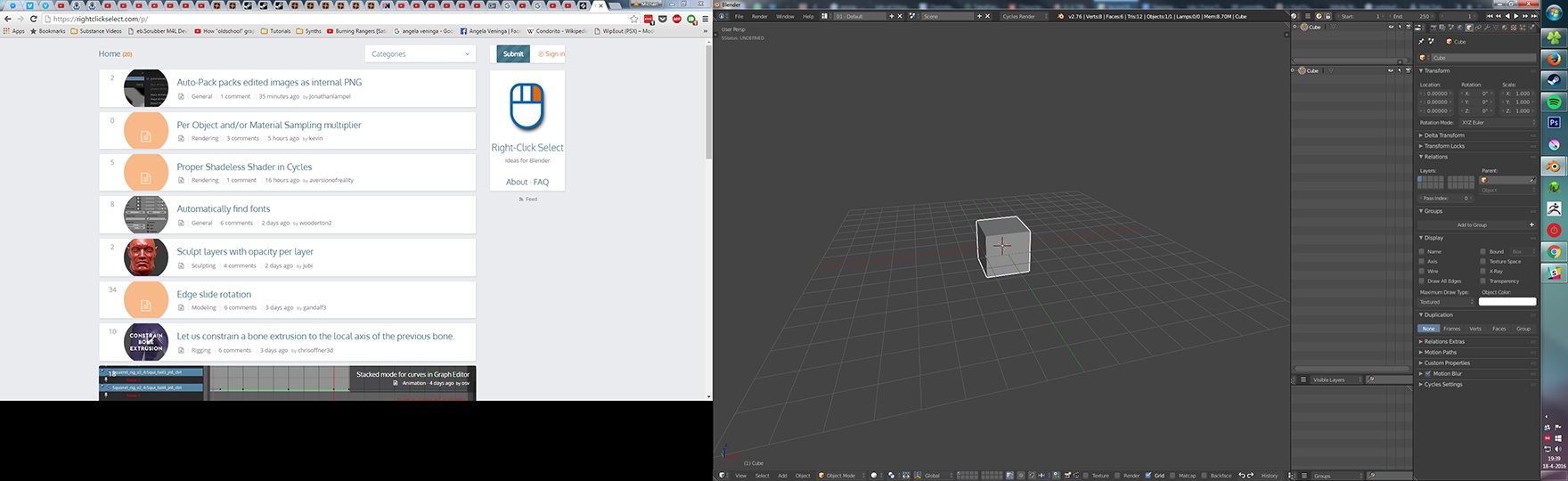
For example: I have a second Blender window open on my other monitor, with another view of my model, or with my last render, my concept art...whatever the case may be. I alt-tab to my browser to see what's going on over at rightclickselect.com , and then alt-tab back to Blender. Now my other Blender window is buried under my browser, and I need to press alt-tab two more times to bring that back.
Now, some Operating Systems have virtual desktops, and those are great, but not everyone has those, and more importantly: Almost all software treats windows belonging to the same document as one process. Blender seems to deviate from the norm with no immediately clear benefit.
 PS.
I imagine people will bring up the fact that the way to create a separate window is hard to discover, and a little bit finicky besides. I agree entirely, but would like to discuss it in another request rather than here.
PS.
I imagine people will bring up the fact that the way to create a separate window is hard to discover, and a little bit finicky besides. I agree entirely, but would like to discuss it in another request rather than here.
6 Comments
This would be great for me, I often want to put something like the graph editor on a second monitor but the extra hassle of keeping track of the window stops me from ever doing it. If people really do like to have windows torn off but hidden behind other applications perhaps an icon could appear on the duplicate window indicating what its behaviour will be. It would also be great to get these extra windows saved in files and preset window layouts.
Torn-off windows are saved with .blend files. It's absolutely not a problem to have a multi-window Blender startup. Or are you saying something different?
On blender I use 3 full screen windows on 3 screens and I often display something on top of blender so I alt tab a lot, I don't want all blender's windows to popup.
When I use another instance of blender I put it on another virtual desktop. every one should :P
So If this proposal is "done" please make it optionnal
This is especially true for those of us who use operating systems that allow for 'sloppy focus' in window management.
And this is part of the technical challenge with this proposal. Each operating system handles window management a little bit differently (some OSs have multiple window managers). As I understand it (and a developer could/should correct me if I'm wrong), to get something like this working, one window needs to be considered the "parent" window. However, when you split a Blender window currently, neither of them is the "parent" window. Either can be closed and Blender will keep on running in the other. This is actually a pretty handy feature, IMHO.
Contrast this with User Preferences (when launched from File > User Preferences ). If you open that window, it's clearly a child window. Close the main Blender window and the User Preferences window goes away, too.
If we made all split windows behave like User Preferences, we may be able to get the Alt-Tab behavior your looking for, but I fear we may have to sacrifice the benefits we get from the current non-hierarchical arrangement.
The User Preferences window also doesn't pop up when alt-tabbing to the main Blender window, but you're right that closing it works differently than a split off window. I'd be okay with an option (either globally in the preferences, or as with the Render Display setting: somewhere in the Properties window, per project) For me (and several others I spoke to) this stops me from using Blender on my secondary screen altogether, which is a shame since I'd love to make use of that extra space.
I like the idea but i suspect it is somwthing beyound blender code