
Make Extrude command mantain Bevel and Crease along the edge flow
One of the things that really bothers me when I stumble upon it during work. But then forget sending a feedback about it later.
Whenever you do the Extrude command (of any of its variants) it will not maintain the Crease and Bevel on the newly created geometry. Strangely enough, it will maintain Sharpness and Seam.
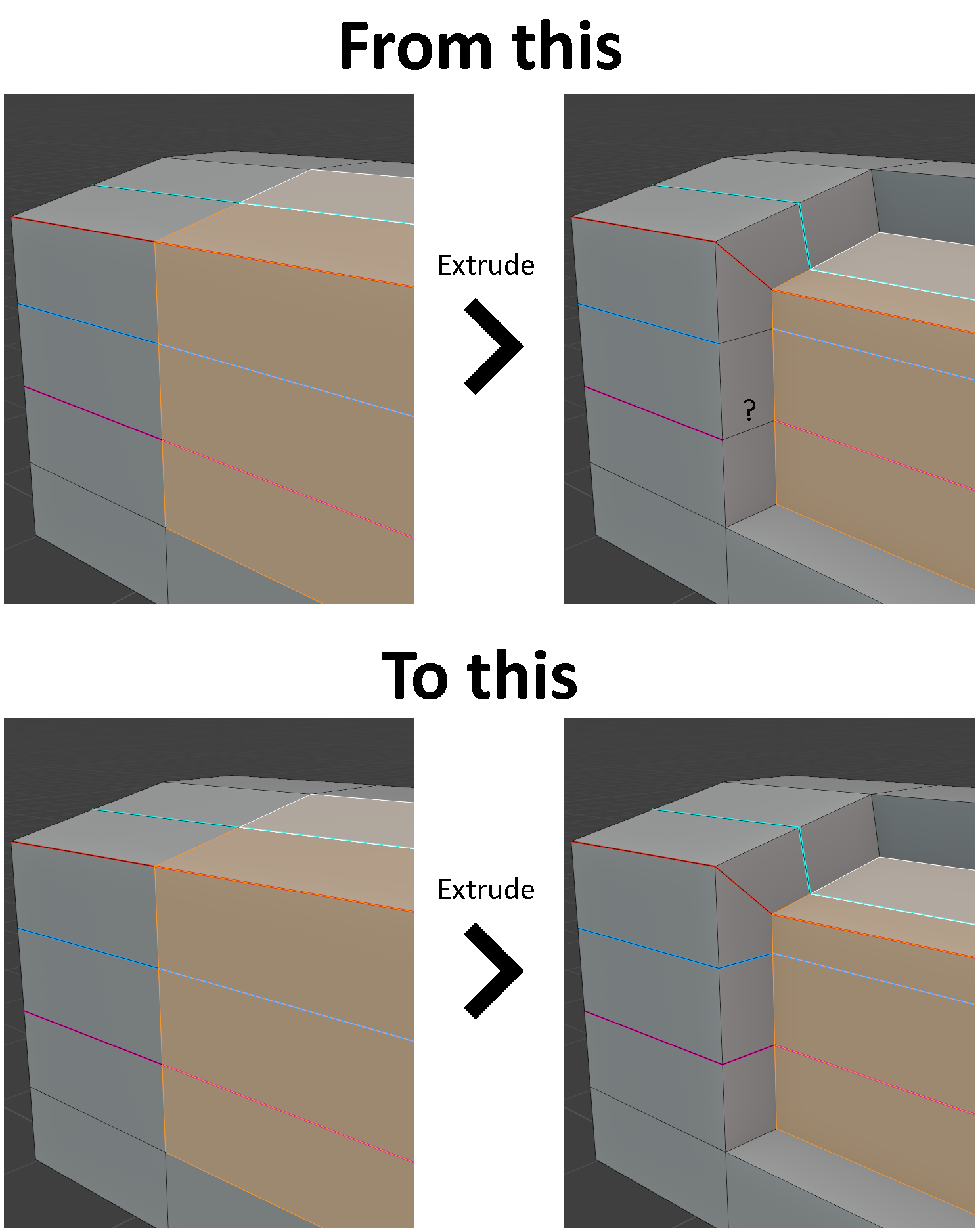
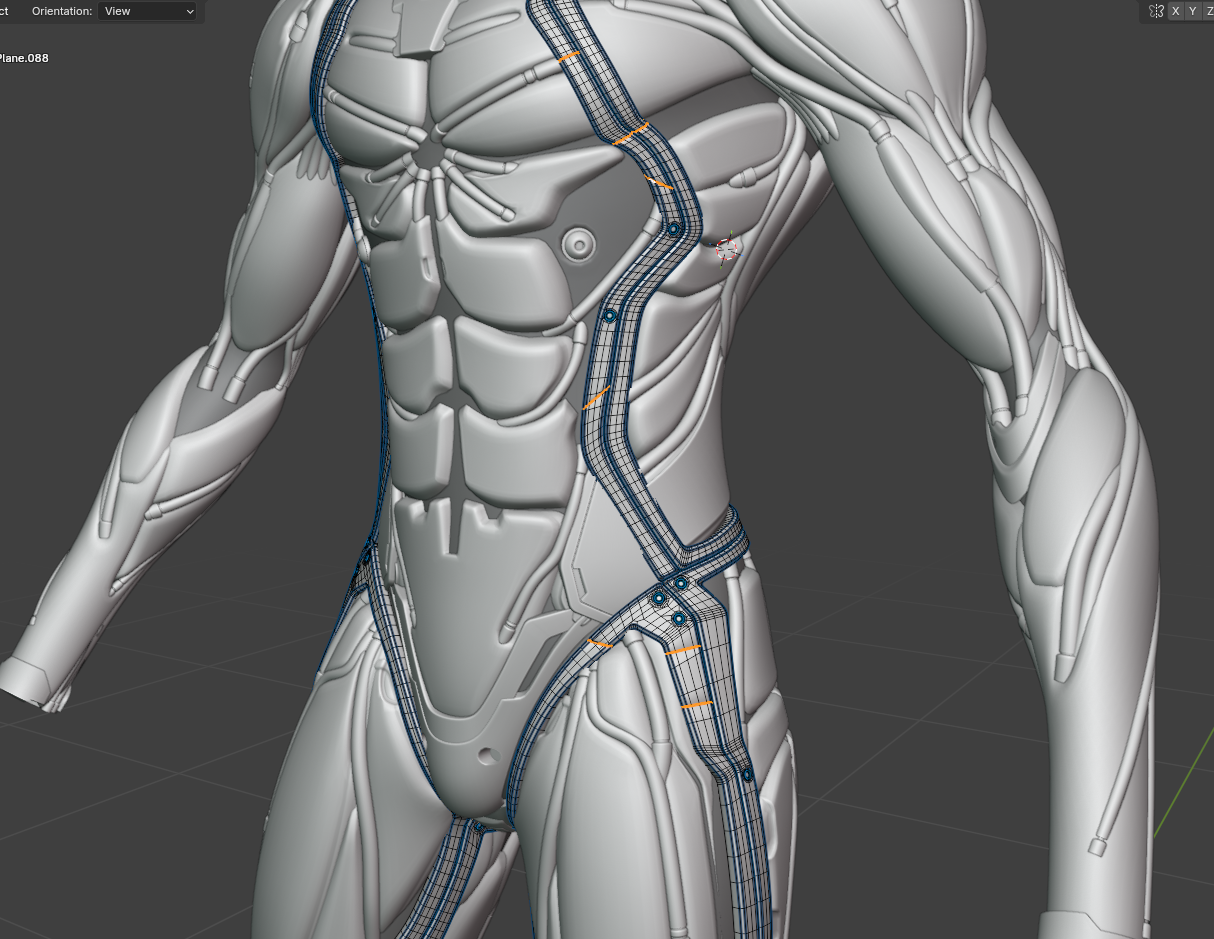
This might not seem too important, but it really adds unnecessary minutes and hours of work when you are dealing with a complex geometry. Want to add new extrusions and suddenly you need to clean it all up after.
2 Comments
Interesting you bring that up, I'm actually leaning the other way. I'd prefer extruded edges or verts not to retain the attributes of the original selection. Maybe this could simply be a toggle in the redo "panel": imgur.com/DMsD5d4
This should be definitely fixed.
The reason for this behaviour could be that those Attributes use different data types. Crease and Bevel are Floats, Seam and Sharp are Booleans. Those propagate in different ways.
But, it seems it's not the only reason, as Tools have inconsistent behaviour. For example, Edge Bevel propagates all the attributes as you would expect. But with Inset Faces all the edges are set to 0 or False, which is not the desired behaviour usually.
I think it could be possible to make a Node tool that would help to fix those after Extrude.