
ALT? + AUTO-Detach & Reconnect: Time to Make This Official in Blender 5.0
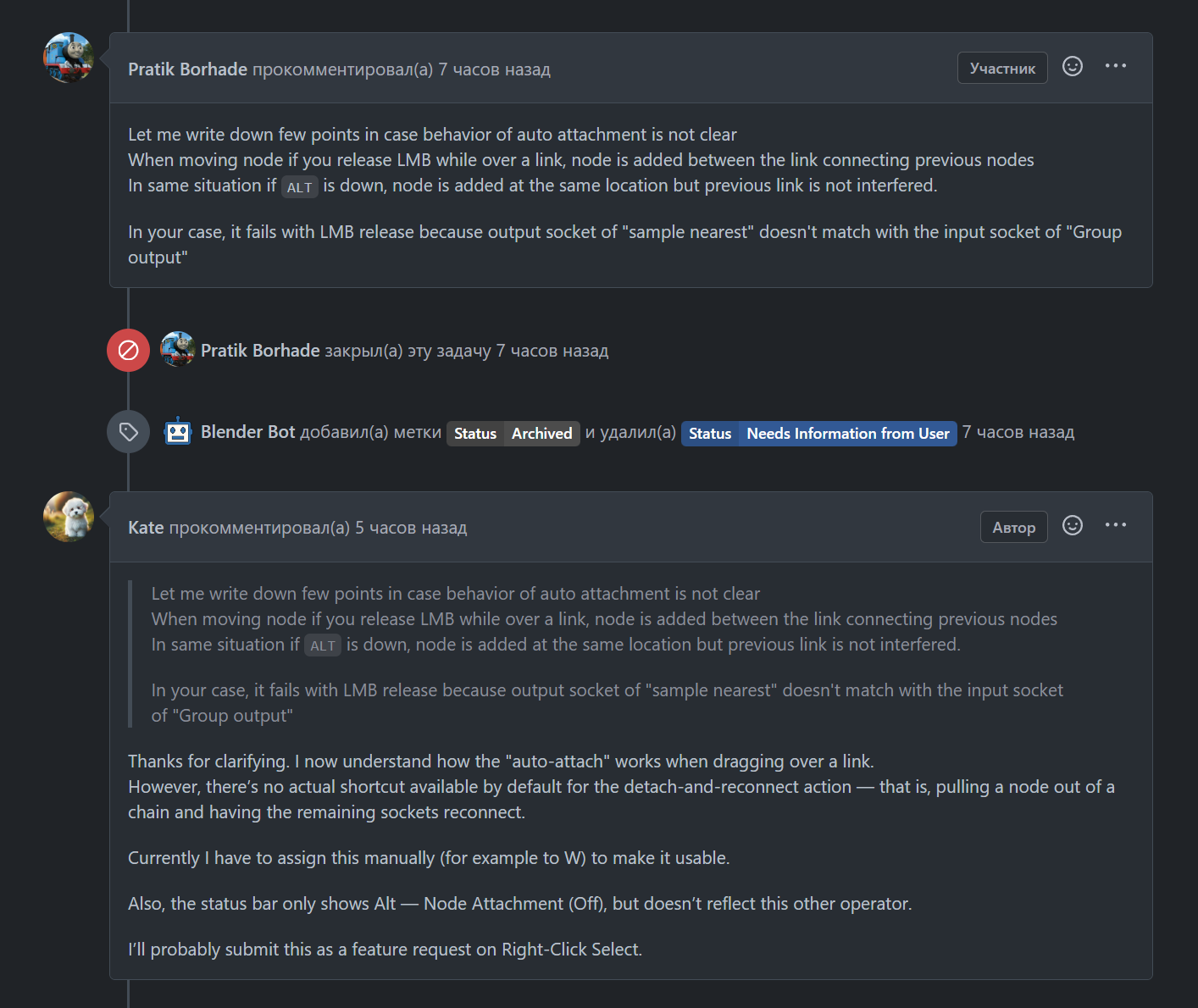
Currently, Blender supports an excellent node interaction: When you drag a node out of a chain, it can auto-detach, and the remaining sockets reconnect as if the node was never there.
The issue is:
- This operator has no default shortcut assigned.
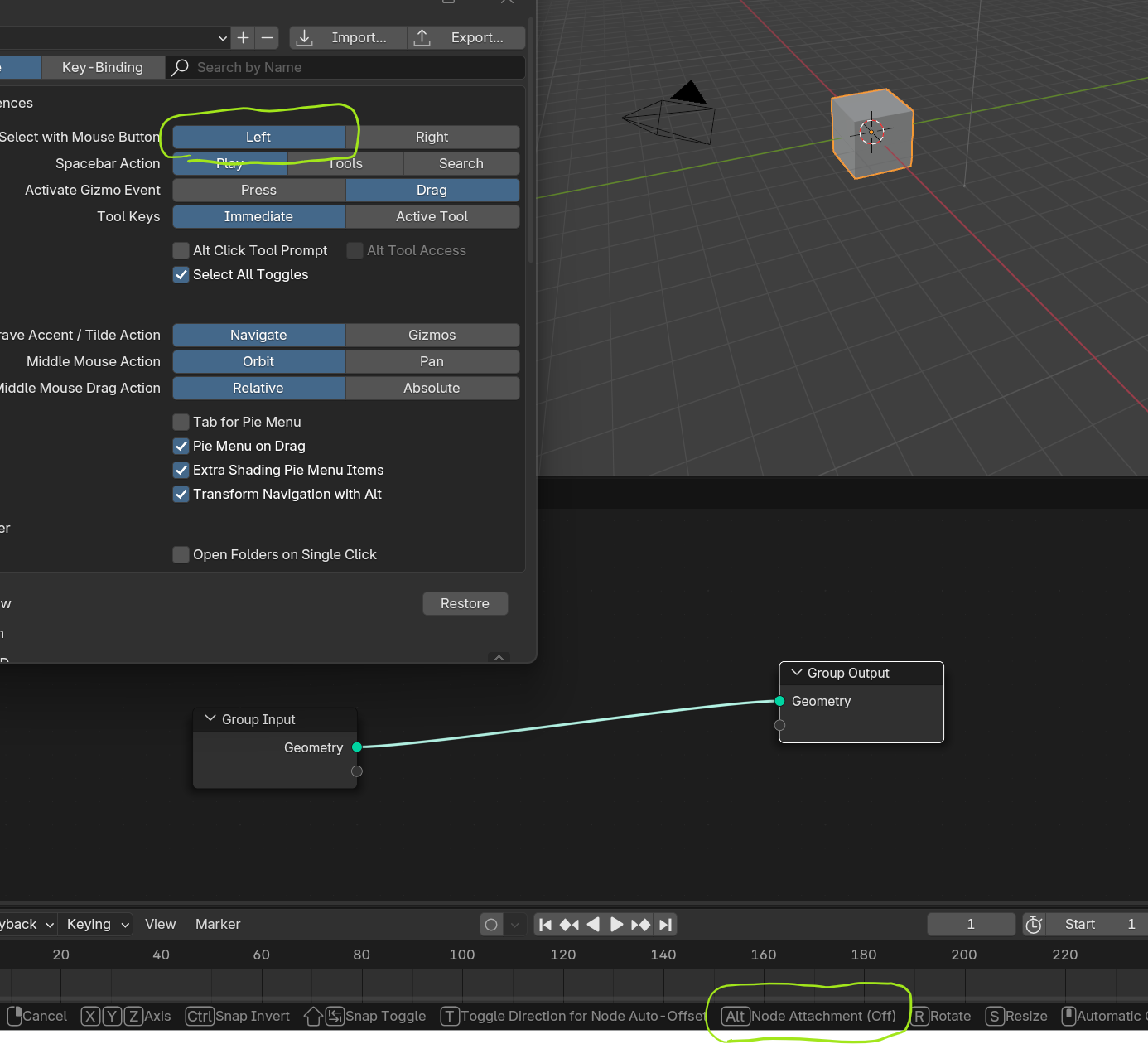
- It does not appear in the status bar (unlike Alt — Node Attachment (Off)).
- Users have to manually assign a key (e.g. W) just to make it accessible.
- This leads to confusion — many users don’t even realize the feature exists.
🔧 Suggestions:
- Assign a default shortcut to the "detach and reconnect" operator (e.g. Alt, Alt+Ctrl, or W).
- Show its name and shortcut in the status bar during node dragging.
- Ideally, include a toggle in Preferences to customize this interaction.
Blender 5.0 would be the best moment to introduce this update. Right now is the perfect time to make it happen. It’s a small usability tweak that would greatly improve node workflow clarity.
0 Comments