
Option for Frame Selected Channels Operator in the Graph Editor to Frame the whole Selected Curves.
Using the Operator "Frame Selected Channels" Frames the Curves in the Graph Editor, however if the keys are not in the range they are excluded from the framing, basically cropping the view of the Curves.
Example :
Here, I have a curve with three keys.
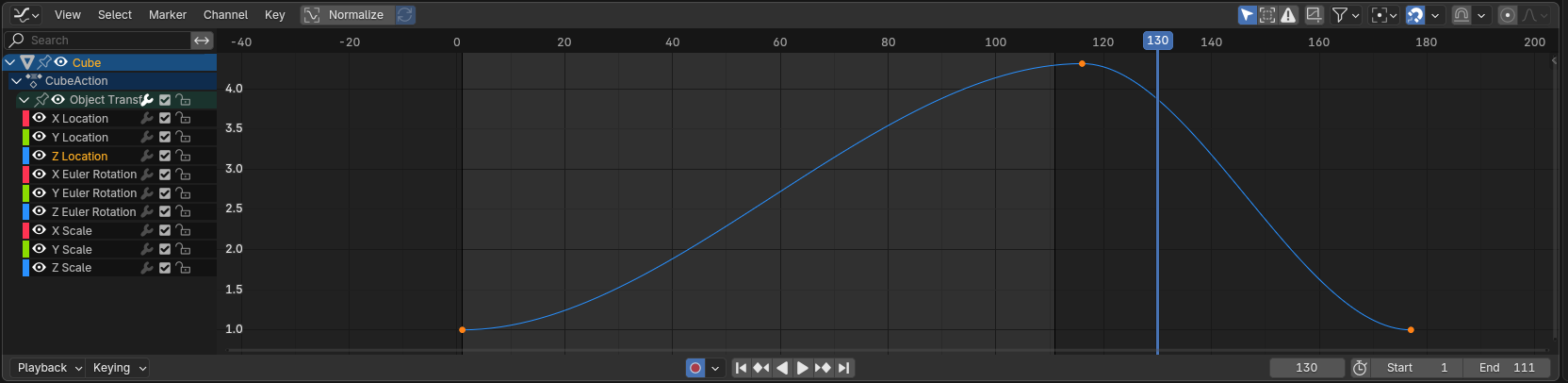
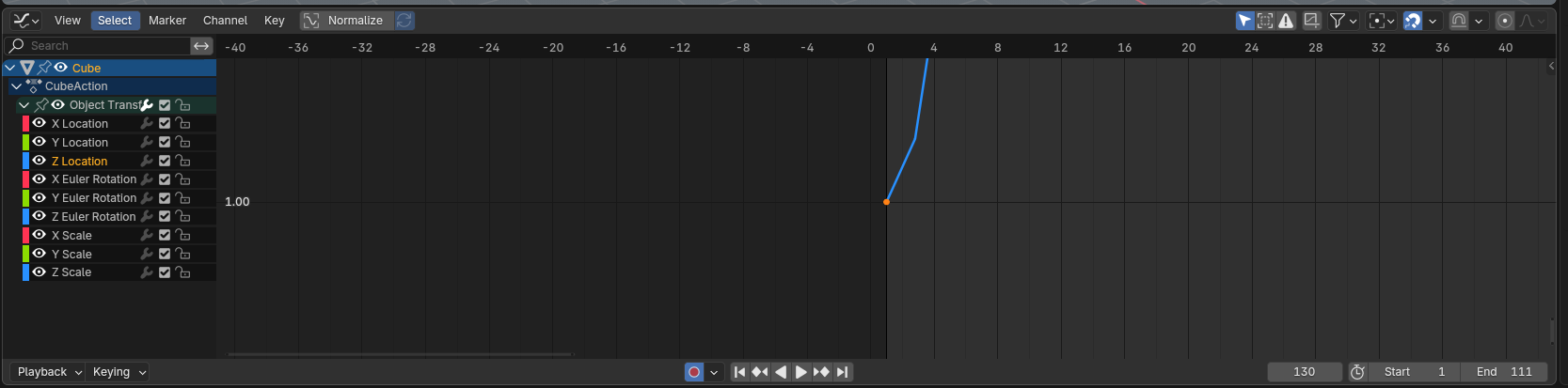
Framing this Curve wih the Operator will lead to framing to the only key that's in the range, this is an exaggerated example, but you could imagine that if the keys are still in blocking stage without offset and spaced out between each other you could get this result if you want to narrow down the range you're working on which excludes the other keys.
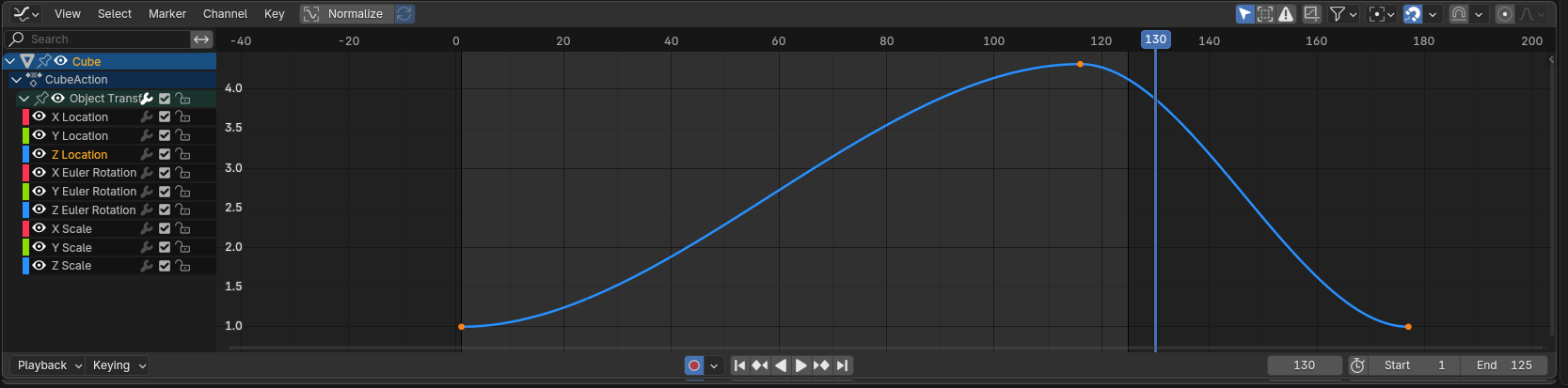
My Proposal:
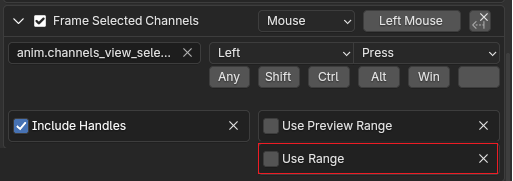
Add an option to the operator " Frame Selected Channels" to ignore if the keys are in the range or not.
So you get this by default each time you call the operator, this way I can both select and frame the curve by selecting the channel, which is the closest solution to "auto framing".
PS : I am not talking about the Preview range only about the "normal" Frame Range as how Blender manual calls it.
 .
.
2 Comments
That sounds like the Frame Selected operator:
It does require selecting the curve, though, since selecting a channel really only selects the channel.
Yeah, it has the functionality. Frame Selected works on the Curves while Frame Selected Channels on the Channels, it would be nice to have their functionality similar.