
Material/Texture Preview Scale
I have a large scale musgrave texture (size: 50) and at that scale the preview panel is pretty much useless.
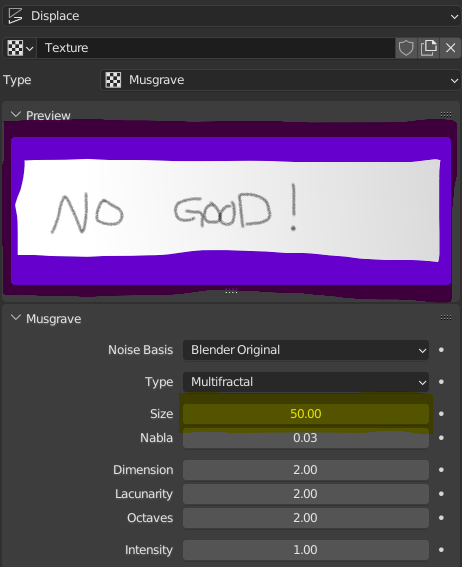
A slider/spinner in the preview panel would be a great way to allow for these sizes while still being useful. This could also affect preview tiling in image-based textures.
This should (?) be a fairly simple feature for textures, materials may be a little more involved as we have to start considering clipping depths, but multiplying those by the preview scale should be okay.
Having this scale save with the texture/material would also be great.
3 Comments
I don't think there will be any feature update to the texture properties panel since it is end of life and its going to be removed at some point to be fully replaced with the nodal approach which is way more flexible, powerful and practical.
Whatever the new system will be it would still need a preview (in the case of textures, anyway) and having this there would also be helpful ;)
Well, there is chance that with the nodal approach the preview will happen directly on the mesh itself (like it happen already when you want to preview something while doing shading). If I understand your proposal correctly, you want a setting for preview bigger texture scale right? I don't quit see the need of such feature, viewing a very big pattern tiled like hell but only in the preview would just result in really confusing situation to the user. I mean, if you need to see your texture in a tiled way, what is stopping you to just temporary tile it and turn it back to the desired value after the work done ? Also, if your texture is very large I guess it is intended so you want to see the result with this exact dimension right ?
And if there is indeed a need for such setting, how you it be display on a node level (since it is most likely the path we are heading on) ? Does it would be per texture node ? Or its own node ?