
Grease Pencil - Overlay blend layer mode
This used to be available in previous versions.
In essence, if the underlying pixel color is black (or is a stroke?) don't draw layer pixel.
i.e. Draw shape on "HAIR" normal layer with Stroke enabled black color and FILL enabled brown color.
Add "SHADOWS" layer with Overlay blend mode. Draw shadows with mask enabled for HAIR layer. The black strokes on the hair layer remain visible.
Repeat by adding a HIGHLITES layer with Overlay blend mode and masking HAIR layer and drawing highlites.
A similar desired functionality can be achieved using the multiply and divide blend modes but those change the overlay color.
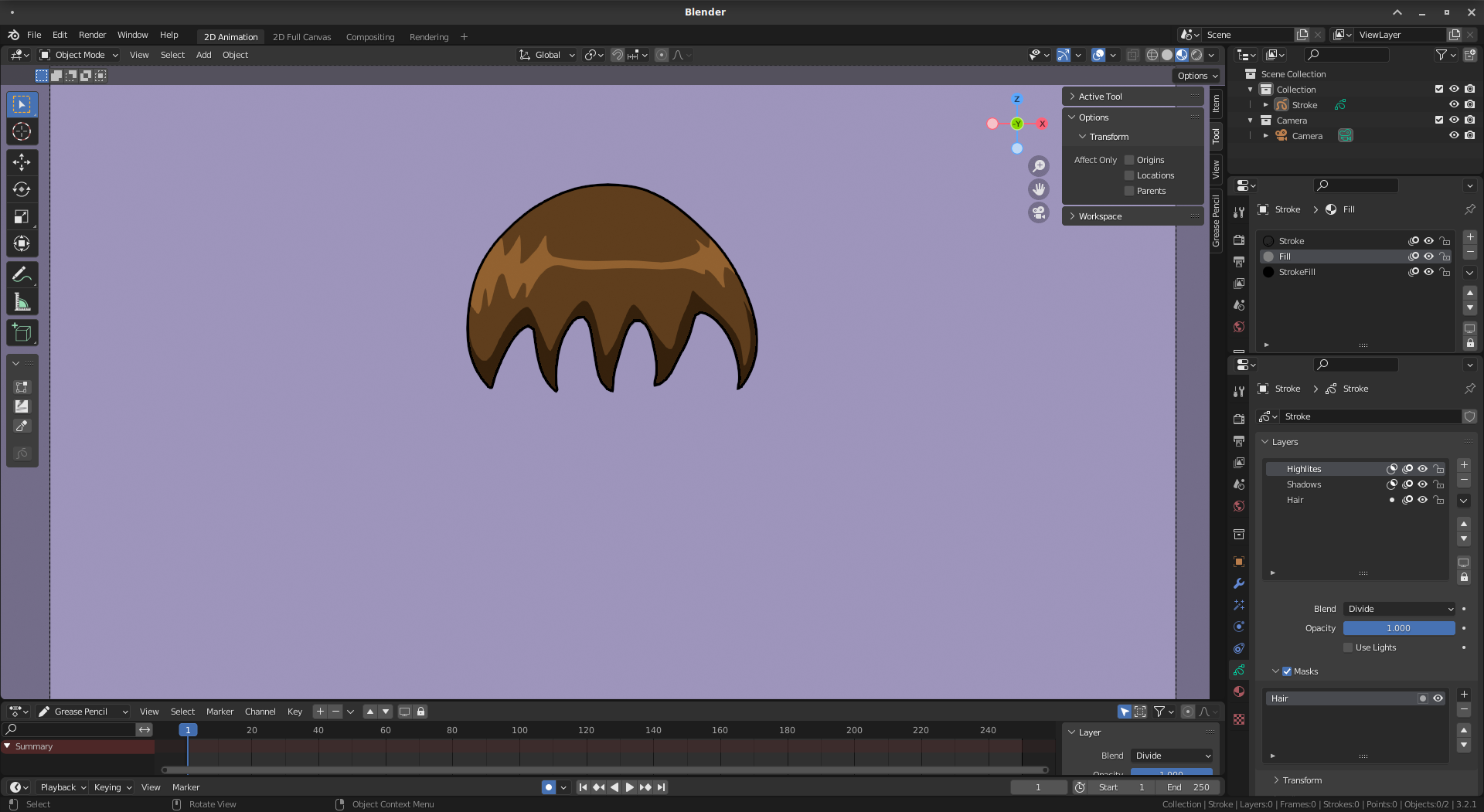
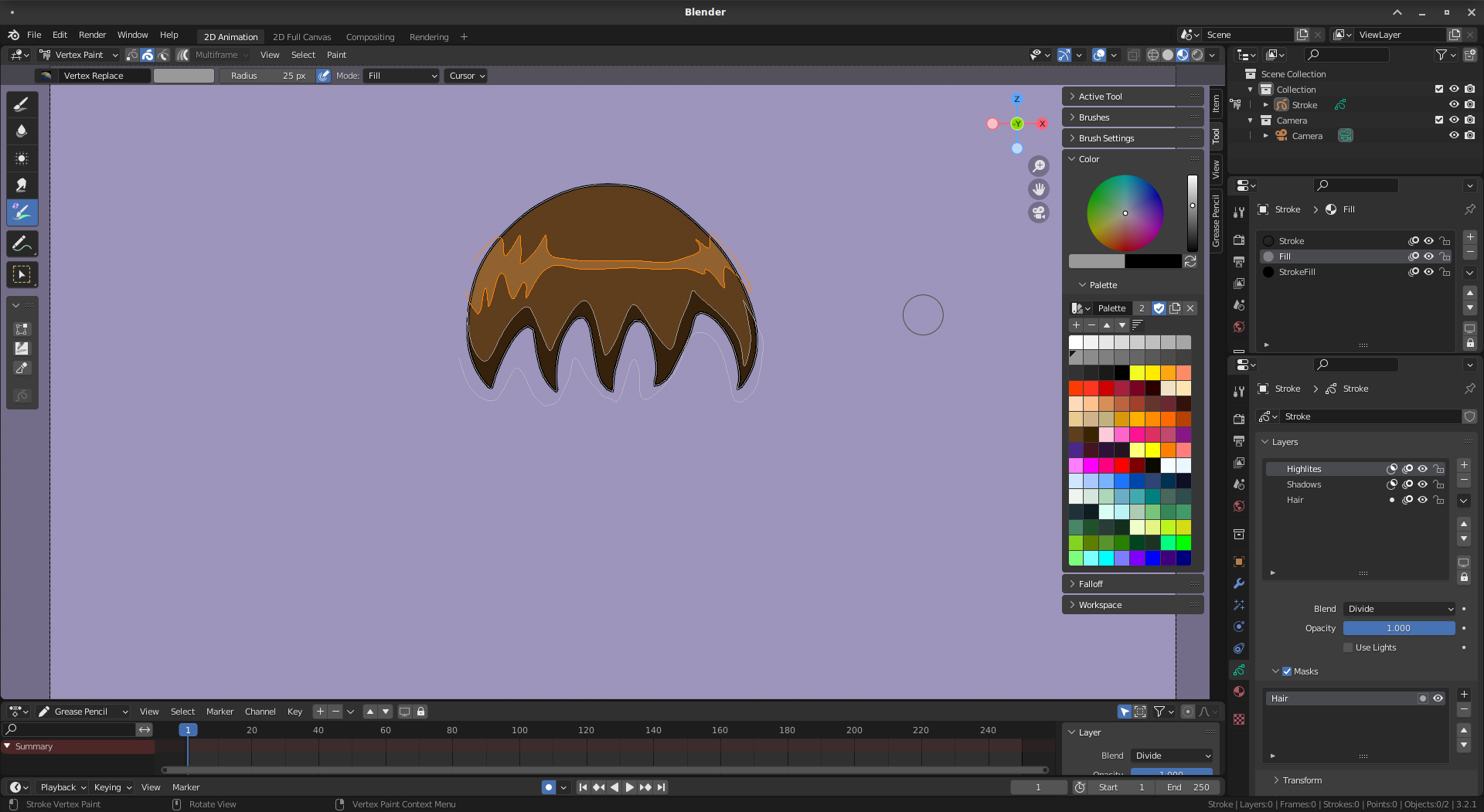 With the mask applied and the highlite and shadow layers blended, the effect is "paint inside" like the old Flash brush leaving the stroke outline visible on the hair layer.
0 Comments