
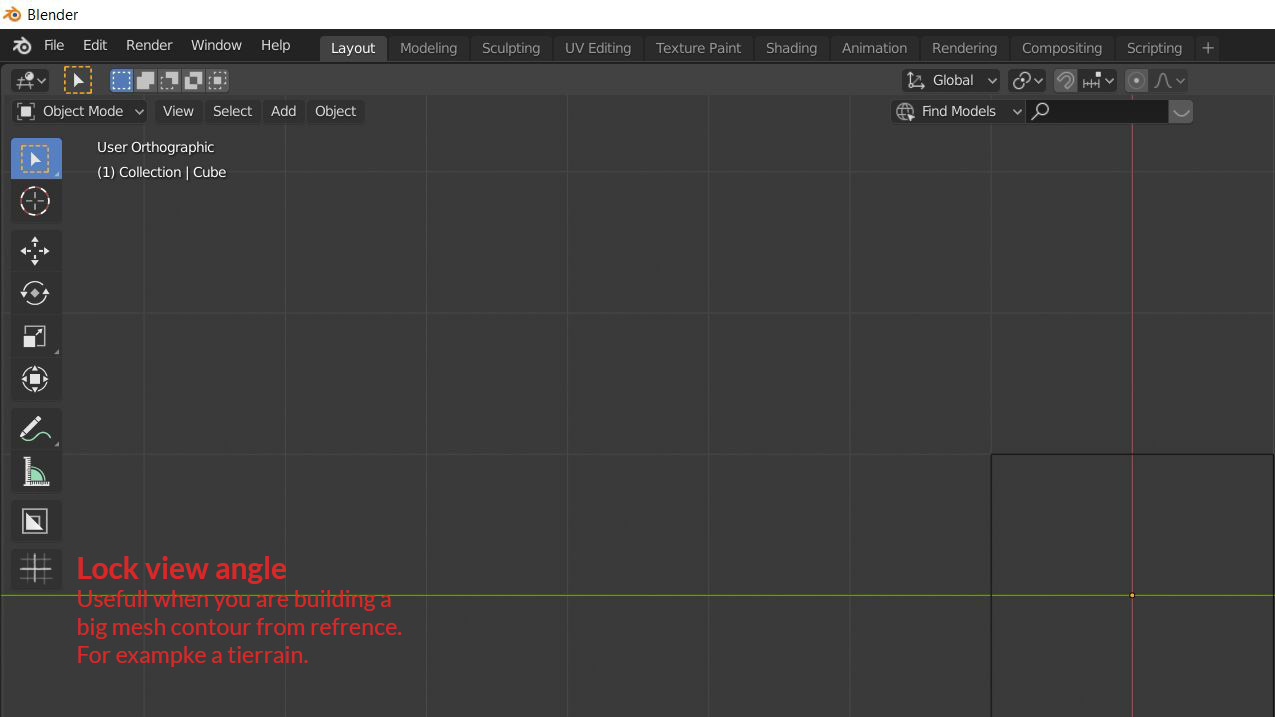
Lock view angle
Lock the 3D view angle with a button or hotkey. Useful when you are building a big mesh contour from reference. For example a terrain contour.
Blender orthographic panning without holding down the <Alt> key: photos.app.goo.gl/wyts152Xh1ztgGm47
This idea was marked as a duplicate of Viewport Lock/Unlock.
7 Comments
Already suggested . Please use search before writing suggestion to not store duplicates. In this case simple key word " lock " is enough...
After a long evening trying to write an add-on, I found the best solution was in the preferences already. Turns out you can easily change what the middle mouse action is. Panning or rotating. It even flips the alternative action when pressing the alt key. {attachment Pan_or_rotatePNG}
I've been using Blender for some time now and this constantly throws me off.
Here are the lock icons as SVG:
drive.google.com/open
drive.google.com/open
Still, something like this would be nice. It should do the same as changing the "Middle Mouse Action" setting in the preferences. {attachment 123png}
maybe possible to use camera for this purpose?
Blender orthographic panning without holding down the <Alt> key: photos.app.goo.gl/wyts152Xh1ztgGm47