
Grease Pencil - Create Materials from strokes for Solid Viewport shading
In the Grease Pencil materials window there is a drop down option to Convert Materials to Color Attribute but there is no ability to Convert Color Attribute to Material Colors. i.e. Generate Unique Materials colors from Scene
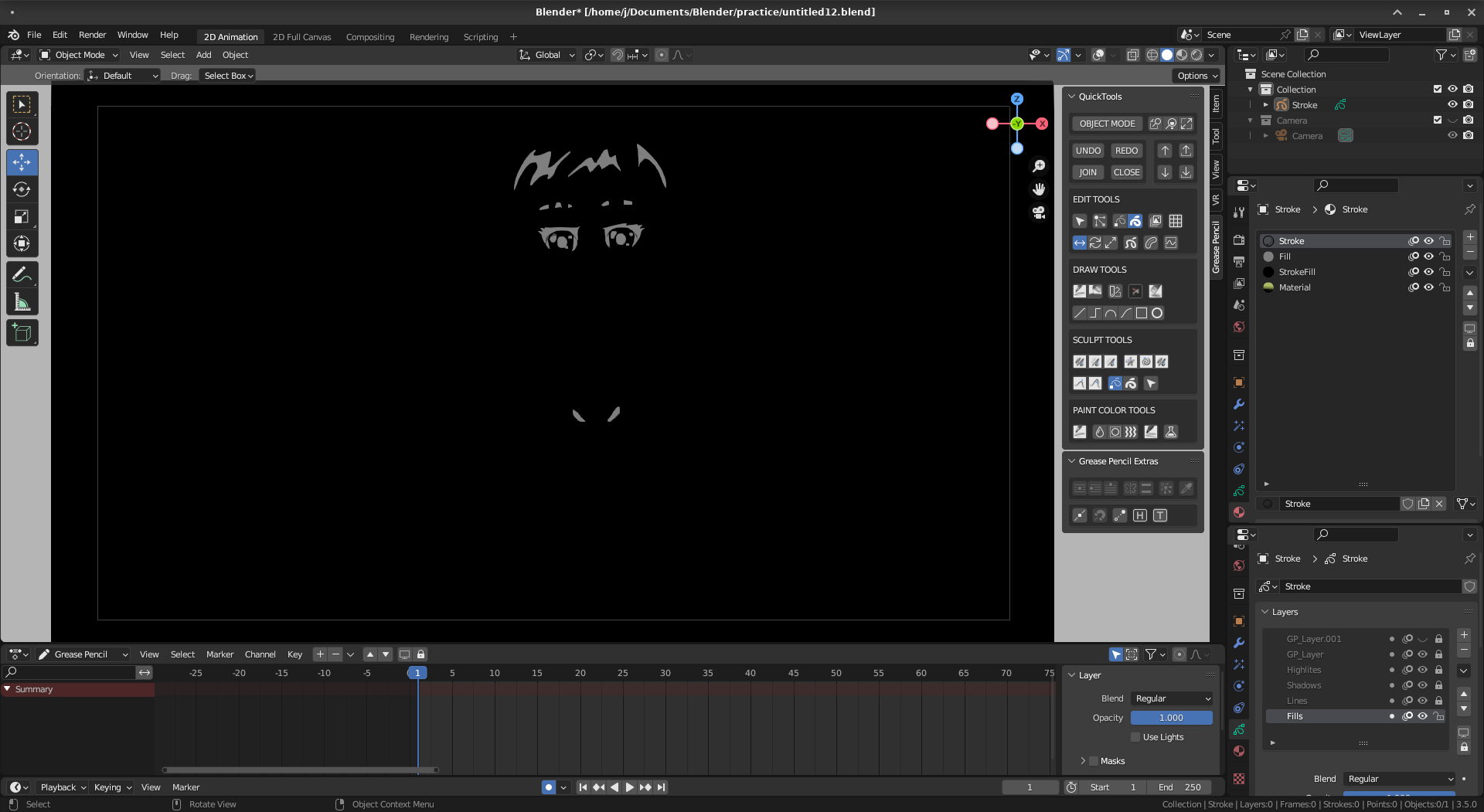
When the viewport display is set to Solid mode, any strokes drawn in the scene with Vertex colors/Color Attribute are displayed Black and White. This is annoying when adding Grease Pencil objects in the StoryPencil/Video Editing sequencer as the Preview window displays the GP in Solid mode.
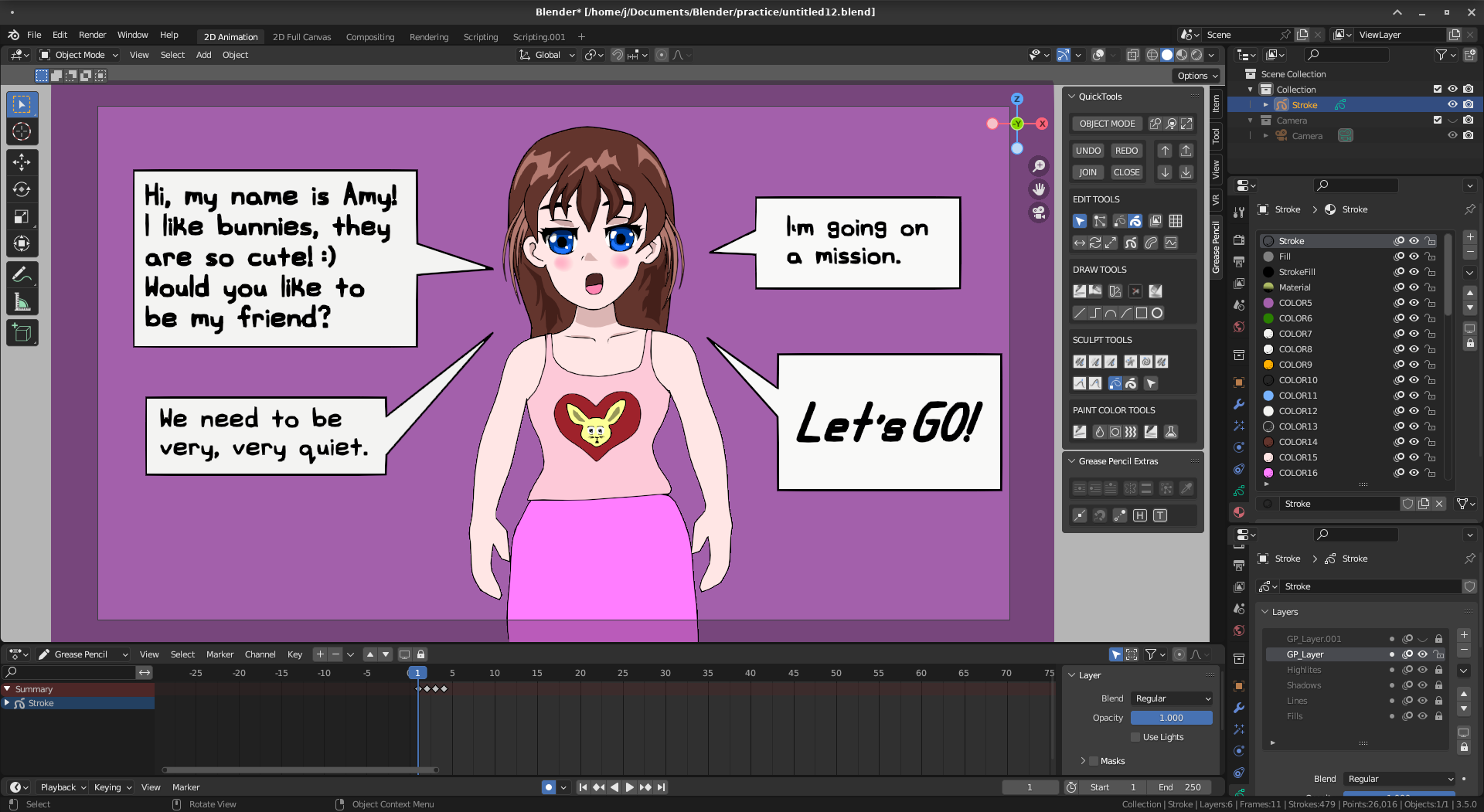
I created a script that loops through each stroke in the current scene and creates a unique Material with the needed color and fill_color assigned to illustrate the result. gp_create_materials.py . It is not the most elegant but it works and when run from the Scripting window will generate and assign the Material Colors. These scenes then display in StoryPencil correctly too after selecting "Update Scene Frame Range".
Before converting materials, note that display mode is set to SOLID.
 After running the script, note all the new materials and is still SOLID display mode.
0 Comments