
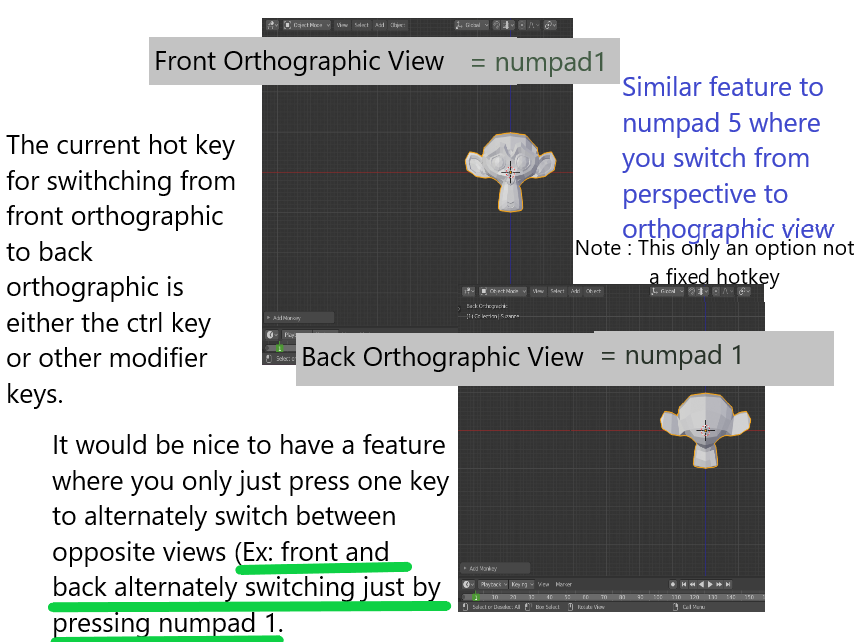
Alternately switching views just by pressing one key ( Ex: Front and Back view = numpad 1, Optional Feature Only)
Hello. I would like to request a feature where you can make a single key a hotkey for both opposite views.
Ex:
numpad 1 = Alternately switching between front and back views
numpad 2 = Switching between left and right views
Some people might prefer the regular hot keys like ctrl + numpad 1 for back view that is why making it an option at the preference menu will be a good idea and not make it a fixed feature for those users who like to use the old way.
Thanks.
8 Comments
Hi i use this script to switch view:
{attachment View-Switchjpg} {attachment view_switch_oppy}
* @yasharjk * Thanks dude. I will be trying this.
If I can't use the home row of numbers to do the view orientation like in Blender Sensei hotkeys, then this seems like a reasonable alternative and wouldn't take long to learn either.
i don't like this, adds one more click and can be confusing at times.
* @Omgzdenek * one more click, but one less hotkey. for a lot of people that's a good tradeoff.
* @Omgzdenek * This is just a feature not a fixed hotkey and can be edited in the preference setttings.
* @Omgzdenek * You don't have to click it twice all the time, if you are already in the front view then you just have to click the numpad 1 once. I guess I have to edit the details.
These are the simple, straight forward ideas that I like. This would be easy to implement. Hopefully it gets more votes.